3D pop-up tutorial

How to make a 3D pop-up book from your picture book

A 3D pop-up book takes the pages you already made and stands them up: the book sits on a desk you can turn by hand, and each spread folds into a paper stage with your characters cut out and standing in it. This walkthrough shows the whole thing in ReadKidz, in four short parts — including exactly what the pop-up stage costs before anything is spent.

Part 1

Open it in 3D

Where the 3D book lives, how to open it, and what lands on the desk when you do.

Runtime 0:34 Narration: English

Read the steps
  1. Open Preview book Your picture book is finished. Everything it needs to become a 3D book is already inside it — open Preview book.
  2. Open 3D Book Next to the flat preview sits Open 3D Book — the same pages, bound into a real book you can pick up.
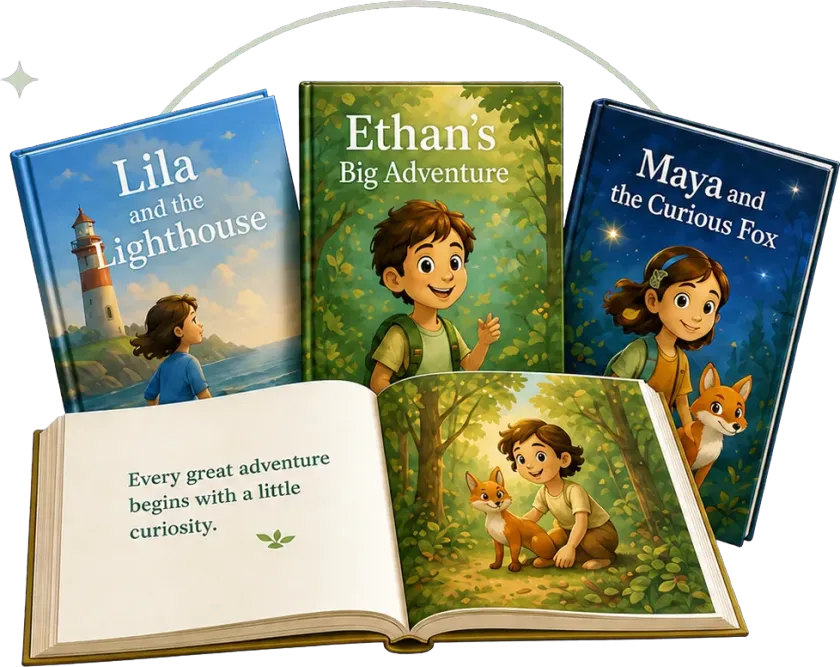
  3. Your book on a desk It arrives closed on a desk, showing your own cover. Nothing here was redrawn — this is the book you made.
Part 2

Read it like a real book

Turn pages by hand, read the words when you want them, and choose which room you read in.

Runtime 0:37 Narration: English

Read the steps
  1. Turn the pages Turn it with the paper hands, or with the arrows. Cover, pages, back cover — it reads the way a book reads.
  2. Show the story Tap Show story when you want the words. The text stays out of the way until you ask for it.
  3. Pick a reading room Read it in a castle library, a lantern theatre or a sunlit atrium. The room changes; your artwork never does.

Part 3

Fold it into a pop-up

What the pop-up stage needs, what it costs, and what gets reused instead of remade.

Runtime 0:26 Narration: English

Read the steps
  1. Switch to Pop-up Now switch to Pop-up. Before a single credit is spent, ReadKidz tells you exactly what it needs to make.
  2. See the cost first Characters you have already made are reused — only the missing ones are built. Confirm, and the stage is ready in minutes.

Part 4

Explore the paper theatre

Standing characters, a set built from your own page, voices on tap, and a view you can walk around.

Runtime 0:42 Narration: English

Read the steps
  1. Every spread is a stage Every spread is now a paper stage: your page becomes the set, and your characters stand up inside it.
  2. Tap someone to hear them Tap Pudding, or anyone else on the stage, and a light finds them while they read that page aloud.
  3. Look around the set Walk around it. The paper has real thickness and the set has real depth — this is a model, not a picture of one.
  4. Immersive reading Immersive reading clears everything else away. That is a finished book you can walk into.

Real product recordings

See every click and setting inside ReadKidz.

Short step-by-step lessons

Clear, focused videos that get you from start to finish.

Learn one workflow at a time

Master a skill, then build your next story with confidence.

Questions about the 3D pop-up book

Do I need to make a new book to use the 3D reader?

No. The 3D book is built from a picture book you have already finished — open it from Preview book in the editor and every page is already there.

What does the pop-up stage cost?

Only the character cut-outs that do not exist yet. Before anything is made, ReadKidz shows you how many new assets are needed and how many credits that is, and characters you have already prepared are reused at no cost. You can cancel at that screen.

Is my artwork redrawn for the 3D version?

No. The pages, the cover and the characters you see in 3D are the images from your own book. The 3D reader builds the room, the paper folds and the standing cut-outs around them.

How long does the pop-up take to build?

A few minutes for a typical book, and it runs in the background — you can carry on working and come back when it is ready.

Can I read the story text in the 3D book?

Yes. Show story opens the page text alongside the artwork, and in pop-up mode you can tap a character to have their part of the page read aloud.

Finish a book, then open it in 3D.

The 3D book and the pop-up stage are built from a book you already have — so it starts with the story.

Four short parts, start to finishThe price is shown before anything is madeBuilt from your own pages — nothing is redrawn

← All tutorials