


Midjourney Niji 7 AI Image Generator
Niji 7 is Midjourney and Spellbrush's anime- and illustration-focused branch, activated upstream with `--niji 7`. Readkidz exposes a narrower Niji 7 image route: write a specific visual brief, choose a curated style preset and one of eight canvas ratios, then confirm the live task charge before creating. Niji 7 is separate from Midjourney's current standard V8.2 branch. Readkidz is an independent platform, not Midjourney, Niji Journey, or Spellbrush.
Fantasy books finished on Readkidz
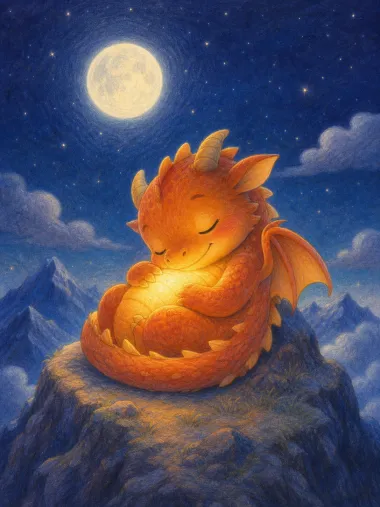
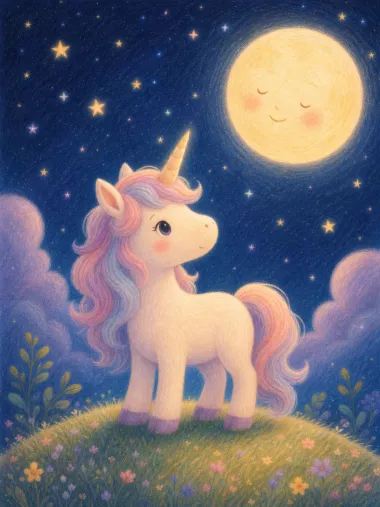
Ember's Sleepy Spark is 10 pages for ages 3-6 and Luna and the Gentle Dark is 8 — short books, where a single inconsistent face has nowhere to hide. Read either one straight through. Browse all storybooks →
How it works
- 1Enter with Niji 7 selected
Submit the composer above to carry your brief, `mode=freestyle`, and `model=midjourney` through sign-in. The handoff opens Quick Create on the Niji 7 route instead of dropping you into broad model discovery.
- 2Turn the idea into one observable frame
Name the subject, distinctive features, pose or action, setting, camera distance or angle, lighting, palette, and rendering finish. Choose one curated preset and a ratio that matches the intended asset instead of combining several visual jobs in one prompt.
- 3Confirm the charge and inspect the image
Check the selected preset, canvas ratio, and live credit estimate before submitting. Review the result at full size for anatomy, text, continuity, copied details, and legal clearance; revise the prompt rather than treating the first image as final.
What the Readkidz Niji 7 route actually exposes
- Exact Readkidz route
- Midjourney Niji 7 (`midjourney`), submitted through the Niji 7 family with `--niji 7`
- Model-family boundary
- Niji 7 is the anime and illustration branch; it is not the current standard Midjourney V8.2 branch
- Current task charge
- 100 credits per image task from the enabled Readkidz model record; confirm the live estimate before submitting
- Canvas choices
- 1:1, 9:16, 16:9, 3:4, 4:3, 5:4, 4:5, or 2:1
- Style control
- Choose from the curated Midjourney style presets currently published in Quick Create; their internal style-reference settings are applied by the route
- Starting material
- A text brief; the public Readkidz Niji 7 route currently clears uploaded reference images rather than offering upstream image-reference controls
- Useful first test
- One subject, one readable pose or action, one setting, a deliberate camera/frame choice, and a named finish such as clean cel shading or monochrome ink
- Review boundary
- Inspect anatomy, faces, hands, lettering, character details, unwanted symbols, and asset rights; Niji 7 improvements are not a guarantee of a production-ready result
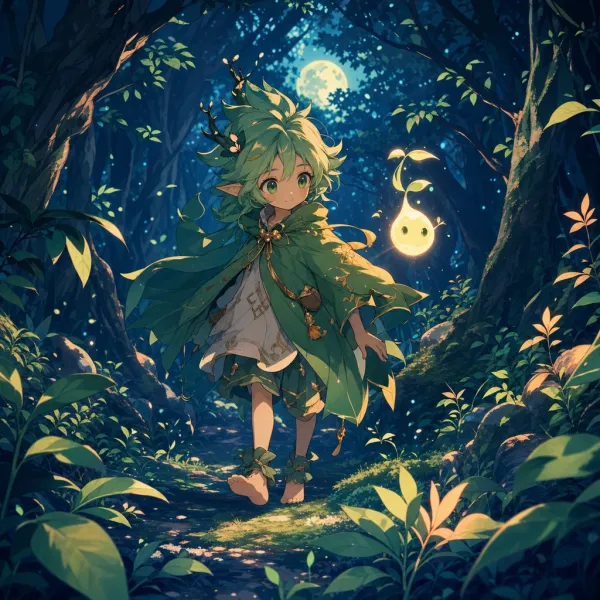
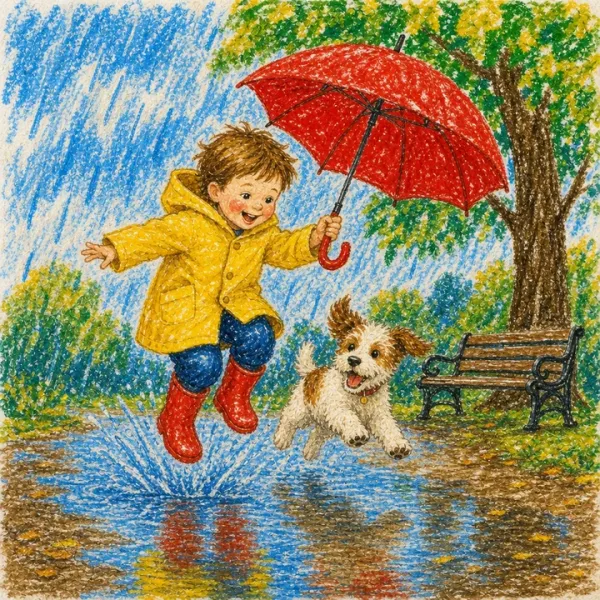
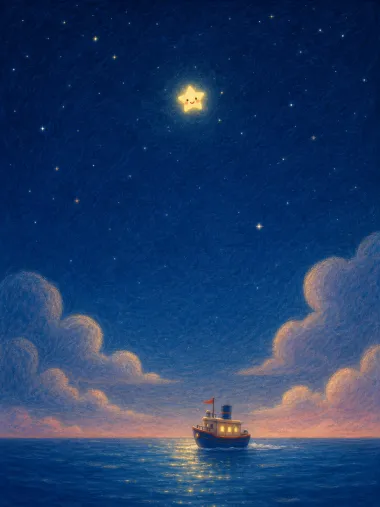
Official Niji documentation and Readkidz product controls are separate evidence layers. Midjourney describes the broader Niji 7 model family; this page lists only the options currently available in Readkidz. The anime artwork on this page illustrates the prompt-to-image workflow and was not captured from a verified Niji 7 Quick Create task.
Frequently asked questions
What is Midjourney Niji 7?
Niji 7 is the anime- and Eastern-illustration-focused model branch developed by Midjourney with Spellbrush. Official Midjourney documentation says it launched on January 9, 2026 and emphasizes stronger coherence, more literal prompt following, clearer small details, and cleaner, flatter line work.
Is Niji 7 the latest Midjourney model?
Niji 7 is the current Niji branch, not the newest standard Midjourney branch. Midjourney's current version page lists standard V8.1/V8.2 separately and shows Niji 7 under the V7 family. Use Niji for its anime and illustration direction, not because it is the highest overall version number.
How do I access Niji 7 in Readkidz?
Use the composer on this page or open Quick Create with `mode=freestyle` and `model=midjourney`. Readkidz preselects its Midjourney Niji 7 route and the backend submits the Niji 7 family with `--niji 7`.
How much does the Readkidz Niji 7 generator cost?
The enabled Readkidz model record currently charges 100 credits per image task. The number resolves from the same model configuration used for billing; confirm the estimate shown in Quick Create before submission because pricing can change.
Is the Readkidz Midjourney Niji 7 generator free?
New accounts currently receive 1500 starter credits that remain valid for 30 days without requiring a card. Niji 7 is an image route, so the server's subscription-only video gate does not apply, but each submitted image still consumes the displayed task credits.
Can I upload a reference image for Niji 7 in Readkidz?
Not on the current public Quick Create route. Although upstream Midjourney documents image and style-reference features, Readkidz clears uploaded reference-image arrays for this model and exposes curated style presets instead. Do not plan an image-to-image workflow around a control that is not present.
Which aspect ratios can I choose?
Readkidz currently exposes eight canvas ratios for this route: 1:1, 9:16, 16:9, 3:4, 4:3, 5:4, 4:5, and 2:1. The default is 1:1. Choose the destination shape before generating so the composition is built for the final frame.
How should I write a first Niji 7 prompt?
Write one concrete frame: subject and identifying traits, pose or action, setting, camera angle or distance, lighting, palette, and finish. Niji 7 is documented as more literal than earlier Niji behavior, so specific observable details are more useful than a long list of vague mood words.
What happens to my credits if Niji 7 generation fails?
When submission or a terminal generation task fails, Readkidz starts the existing refund flow for that charge. If a refund cannot complete immediately, the backend records pending recovery rather than presenting an unconfirmed refund as completed.
Open the Readkidz Niji 7 route
Carry your brief into Quick Create with Midjourney Niji 7 already selected. Pick a preset and canvas shape, check the live charge, and review the finished image before using it.