 1:53
Clean Up Dance with Luna
Make tidy-up time a dance.
Create an original song, bring your characters to life, and download a video ready to share.
 2:37
1:53
Make tidy-up time a dance.
 1:51
A little courage for a big day.
 1:20
A song about sharing.
Follow one story from the first words to the finished film.
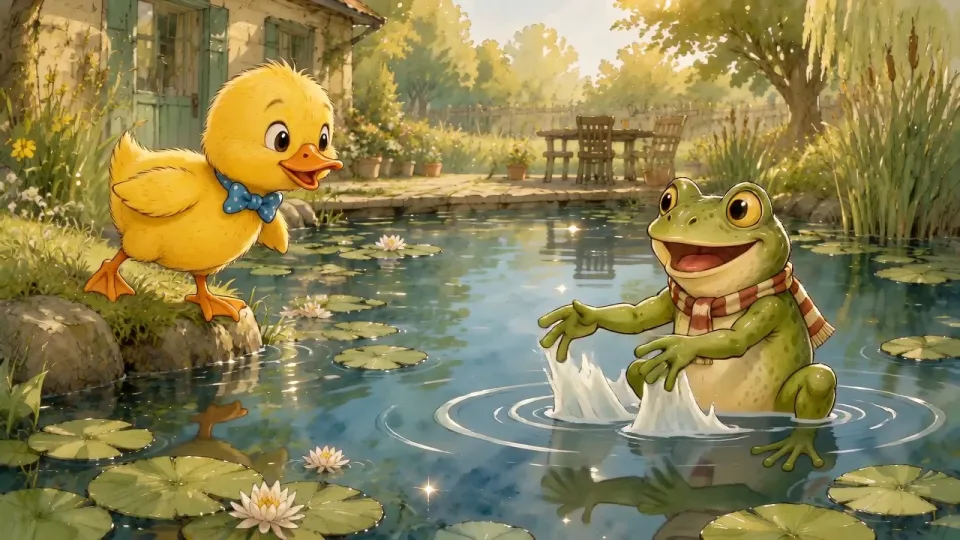
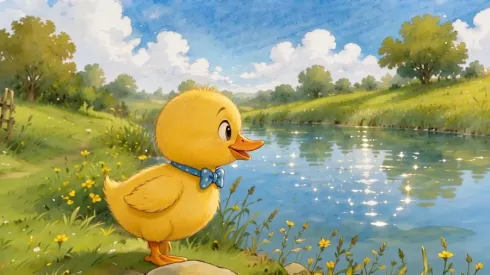
A brave little duckling learns to swim with friends.
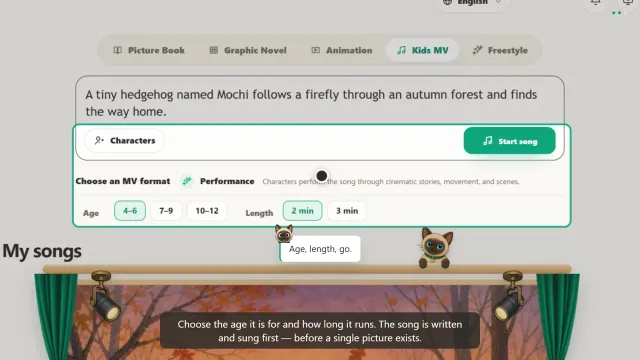
Describe the story you want to tell.
Little duckling stands beside the pond,
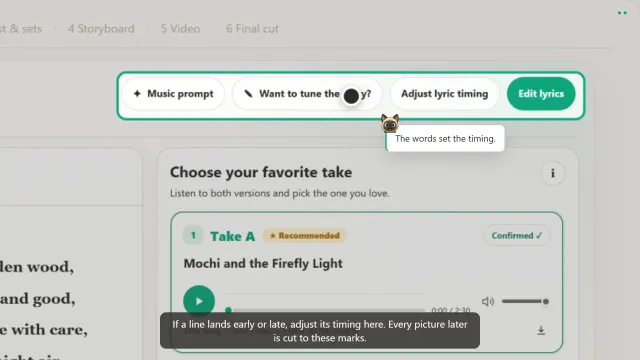
Listen to two versions and pick your favourite.
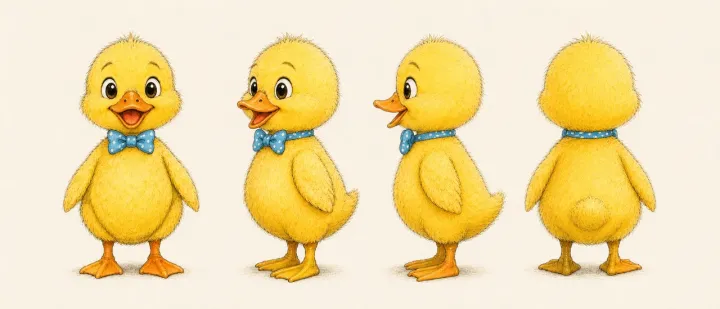
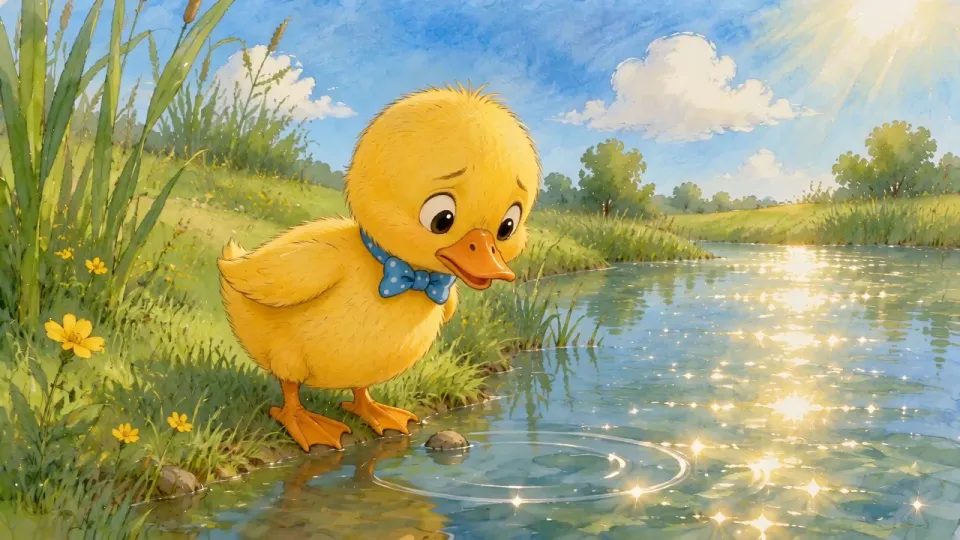
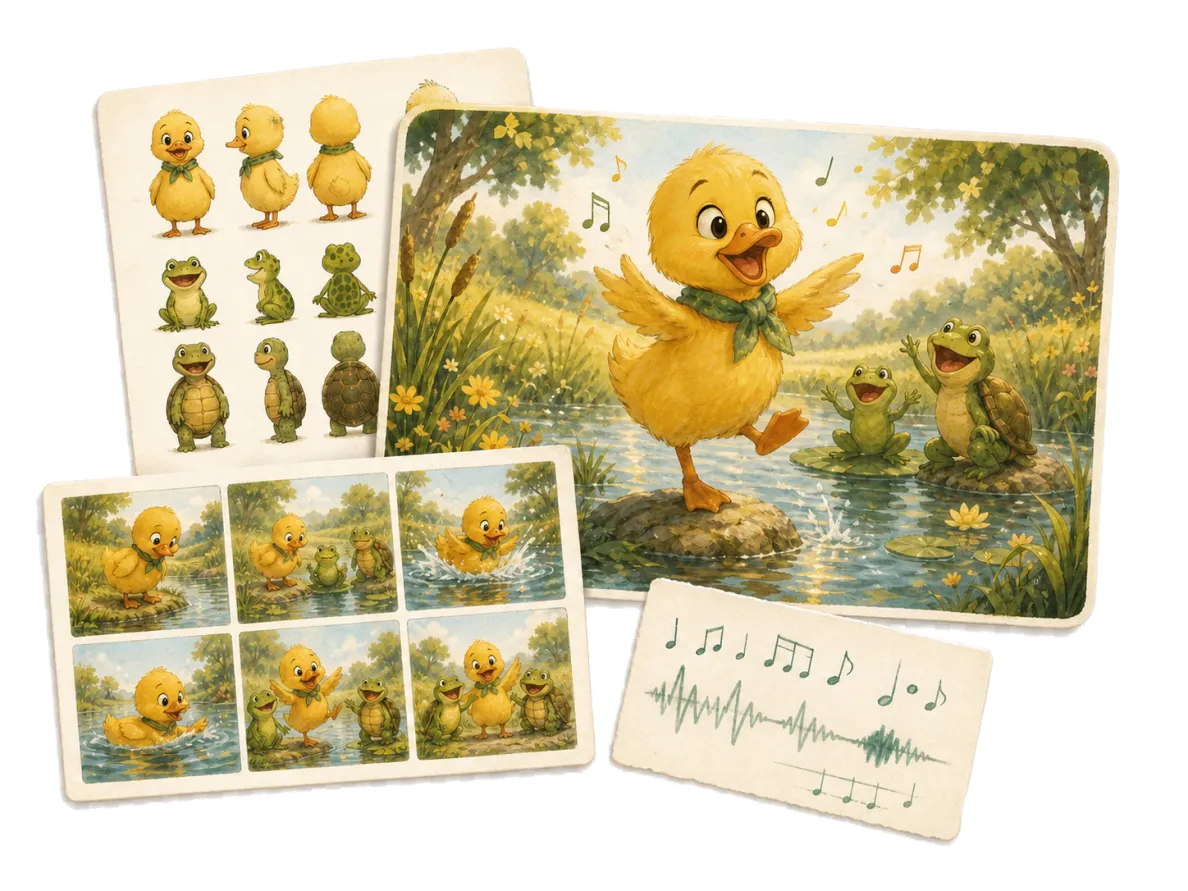
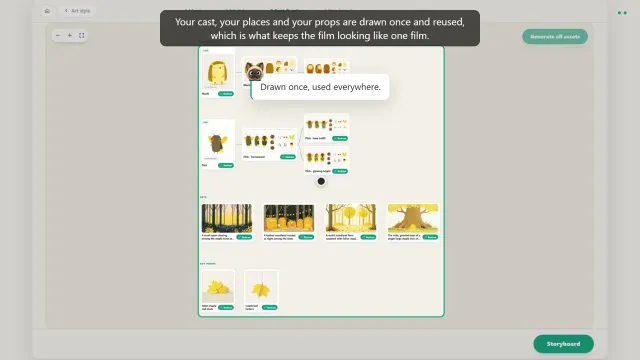
Shape the characters and scenes around your song.
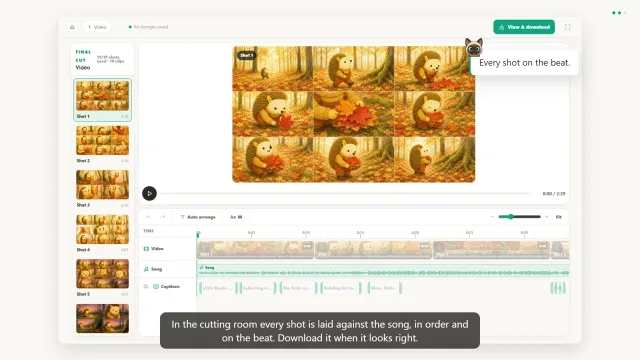
2:37Turn your song and animated scenes into a music video.
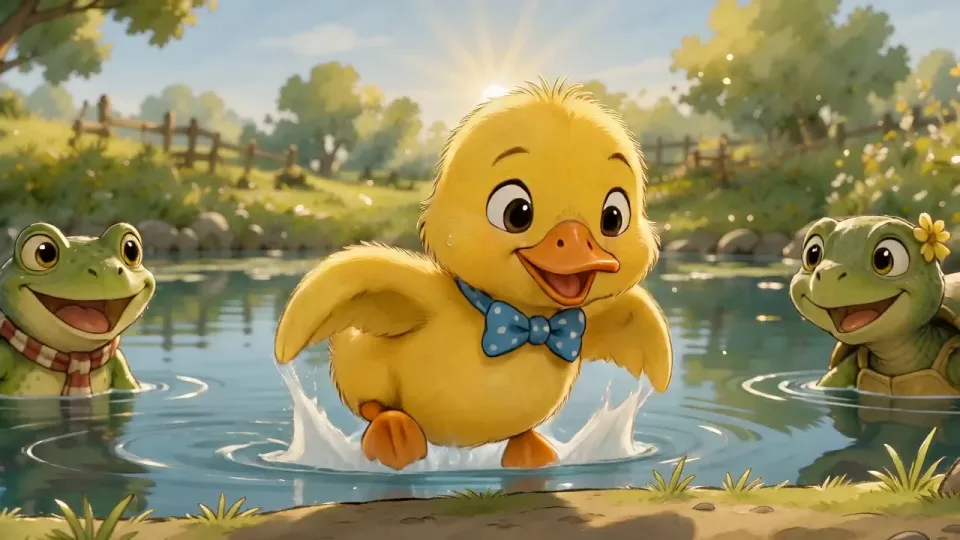
The same character, from scene to scene.
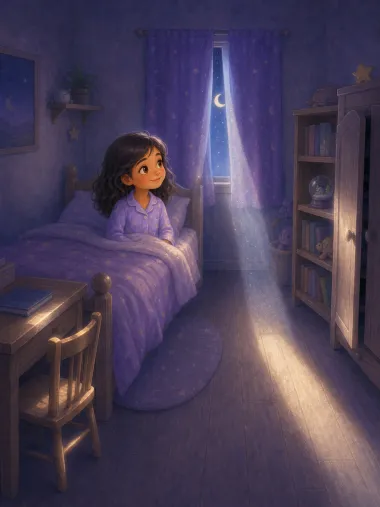
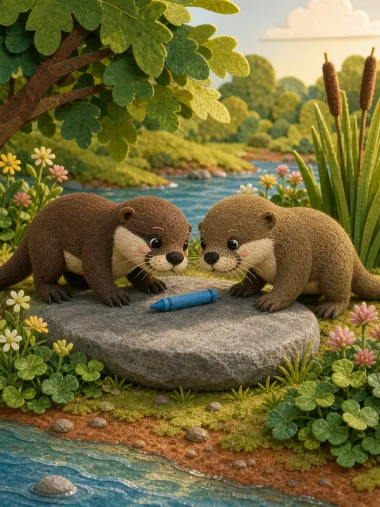
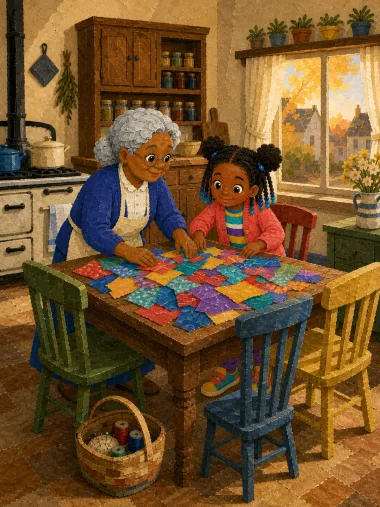
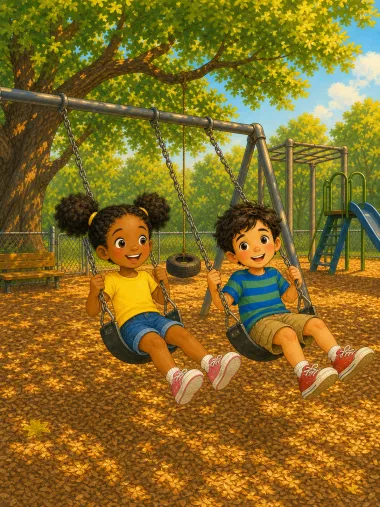
Watch the step-by-step tutorialThe mood shapes the melody; the art style shapes every frame. Both are chosen before production starts. These four are from the style library, shown as they render.
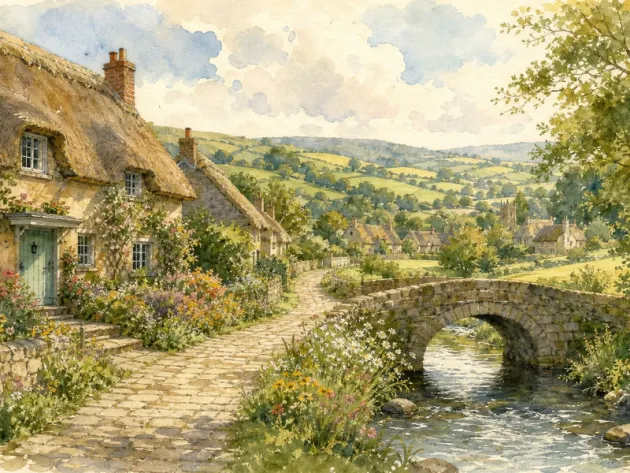
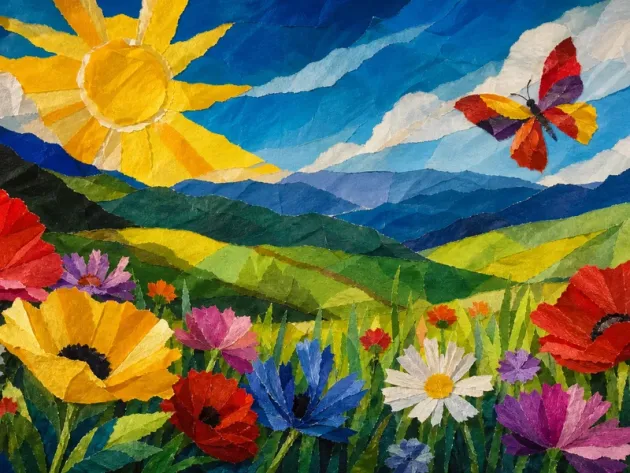
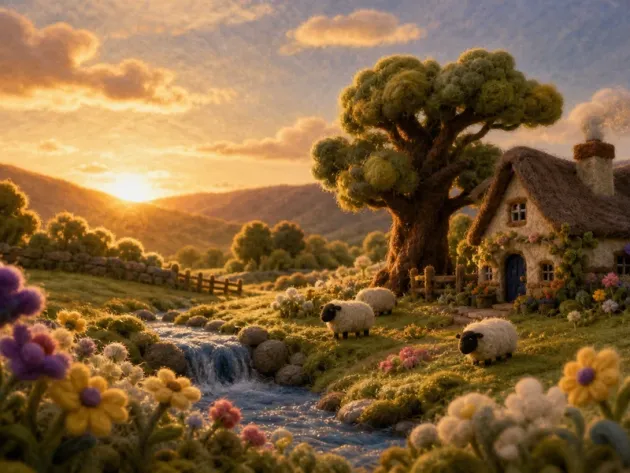
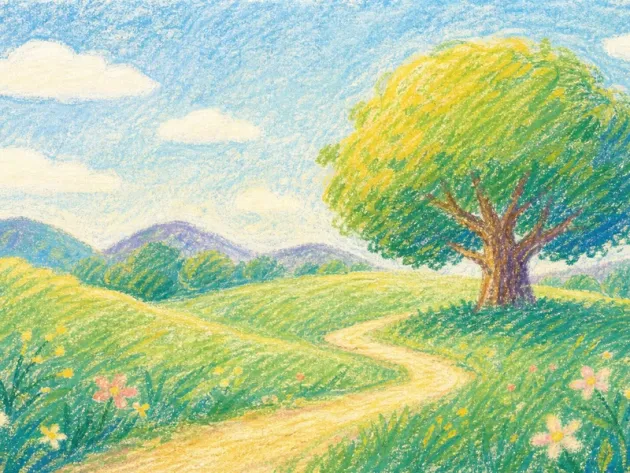
Four of the styles you can pick from. The film above uses the first.
Four short films recorded in the real product — writing an original song or nursery rhyme, fitting the words to the beat, drawing the shots, and the finished video.
Download the finished video, keep the song files, and decide how you want the lyrics to appear.
A complete 16:9 video file with your song and animation.
Download the music separately, both versions included.
Keep synced lyrics on screen or export without them.
Every one is a finished book you can read page by page — not a preview. Browse all storybooks →
 1:45
Upgrade preview
An ABC sing-along with animal friends, with scenes matched to the lyrics and beat.
Coming soon — this upgrade is not available yet.
YouTubeStart with a song idea, choose a mood, an art style and a reading age. ReadKidz writes the lyrics and composes song versions for you to review before building animated scenes around the selected track. This page demonstrates the idea-to-new-song workflow, not a promise to animate any uploaded recording. Download the finished video, then upload it to your channel yourself.
Yes — that is what most people making these are doing. You get a finished 16:9 video file with the song as its soundtrack, and the on-screen words can be turned on for sing-alongs. Uploading and scheduling happen on your channel; Readkidz does not post for you.
Yes. The lyrics are written for your idea and the melody is composed with them — it is not a stock backing track with new words over it. Every generation returns two versions of the same song so you can choose the performance.
12–40 sung lines depending on which of the 7 structures fits your story — from a short verse-and-chorus to a full song with a bridge. The finished video runs as long as the song does.
Writing your song idea and lyrics is free to start, with no card required. Generating songs uses credits. Full video production requires paid access and sufficient credits; signup or daily bonus credits do not by themselves promise a finished music video. Check the current requirements in the studio before production.
Yes, and the character carries over. The same idea and cast can become a picture book, a comic, or a narrated animation.
Yes. Our Terms assign you the rights to the videos and songs you generate here, for personal or commercial use, and your exports carry no watermark on a paid plan. Before publishing, check what the rights assignment covers, keep in mind that other users may get similar AI outputs, and review your work. The full wording is on our Rights page and in section 9.5 of the Terms.
Free lyric writing, no card. Song generation uses credits; full video production is paid. 25 languages.



 On-screen
 Clean video