


ChatGPT Image 2 Generator
ChatGPT Images 2.0 is OpenAI's product name; GPT Image 2 is the image model Readkidz opens here. Enter one visual brief, add up to 16 reference images, select medium or high quality and one of seven aspect ratios, then review the credit estimate before creating. Readkidz is an independent platform and is not OpenAI or ChatGPT.
Where these images end up
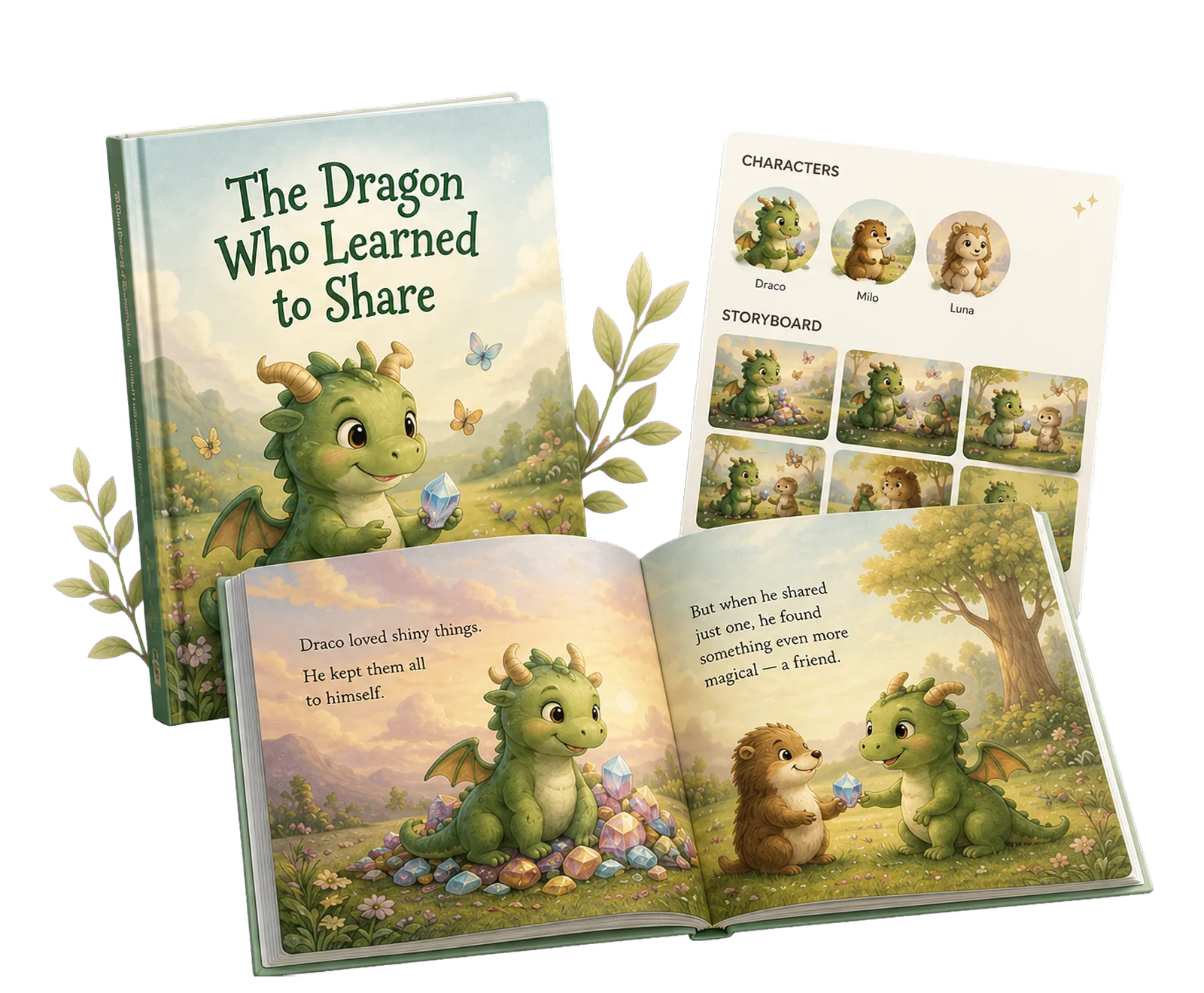
Three finished Readkidz books, readable page by page rather than as previews. Milo and the Weather Inside runs 12 pages for ages 3-7 — long enough that a character has to stay recognisable from first spread to last, which is the real test behind any image generator. Browse all storybooks →
How it works
- 1Open GPT Image 2
Submit the composer on this page to enter Readkidz Quick Create with GPT Image 2 already selected. Your idea and the model choice travel together through the sign-in step, so you do not need to find the model again.
- 2Write the visual brief
Describe subject, setting, composition, style, lighting, and any exact text that must appear. For an edit, attach the source images and separate the requested change from the details that should remain consistent.
- 3Choose format and review the charge
Pick one of seven aspect ratios and medium or high quality. Read the live confirmation card before submitting, then inspect the result for text, anatomy, facts, likeness, and layout before using it.
What the Readkidz GPT Image 2 route includes
- Readkidz model
- GPT Image 2, routed to the gpt-image-2 gateway model
- Starting inputs
- A text brief with up to 16 optional reference images
- Quality pricing
- Medium: 100 credits per task; high: 200 credits per task
- Aspect ratios
- 1:1, 3:2, 2:3, 16:9, 9:16, 4:3, or 3:4
- Default setup
- Medium quality at 1:1; change both settings before confirming when the destination needs a different format
- Best fit
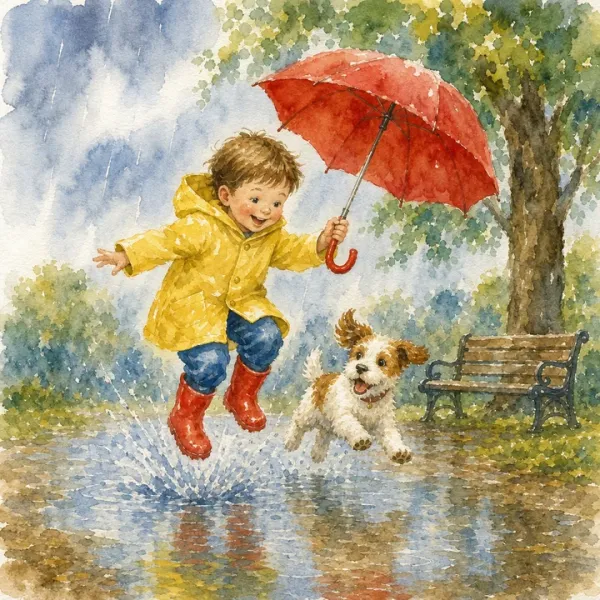
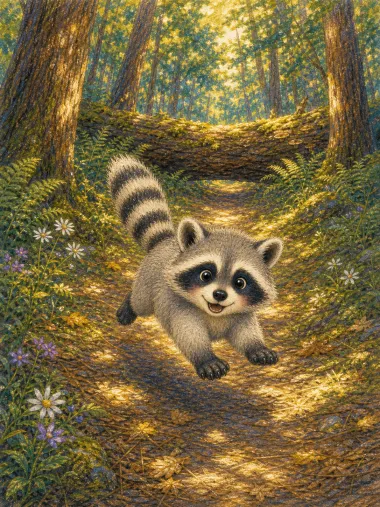
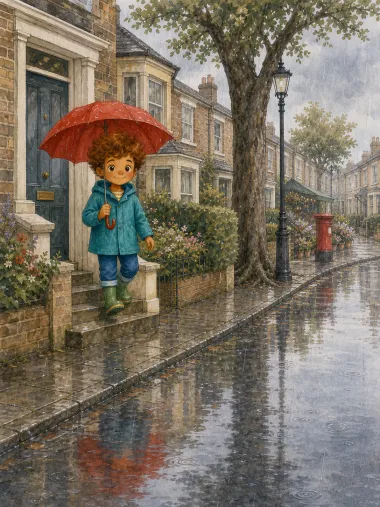
- Storybook art, posters, character concepts, marketing visuals, and reference-guided image changes that still receive human review
- Reference workflow
- Attach source images, then state exactly what should change and what must stay consistent
- Not included here
- ChatGPT conversations, Thinking mode, web search, and direct OpenAI API controls are not part of this Quick Create page
This matrix describes Readkidz Quick Create, not every feature available in ChatGPT or the OpenAI API. Model controls and credit rates can change; the live confirmation card is the final source before you submit.
Frequently asked questions
Is ChatGPT Image 2 the same as GPT Image 2?
They refer to related OpenAI image-generation naming, but the official labels are different. OpenAI announced the product experience as ChatGPT Images 2.0 and names the API model GPT Image 2 with model id `gpt-image-2`. Readkidz exposes the GPT Image 2 model in its own Quick Create workflow.
Is this an official OpenAI or ChatGPT image generator?
No. Readkidz is an independent creation platform, not OpenAI or ChatGPT, and this page does not imply sponsorship or endorsement. The OpenAI and ChatGPT names identify the model family and product naming only.
Can I create a new image or edit an existing image?
Yes. Start from a text brief to create a new image, or attach reference images and describe the change you want. Readkidz sends references as visual guidance; it does not reproduce the full conversational editing interface found in ChatGPT.
How many reference images can I add?
The current Readkidz GPT Image 2 task boundary accepts up to 16 reference images. Use only the references that materially define the subject, style, layout, or details you need, and upload them only when you have the necessary rights.
Which quality settings and aspect ratios are available?
Readkidz currently offers medium and high quality. The available ratios are 1:1, 3:2, 2:3, 16:9, 9:16, 4:3, and 3:4. Medium quality and 1:1 are the defaults, but the live studio is authoritative if the model configuration changes.
How many credits does GPT Image 2 use in Readkidz?
The enabled Quick Create price variants currently charge 100 credits for medium quality and 200 credits for high quality per task. These numbers come from the same model configuration used to calculate the charge; confirm the live estimate before submitting.
Can I try the Readkidz GPT Image 2 generator for free?
New accounts currently receive 1500 starter credits that remain valid for 30 days, with no card required. GPT Image 2 is an image model, so the server's subscription-only video gate does not apply; each task still consumes the displayed number of credits.
What happens to my credits if image generation fails?
When a Quick Create submission or generation task reports a failure, Readkidz starts a refund for that charge. If the refund cannot finish immediately, the backend records pending recovery rather than presenting the refund as completed.
What prompt structure works well for GPT Image 2?
Use a compact production brief: subject, action, setting, composition, style, lighting, exact text, and constraints. For edits, add two explicit lines: what to change and what to preserve. Generate a focused first pass before stacking many competing instructions.
Do GPT Image 2 results still need human review?
Yes. Review every result for misspelled text, factual errors, anatomy, unwanted likeness, brand or character use, and source-image rights. Model output is not a license to use a person's identity, a trademark, copyrighted material, or an uploaded image without permission.
Create with GPT Image 2 in Readkidz
Open Quick Create with GPT Image 2 already selected. Describe the image or edit, attach references when useful, choose the ratio and quality, and confirm the live credit estimate before submission.