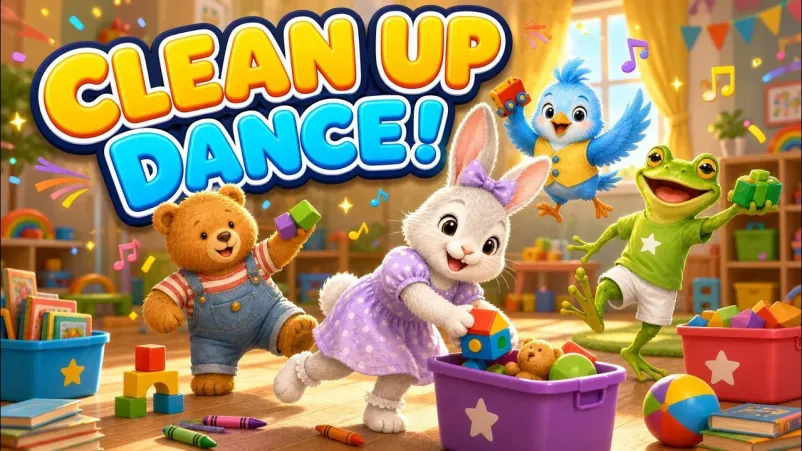
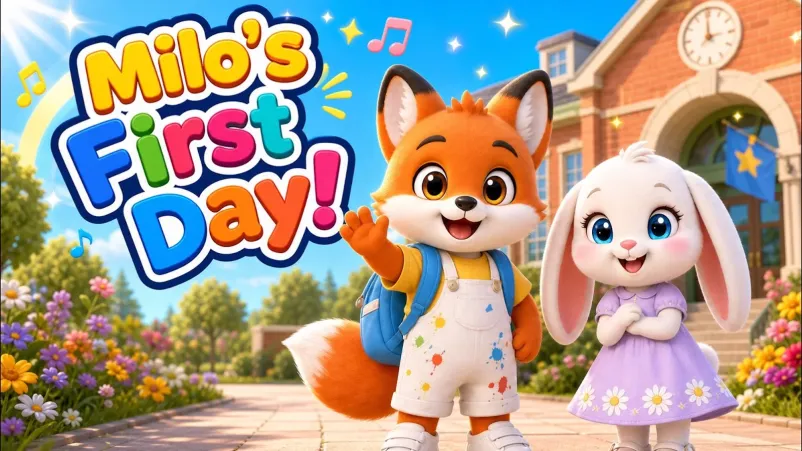
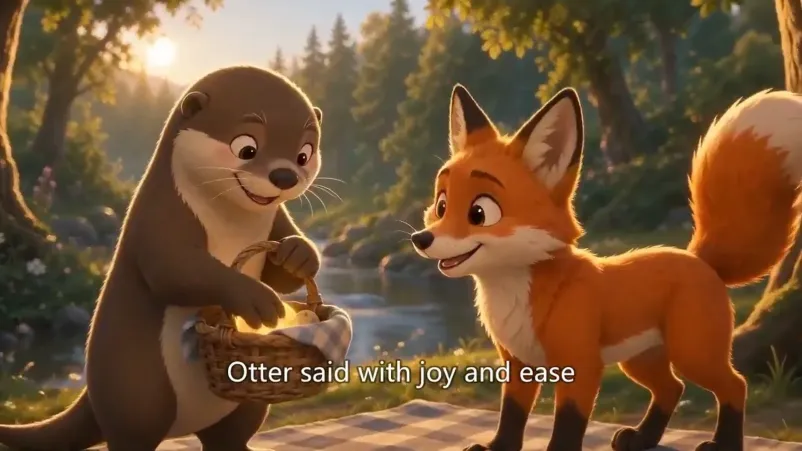
Words to sing together
Make an original song with a verse and chorus, check when the words land, and choose a finished video with synced lyrics on screen or without them.
A sing-along or lullaby video maker is a tool that turns a song idea into an original song and animated scenes. Choose a lively mood with words on screen for a sing-along, or a gentle mood for a lullaby. Start by writing the lyrics, then build the song and video around your character.


For a sing-along, use a clear chorus and show the words in time with the singing. For a lullaby, choose a gentler mood and decide whether you want the words on screen. The music-video workflow lets you review the song before making the animated scenes.
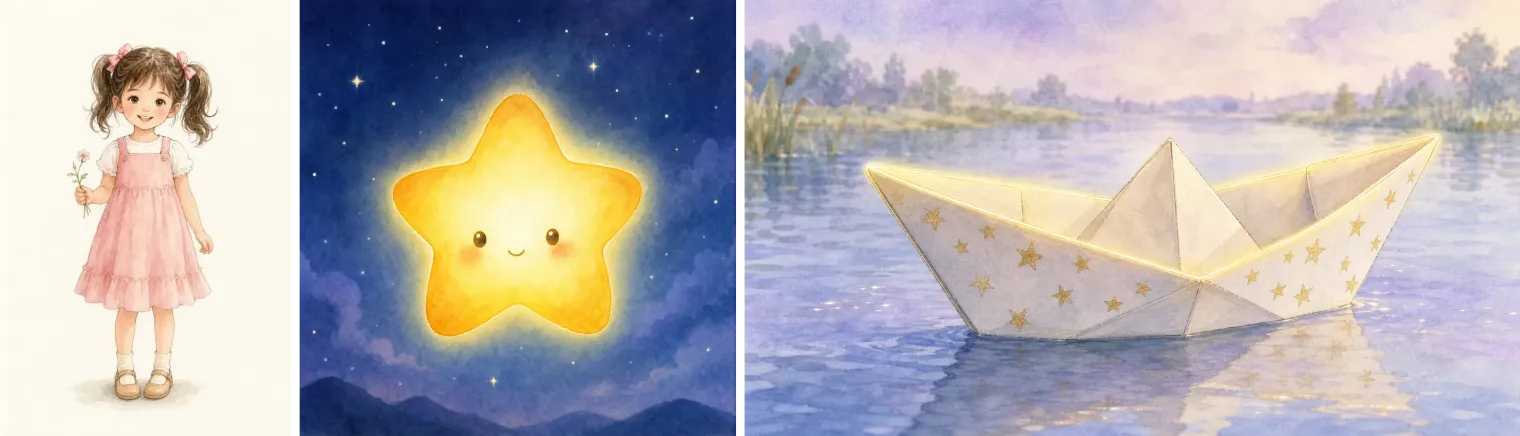
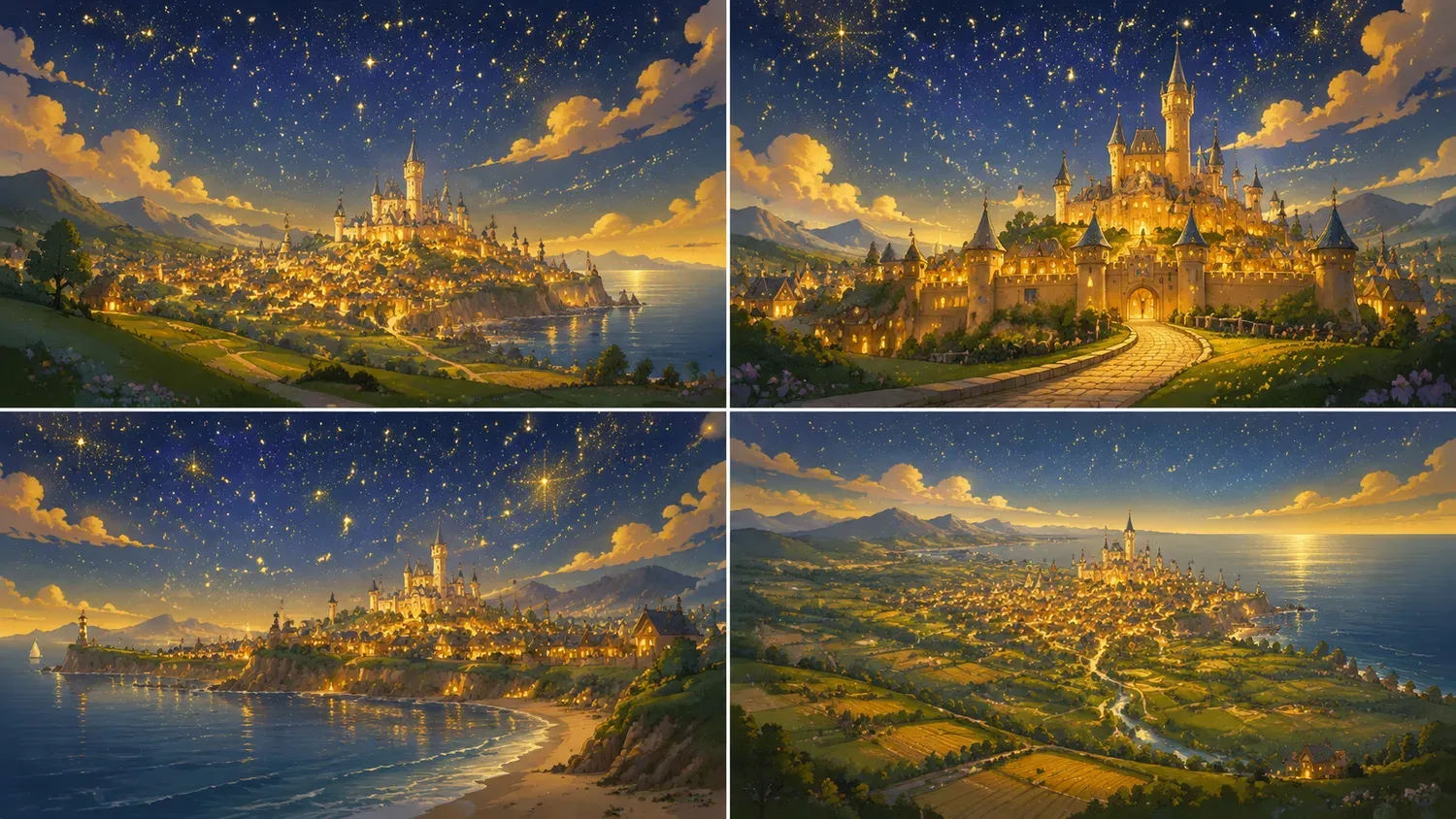
Make an original song with a verse and chorus, check when the words land, and choose a finished video with synced lyrics on screen or without them.
Choose a calmer musical mood and a familiar character for a bedtime routine. Listen to the song before making the video; a lullaby is a creative choice, not a promise that a child will fall asleep.
Set the reading level for toddlers through early readers, and create songs in English, Japanese, Arabic, Traditional Chinese and more.
Play it in the app or download the finished video and upload it wherever you post — it needs no editing first.
One or two sentences about your character and the moment you want to sing about.
Pick a music mood, animation style and reading age; lock your character so it stays consistent.
Lyrics, melody, and an animated music video are generated together, ready to play or refine.
Play it in the app or download the finished video and upload it to your channel.
The same idea and character can also become a picture book, an animation, or a comic.
Describe your idea in a sentence or two, choose a music mood, animation style and reading age, and Readkidz writes original lyrics, composes a melody, and animates a matching music video. You can then play it, or download the finished video and upload it wherever you post.
Yes. Readkidz writes fresh, age-appropriate lyrics and composes an original melody for each story — not a reused backing track.
Yes. Your character is animated throughout the music video and stays visually consistent from start to finish.
Download the finished video, then upload it to your YouTube channel yourself. ReadKidz provides the file; it does not publish or schedule posts on your channel.
Writing your song idea and lyrics is free to start, with no card required. Generating songs uses credits. Full video production requires paid access and sufficient credits; signup or daily bonus credits do not by themselves promise a finished music video. Check the current requirements in the studio before production.
Credits from a failed step are refunded to your balance automatically — you only pay for what actually gets made. Adjust your idea and run it again.
Start with one sentence, one character, or one small moment.