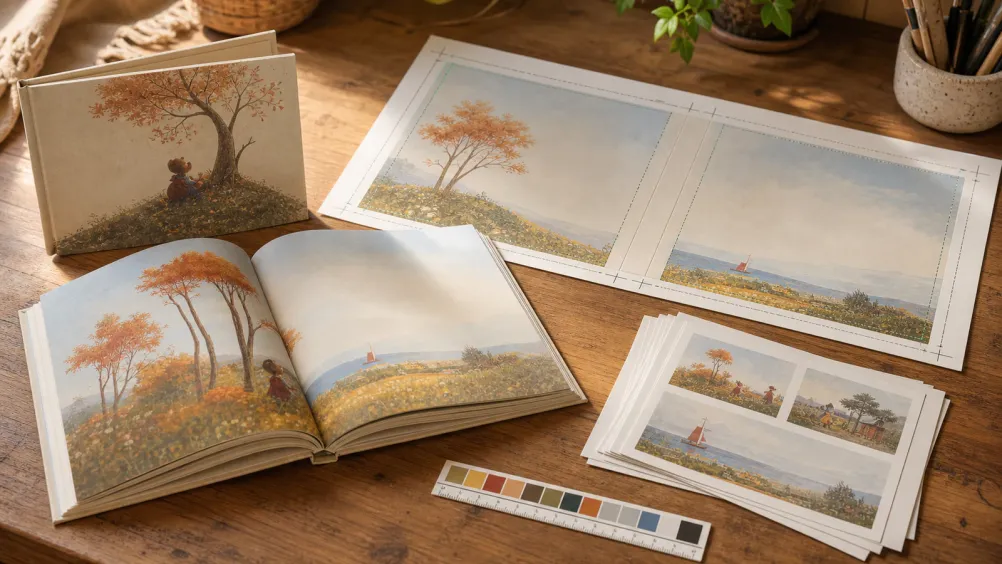
Take your ReadKidz picture book to KDP with Canva.
Publishing a ReadKidz picture book on Amazon KDP means turning your exported pages into two print-ready PDFs — an interior and a full cover — and uploading them as a paperback. This guide follows one Canva-first path through sizing, both files, the checks, and the submission.
KDP controls its file requirements, policies, and review decisions. Always confirm the current requirements in KDP before you publish.
Official guidance last checked ·
Your real goal
Finish with two separate upload files.
KDP does not use the cover and interior as one continuous ReadKidz book export. Prepare these two files separately, then upload each one in its own KDP field.
01
Interior PDF
Start with the ReadKidz PDF or PNG ZIP.
Remove the standalone cover and back-cover pages, rebuild every remaining page at the chosen trim and bleed size, and keep one book page per PDF page.
A single-page-sequence PDF containing only the inside of the book.
02
Full cover PDF
Start with the ReadKidz cover and back-cover artwork.
Use KDP Cover Creator, or place the artwork into KDP's exact cover template after the interior page count is final.
One PDF containing back cover + spine + front cover, with cover bleed and barcode space.
Do not upload the unedited ReadKidz whole-book PDF as both files. Its cover and back cover are separate book pages, not a KDP full cover wrap.
Four shorter chapters
Do the task in front of you — not the whole guide at once.
Start at Chapter 1 if this is your first KDP book, or open the chapter that matches the file or screen you are working on now.
This guide is for a print-on-demand paperback picture book. KDP Select, Kindle Create, and eBook royalty choices are separate eBook topics and are intentionally not part of this route.
Publishing fee
$0 to use KDP
KDP is a free self-publishing service. You do not pay KDP to upload or list the paperback, although you may choose to pay for outside editing, design, or marketing tools.
The rate depends on the list price and marketplace. Page count and ink type affect printing cost, so use the estimate shown in KDP instead of choosing a price by guesswork.
Does it cost anything to publish a paperback on KDP?
No. KDP is a free self-publishing service — you do not pay to upload or list a paperback. You may still choose to pay for outside editing, design, or marketing tools, and KDP's printing cost is subtracted from each sale rather than charged to you up front.
How is the KDP paperback royalty calculated?
Your royalty is 50% or 60% of the list price minus the printing cost, and which rate applies depends on the list price and the marketplace. Page count and ink type change the printing cost, so use the estimate shown inside KDP instead of picking a price by guesswork.
Do I have to order a print run before I can sell the book?
No. KDP prints each copy on demand after a customer orders it, so you never buy inventory. The printing cost for that copy is subtracted from the sale before your royalty is paid.
How many files does a KDP paperback need?
Two, uploaded in separate fields: one interior PDF containing only the inside pages in a single page sequence, and one full cover PDF containing the back cover, spine, and front cover together with bleed and barcode space.
Still finishing the book?
Create and review every page in ReadKidz, then return to this checklist when your paperback files are ready.