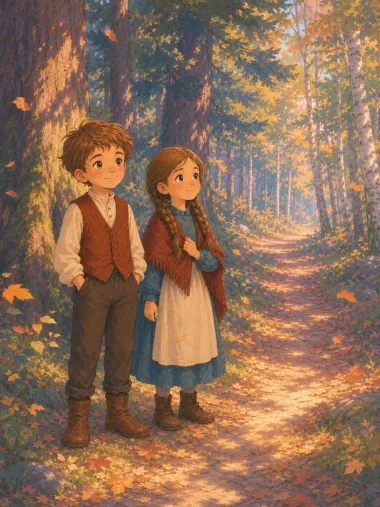
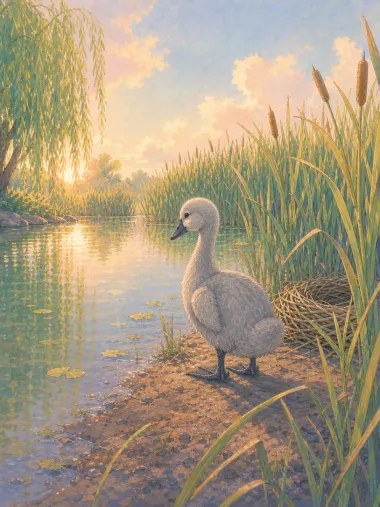
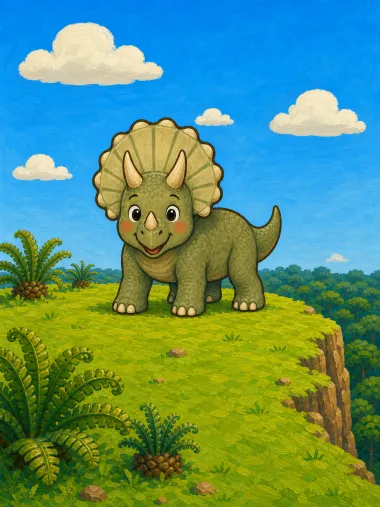
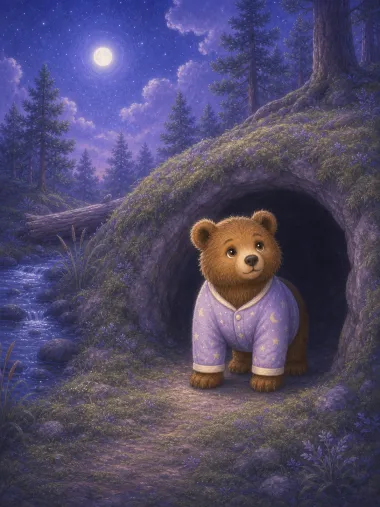
One character, every scene
Your hero keeps the same face, outfit and personality from the first scene to the last — the consistency most AI video tools can't hold.
An AI animation maker is a tool that builds an animated cartoon out of a written idea, scene by scene, with no timeline and no keyframes to touch. Readkidz writes the story, holds one character steady across every shot, and adds narration and music — ready to watch tonight or share on YouTube.
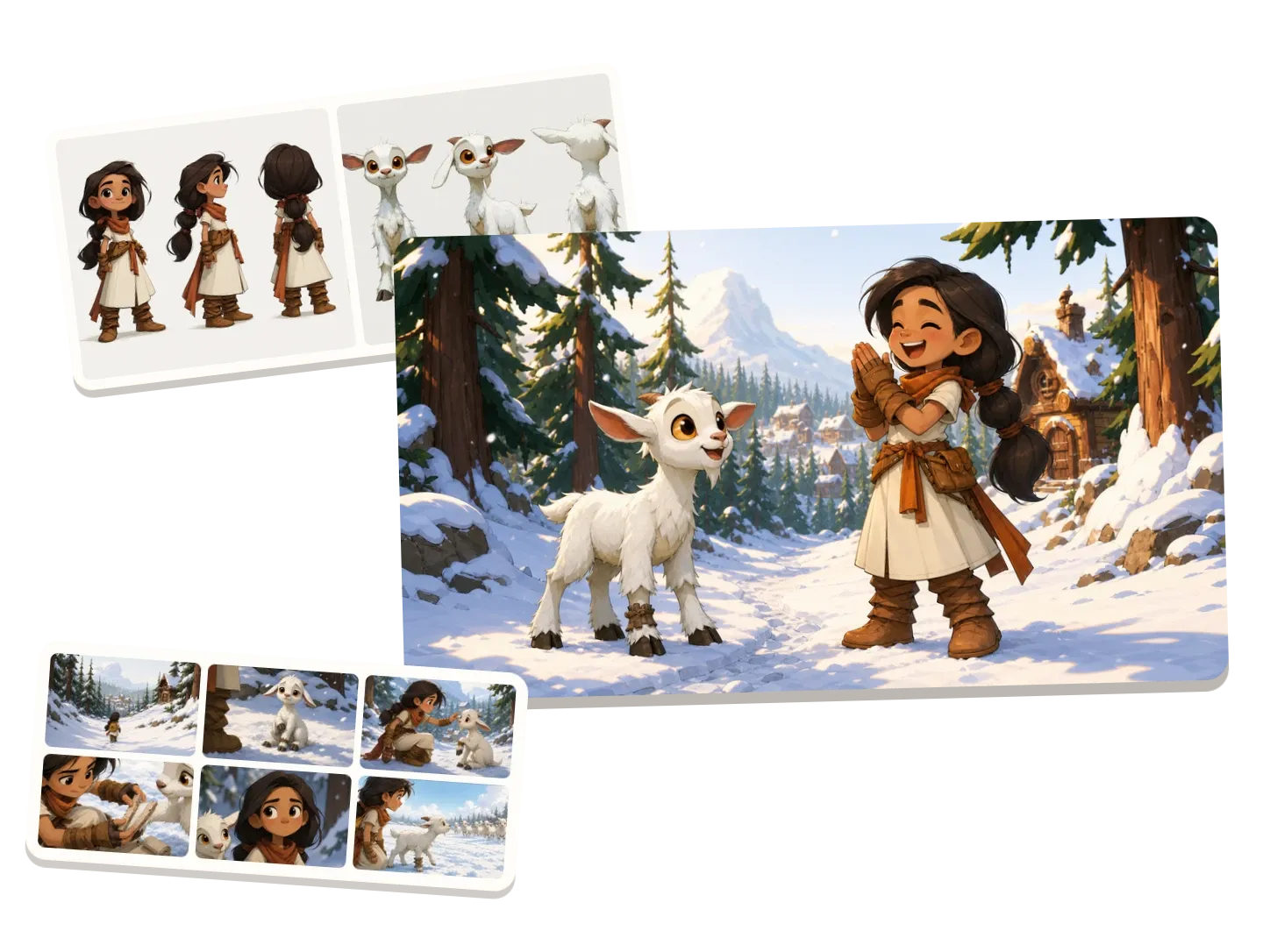
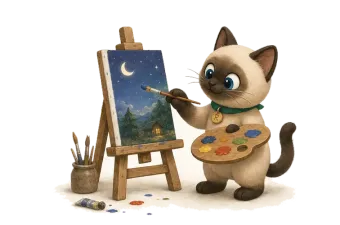
No timelines, keyframes, or editing software. Give Readkidz an idea and it returns a complete animated short for kids: a real story, animated scene by scene, with your character moving and speaking in the style you choose.
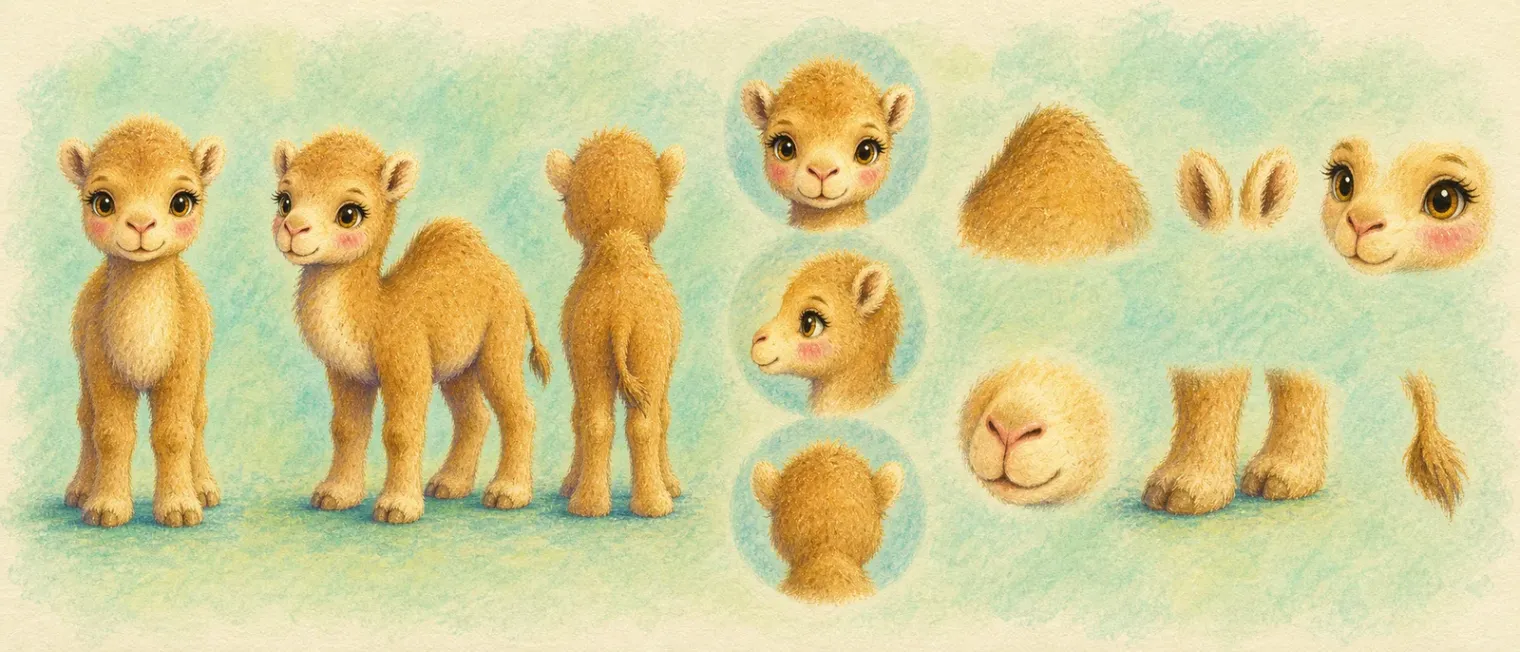

Your hero keeps the same face, outfit and personality from the first scene to the last — the consistency most AI video tools can't hold.
Every animation comes with a read-aloud voice and gentle background music, so it plays like a real cartoon, not a slideshow.
Set the reading level for toddlers through early readers, and create in English, Japanese, Arabic, Traditional Chinese and more.
Play it in the app or download the finished video and upload it wherever you post — no editing or export headaches.
One or two sentences about your character and what happens — in your own words.
Pick an animation style, reading age and narration voice; lock your character so it stays consistent.
The story, motion, narration and music are generated scene by scene, ready to watch or refine.
Play it in the app or download the finished video and upload it to your channel.
The same idea and character can also become a picture book, a kids' music video, or a comic.
Describe your idea in a sentence or two, choose an animation style, reading age and narration voice, and Readkidz writes the story and animates it scene by scene with narration and music. You can then watch it, or download the finished video and upload it wherever you post.
Yes. Readkidz locks your character so its face, outfit and style stay consistent across every scene of the animation — the biggest weakness of most AI video tools.
Yes. Every animation comes with a read-aloud narration voice and gentle background music, so it plays like a finished cartoon.
Yes. You can download the video or publish it directly to YouTube from Readkidz.
Longer than a picture book, but still same-day: each scene renders in the background, so you can start an episode, step away, and come back to a finished cartoon.
Yes — signing up gives you 1500 free starter credits with no card required (valid for 30 days), enough to create your first animation. Video scenes use more credits than picture pages, so longer films may need a plan or a top-up.
Credits from a failed scene are refunded to your balance automatically — you only pay for footage that is actually made. Adjust the scene and run it again.
Start with one sentence, one character, or one small moment.