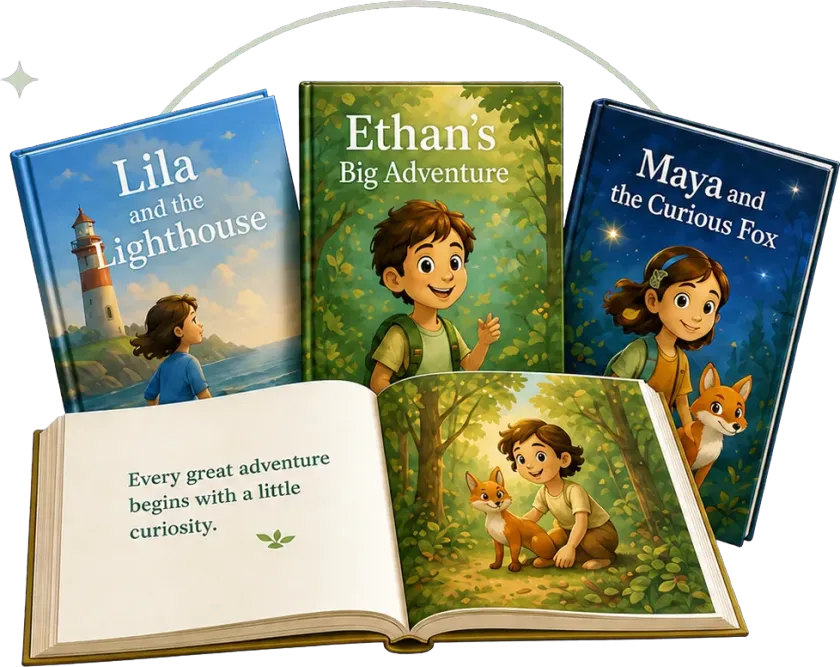
How Readkidz turns an idea into a finished story.
Readkidz is a guided story-production workflow: you choose a format and describe the idea, the studio creates a draft, you review the characters and scenes, and only then do you keep or export the result. Picture books, animations, kids' music videos, and comics share that review-first path, but each format has its own generation time, files, and plan limits.
Four steps, and you review before each one.
Nothing is generated in the dark. You see the plan, the characters, and the scenes before the finished result exists — and you can send any one of them back.
-
1
Choose a format and describe the idea
Start with the result you actually want: a picture book to read aloud, an animated story to watch, a kids' music video, or a comic. Add a sentence or two about the character, the moment, the reading age, and the feeling the ending should leave. A finished manuscript is welcome but not required, and you can bring your own text when preserving the wording matters.
-
2
Review the story plan before production
Readkidz turns the brief into a story or script with a beginning, middle, and ending, then divides it into pages, scenes, lyrics, or panels for the selected format. Read the plan before generating the full visual result. You can rewrite a line, adjust the age level, remove a scene, or keep your original manuscript instead of accepting an AI rewrite.
-
3
Approve the characters, style, and individual scenes
Choose an art direction and confirm how each recurring character should look. Those approved references help the same face, outfit, colors, and proportions remain recognizable from one page or shot to the next. Generation still needs human review: compare the cover, middle, and ending together, then regenerate only the page or scene that actually needs correction.
-
4
Read or watch the result, then export the right file
Open the finished story in Readkidz and check the text, images, audio, and sequence before sharing it. Available downloads depend on the format and plan. A picture-book PDF is a source file, not a one-click Amazon KDP submission: KDP publishing still requires trim size, bleed, cover, metadata, preview, and upload checks outside Readkidz.
The same four steps, four different results.
Pick the outcome first. Each format runs the same review-first workflow, but has its own generation time, files, and plan limits.
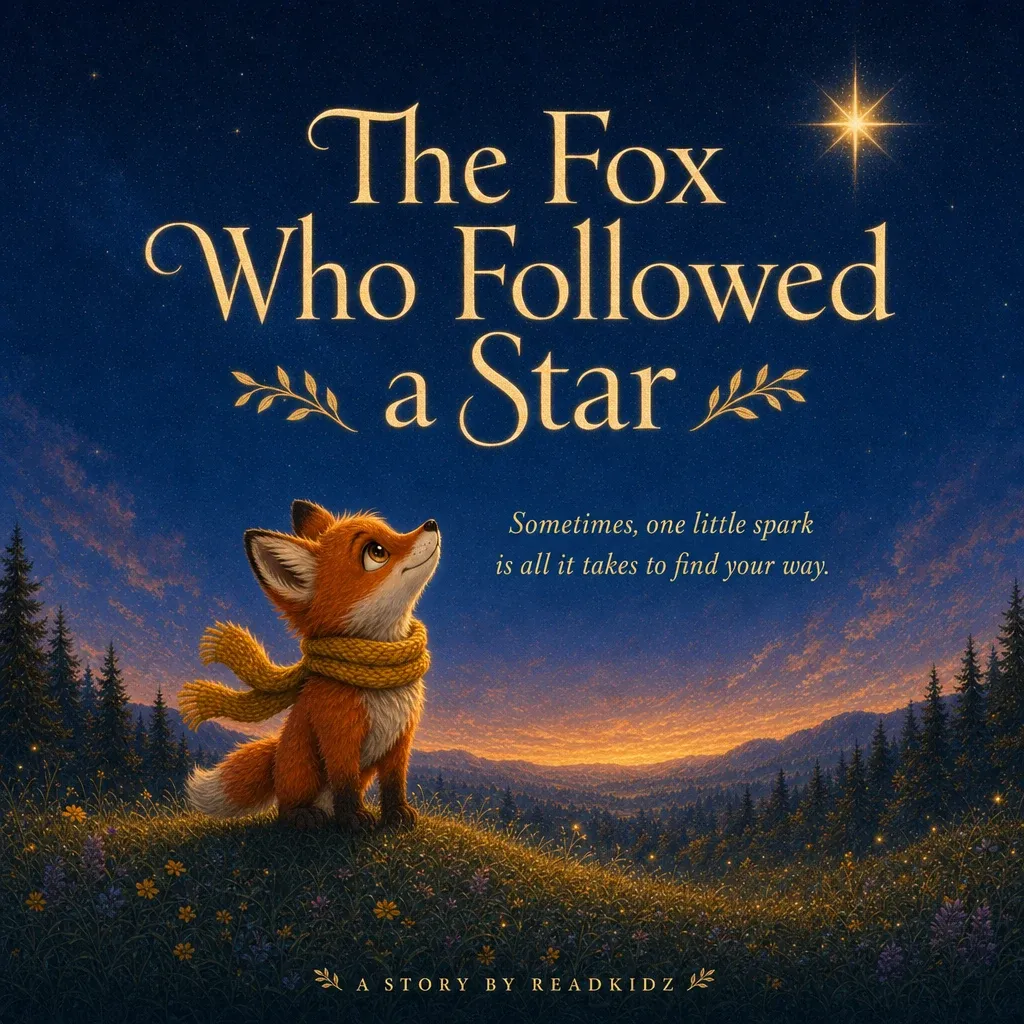
Picture book
Full-color, print-ready stories kids love to read again and again.
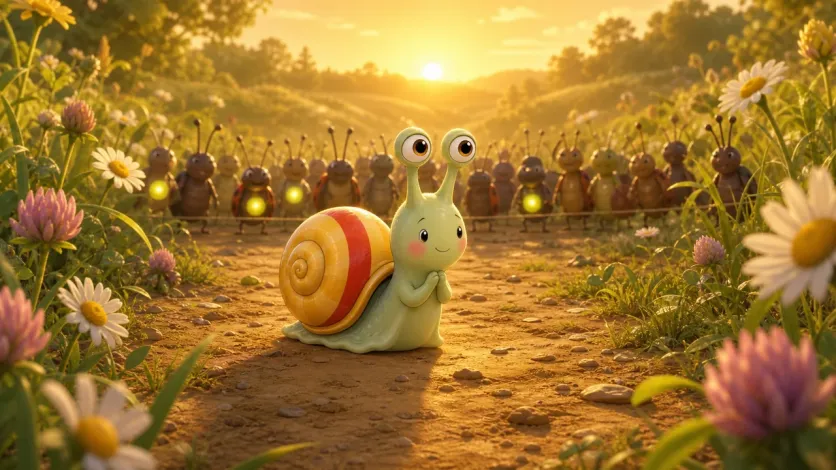
Animation
Bring the story to life with consistent characters and smooth motion.
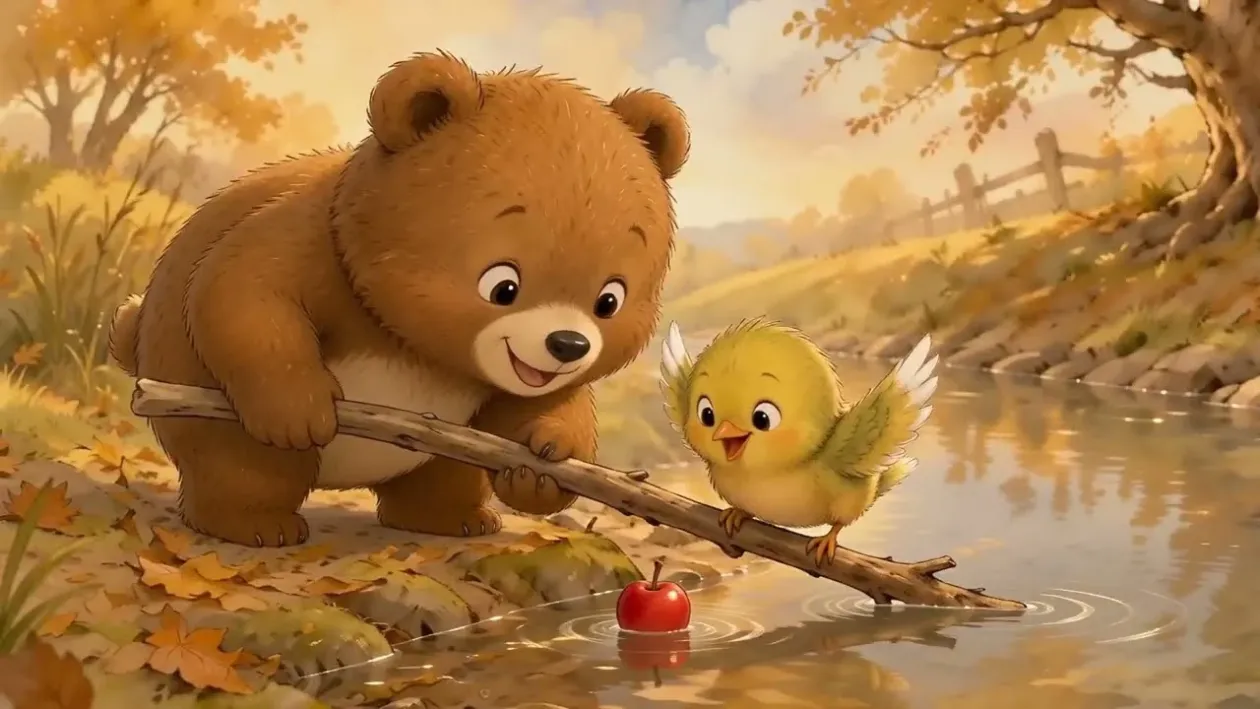
Kids' music video
Songs and stories, beautifully animated and ready to share.
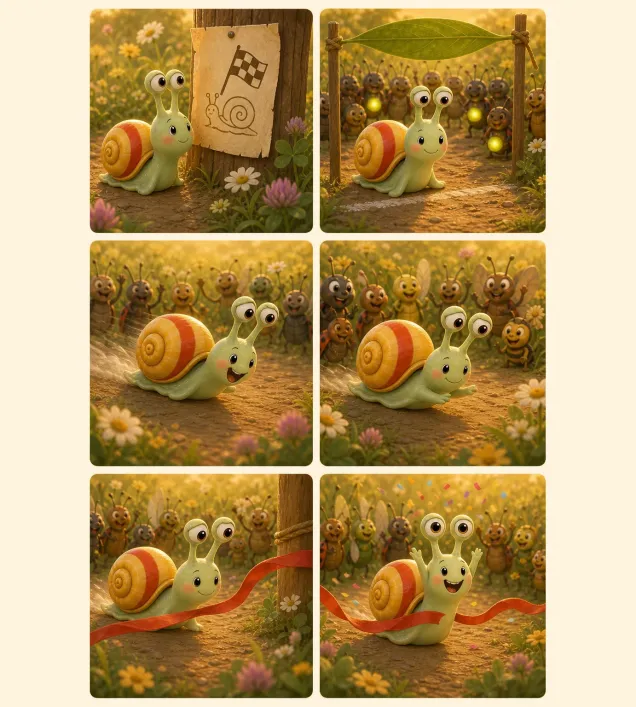
Comic
Panel-by-panel storytelling for explorers who love adventure and detail.
Choose the next step for your story
Start in the workflow that matches the finished result, read a complete public example first, use the KDP guide when your goal is self-publishing, or see how Readkidz compares with the other tools in this space.
Before you start
Do I need a finished script or manuscript?
No. A sentence or short brief is enough for Readkidz to draft a story, but you can also paste writing you already finished. If the wording must stay unchanged, say so and review the page or scene split before illustrations or motion are generated.
Can I edit the story after it's generated?
Yes. You can refine text, replace an individual illustration or shot, and compare versions without automatically rebuilding every approved part. Changing the overall style late in production can affect more assets, so approve the character and art direction before generating the full set.
How long does generation take?
It depends on the format, page or scene count, selected model, and current queue. Text and plans usually arrive before visual assets; animations and music videos take longer because scenes are produced and assembled separately. The active workflow shows progress, so do not treat a marketing estimate as a delivery guarantee.
What can I download?
The available file depends on the workflow and plan. Picture-book projects can provide a downloadable PDF, while animation workflows provide a video result with the included audio mix. Check the current creation screen and pricing page before relying on a particular resolution, runtime, print specification, or export option.
Does Readkidz publish directly to Amazon KDP?
No. Readkidz helps create the story and source files, but Amazon KDP still requires external preparation and submission. You need to set the trim size and bleed, prepare the interior and cover to KDP specifications, enter metadata, use the previewer, and upload the files yourself. The Readkidz KDP guide walks through those steps.
How should I review a story made for children?
Treat the generated result as a draft that needs an adult decision. Check reading level, factual claims, emotional tone, character identity, image details, audio, and any personal information before a child sees it or before you publish it. The safety page explains the platform's automated checks and the creator's role.
Their next favorite story could begin here.
Start with one sentence, one character, or one small moment.