Characters that stay themselves
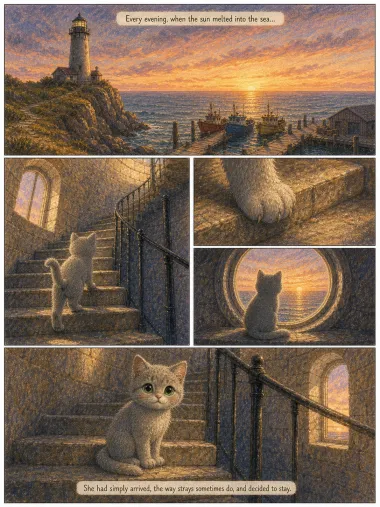
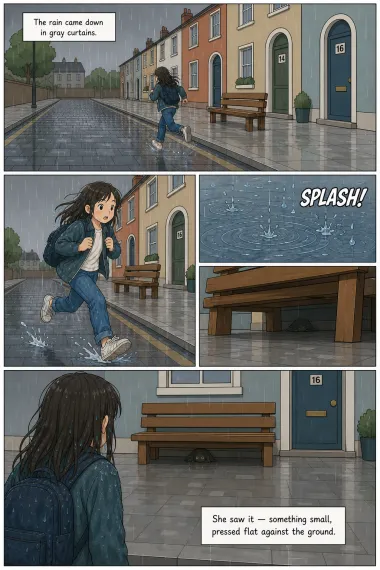
Your hero looks the same in panel 1 and panel 40 — same face, same outfit, across every page of the comic.
An AI comic maker is a tool that lays a story out in panels — artwork, speech bubbles and reading order together — starting from written words rather than a drawing. Readkidz keeps your character the same in every panel, ready to read tonight or print.
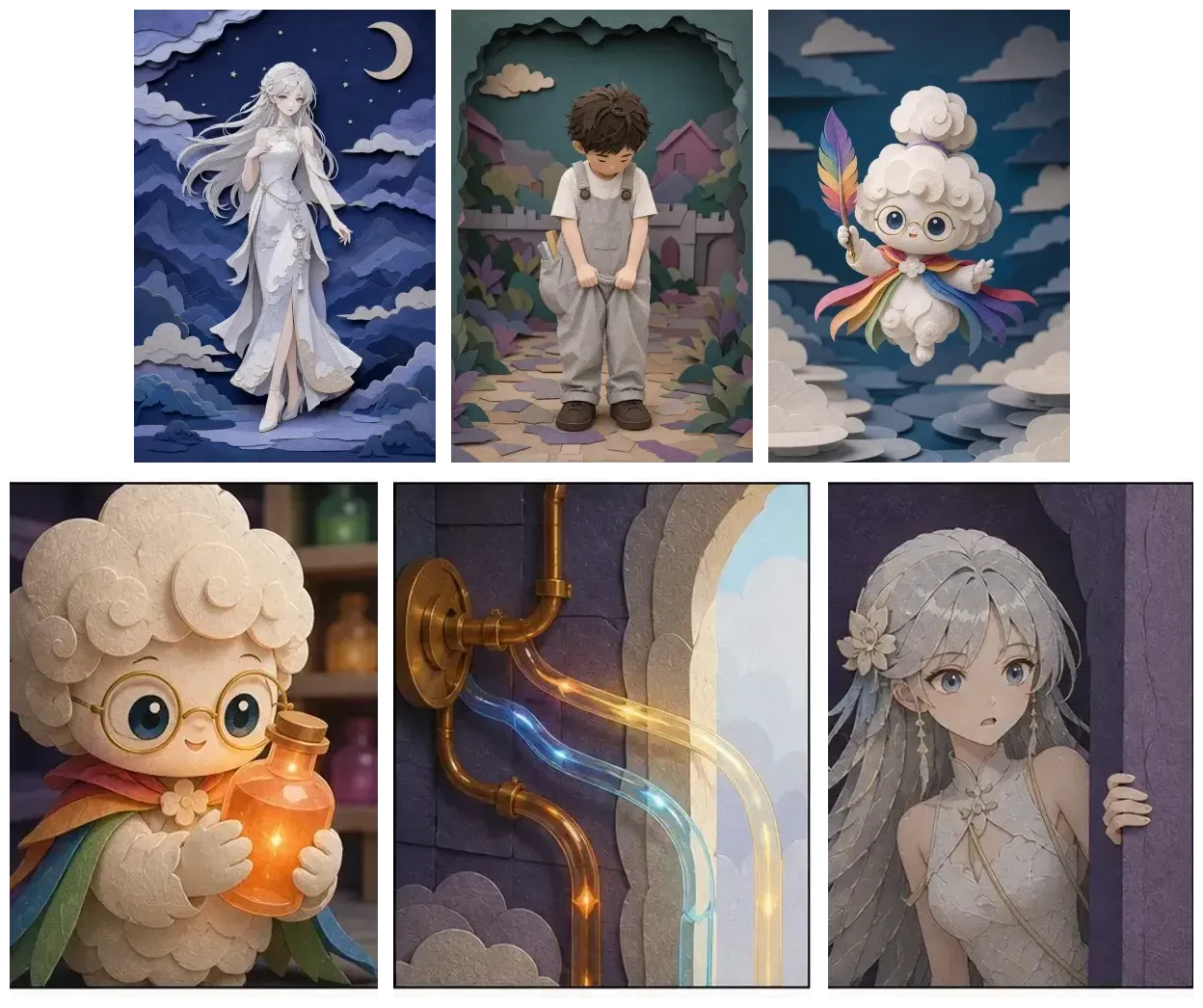
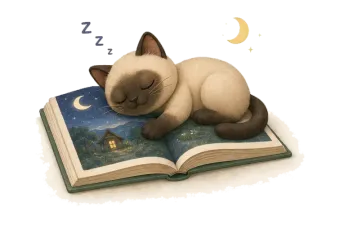
No drawing, lettering, or layout work. Give Readkidz an idea and it returns a complete kids' comic: a real story, panelled and lettered, with your character consistent from the first panel to the last, in the style you choose.
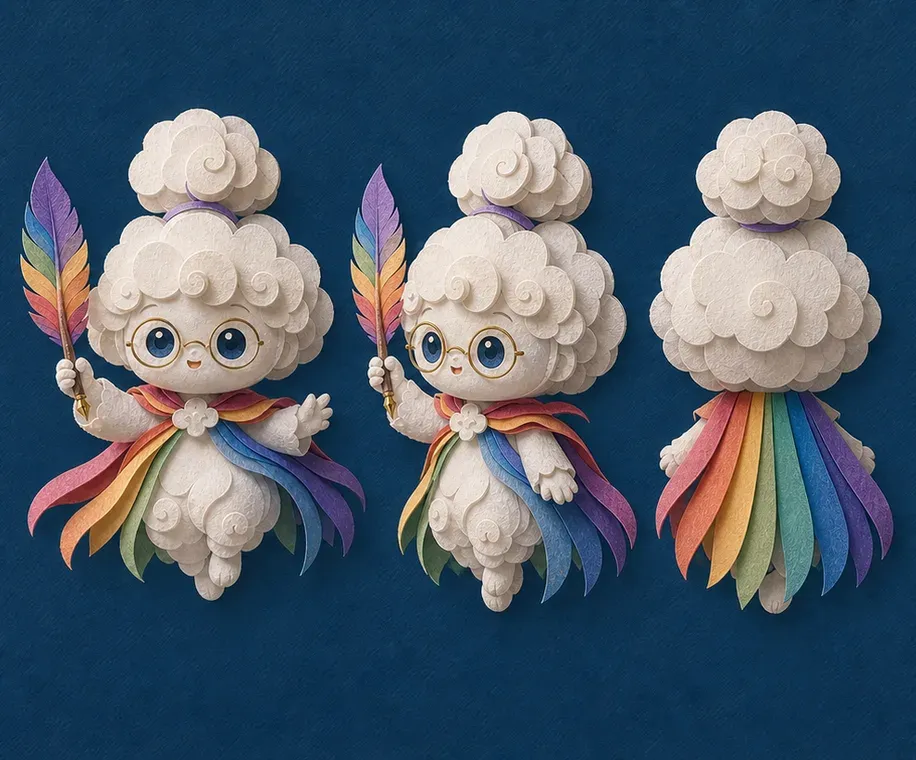
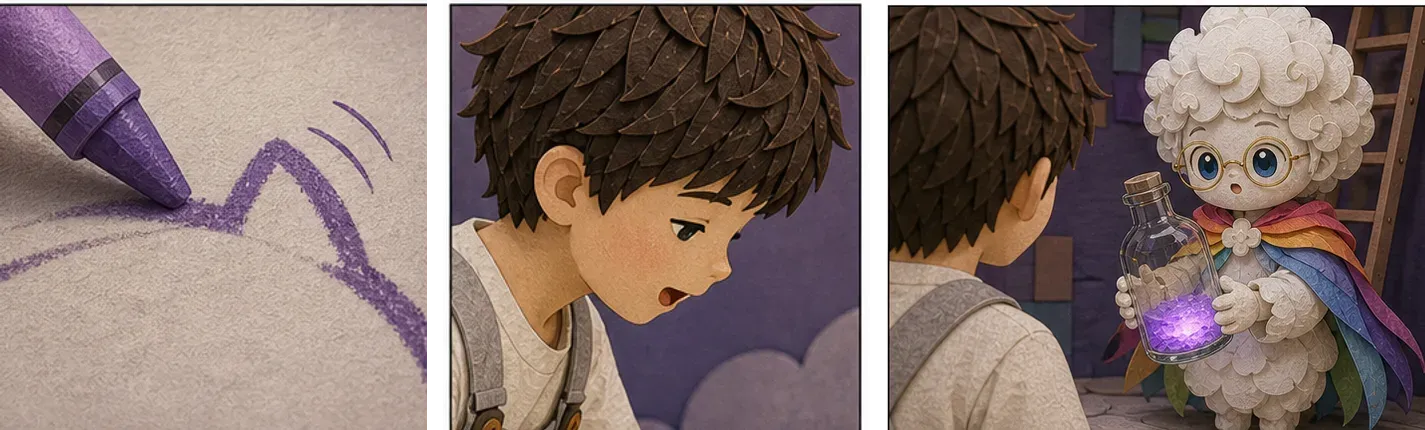
Your hero looks the same in panel 1 and panel 40 — same face, same outfit, across every page of the comic.
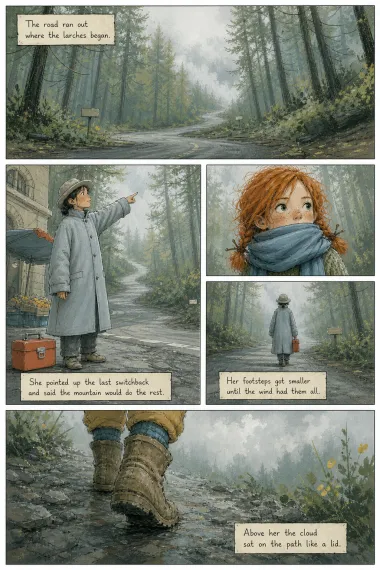
Readkidz handles the panel layout, pacing, and lettering so the story reads like a real comic album.
Crayon storybook, flat cartoon, watercolour, cut paper, cel animation, pixel art — pick a look and every panel is rendered to match.
Read it in the app, or download every page as an image and print it at home.
Pick the look before anything is drawn. This is the same panel — same child, same lantern, same cat — rendered in eight of the styles in the library.
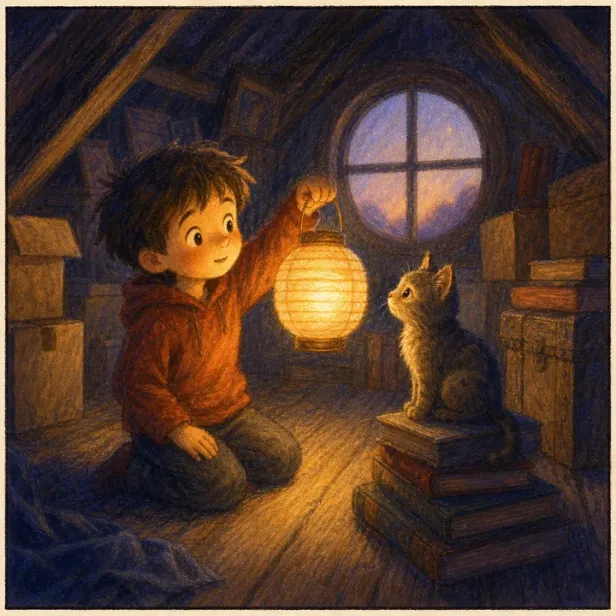
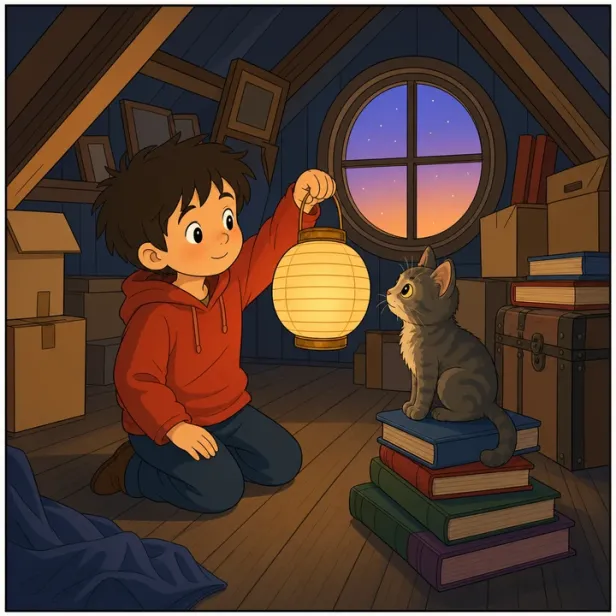
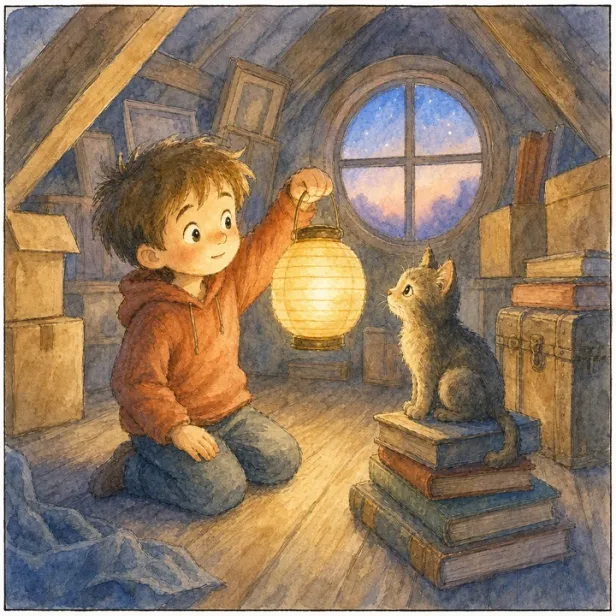
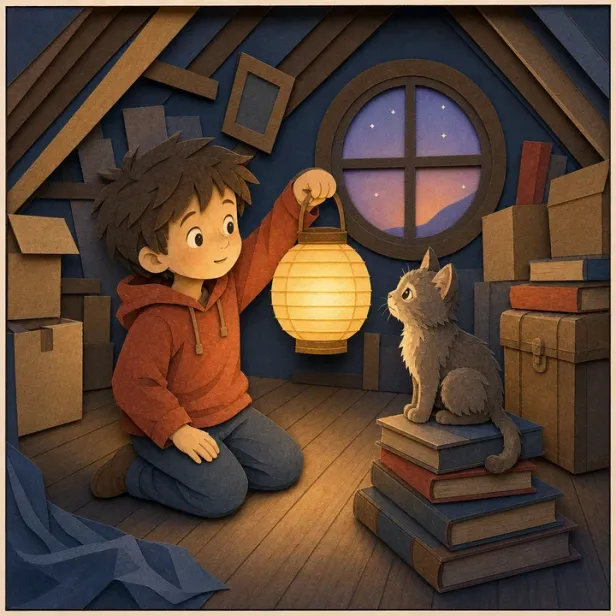
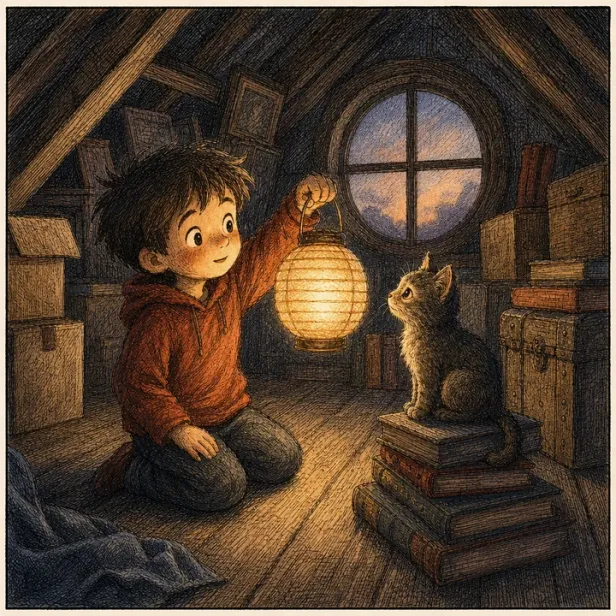
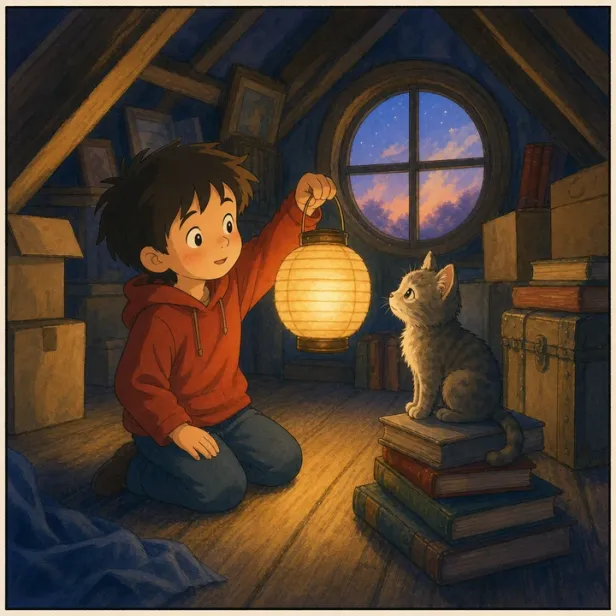
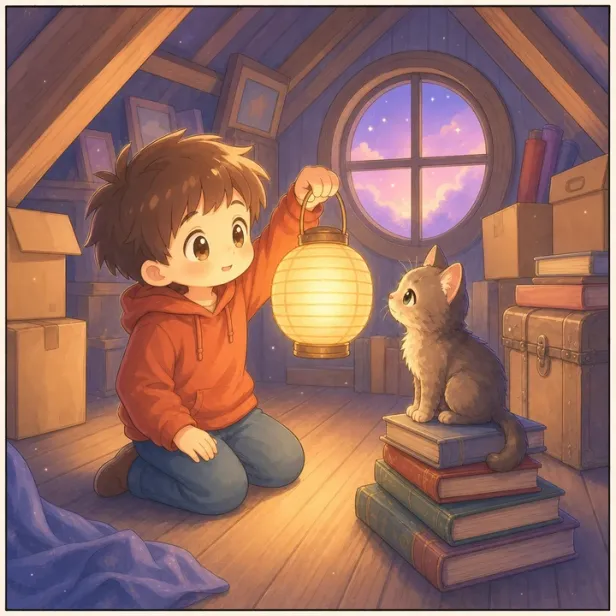
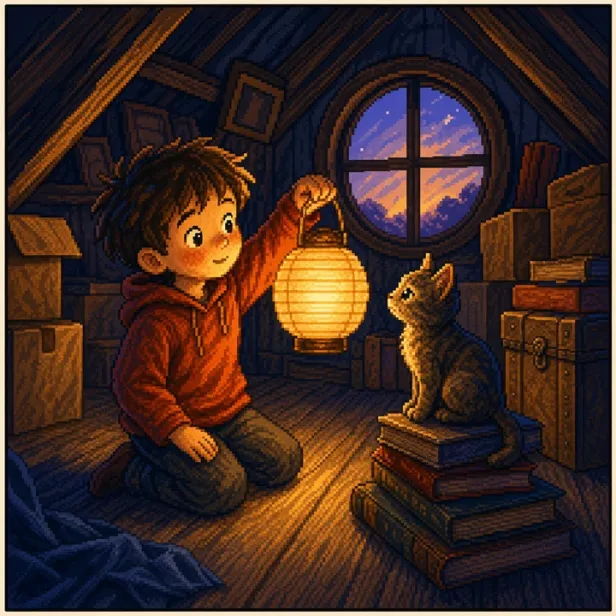
Same moment, same characters. Only the medium changes.
One or two sentences about your characters and what happens — in your own words.
Pick an art style and reading age; lock your characters so they stay consistent.
The story, panels, art, and speech bubbles are generated page by page, ready to read or refine.
Read it in the app, or download every page as an image and print it at home.
Your characters are not stuck in the comic. The same idea, the same cast, can be made again as a picture book to read at bedtime, a short animated film, or a song with a video.
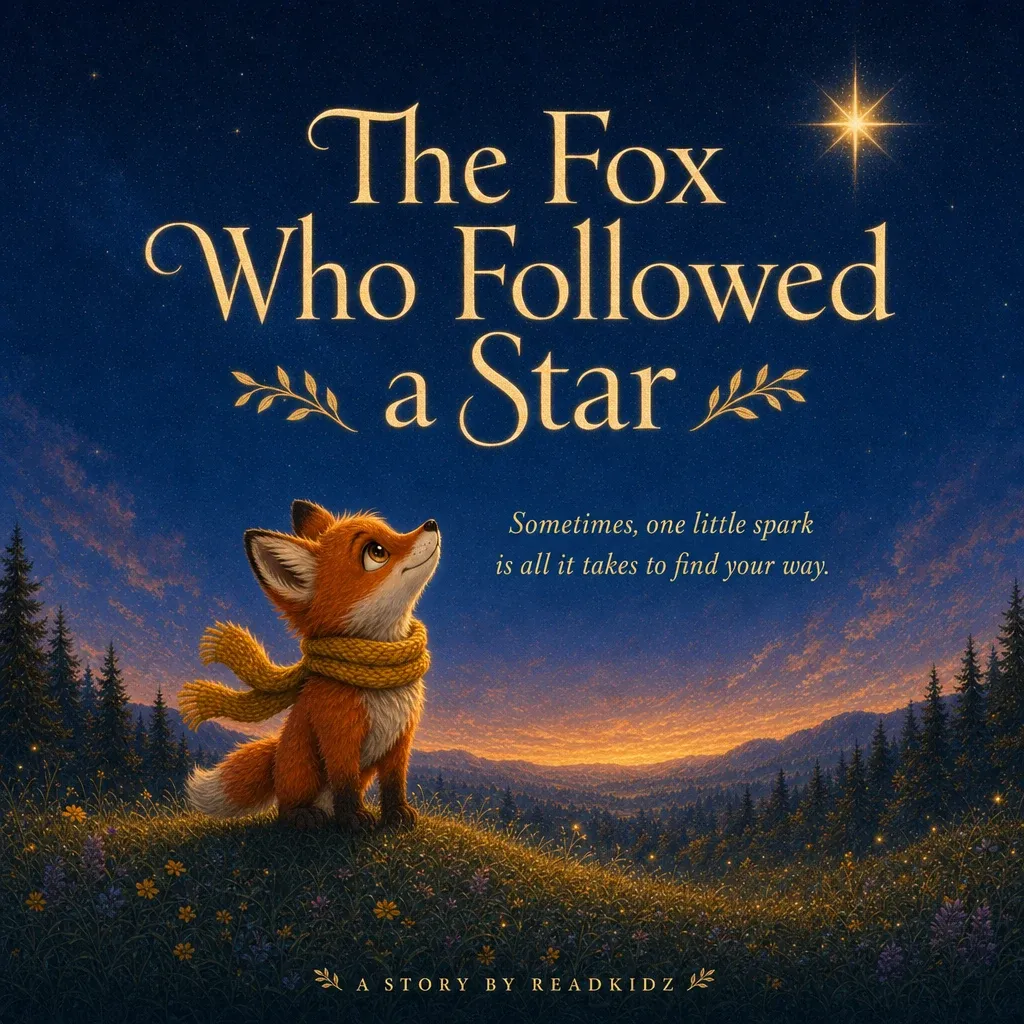 Picture books
The same characters, laid out as a storybook you can read together or print.
Make a picture book
Picture books
The same characters, laid out as a storybook you can read together or print.
Make a picture book
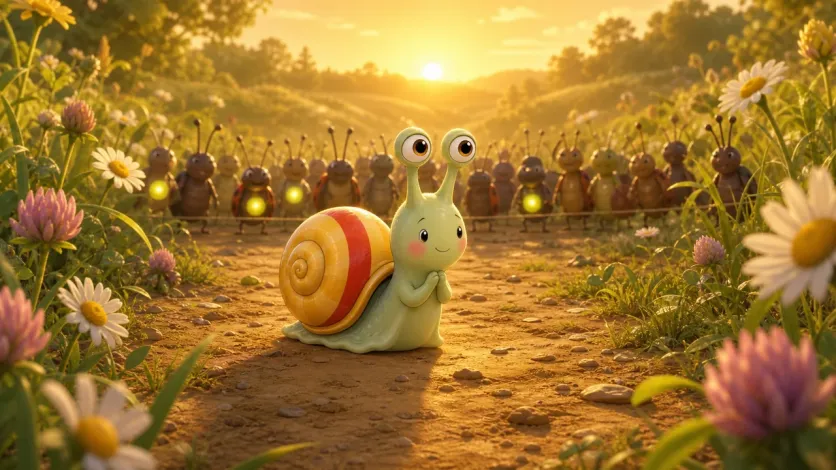 Animations
Your story as a short film, with camera moves, voices and music.
Make an animation
Animations
Your story as a short film, with camera moves, voices and music.
Make an animation
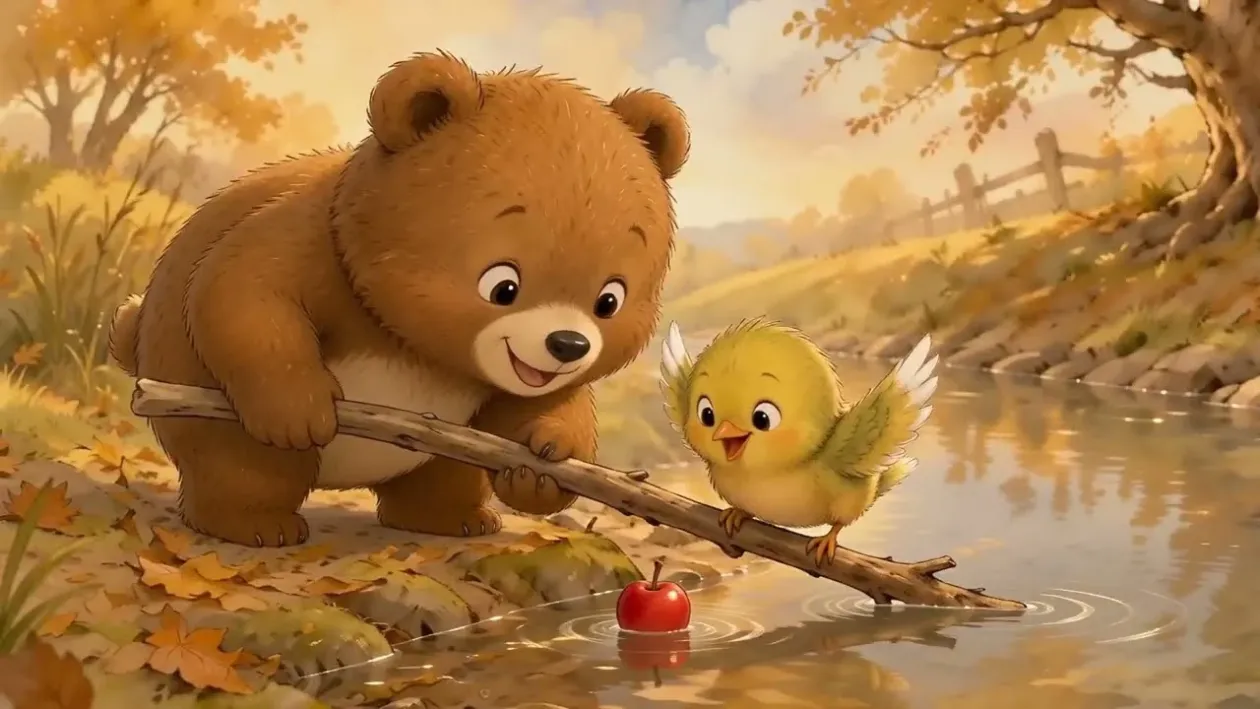 Kids’ music videos
A sing-along song about your characters, with a video to match.
Make a music video
Kids’ music videos
A sing-along song about your characters, with a video to match.
Make a music video
Describe your story idea in a sentence or two, choose an art style and reading age, and Readkidz writes the story and lays it out panel by panel with speech bubbles. You can then read it, or download every page as an image and print it.
A drawing app gives you a blank canvas and tools — you still draw every panel yourself. An AI comic maker starts from written words instead: you describe the story, and it writes the script, breaks it into panels, draws the artwork and letters the speech bubbles. You trade fine control for speed, and direct and edit the result rather than draw it.
Yes. Readkidz locks your characters so their face, outfit, and style stay consistent across every panel of the comic.
You can choose from 60+ art styles — crayon storybook, flat cartoon, watercolour, cut paper and pixel art among them — and every panel of your comic is rendered to match the one you pick.
Yes. You can read it in the app, or download every page as an image, in one file, ready to print at home or send to a print shop. Free plans export with a watermark; any paid plan exports clean pages.
Yes — signing up gives you 1500 free starter credits with no card required (valid for 30 days), enough to create your first comic. When you need more, paid plans add a monthly credit allowance.
Credits from a failed panel are refunded to your balance automatically — you only pay for what actually gets made. Adjust your idea and run it again.
Start with one sentence, one character, or one small moment.