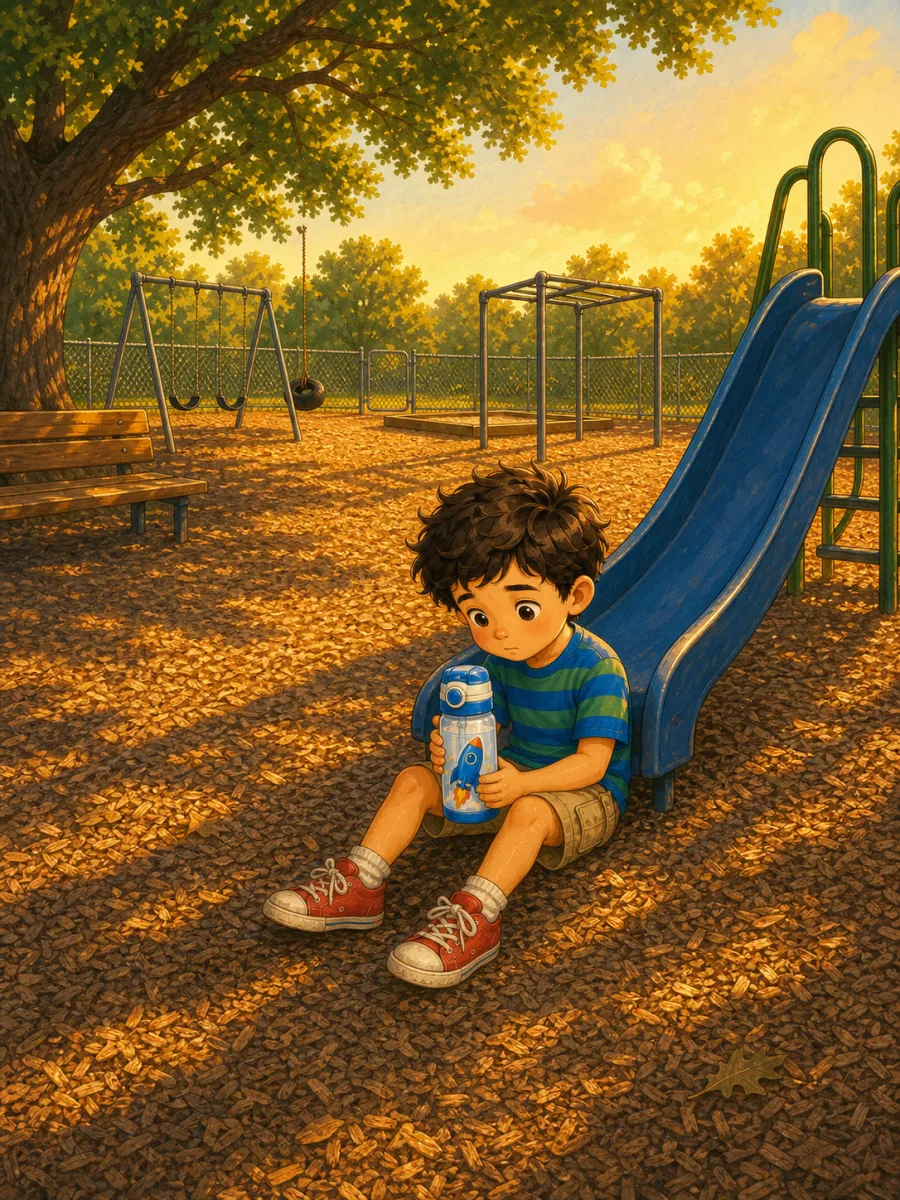
Gouache Children's Book Illustration
Gouache children's book illustration is an opaque, matte painted look with visible brush texture and solid shapes. Compare the ReadKidz references below, then see how two of these presets appear in finished editorial sample books. Choose a gouache-style preset in the creator when you make your own story.
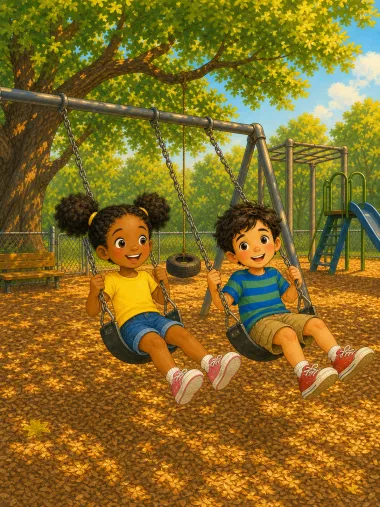
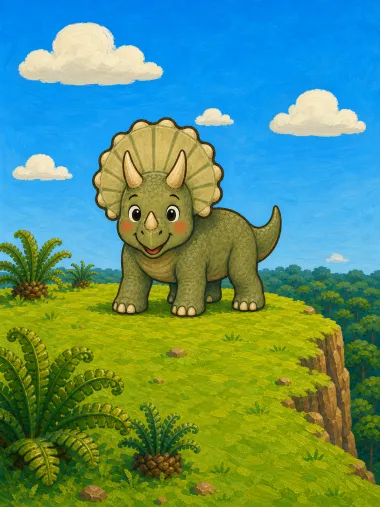
Nia's playground and Tavi's valley, from finished books
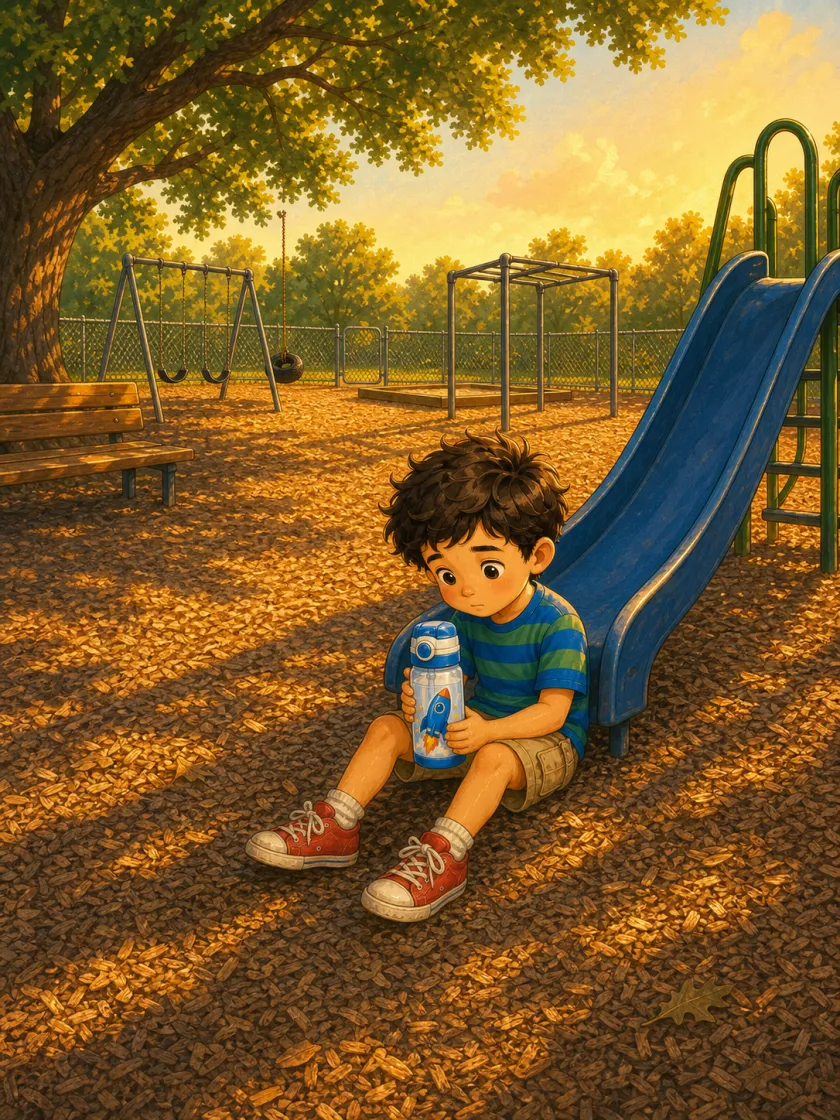
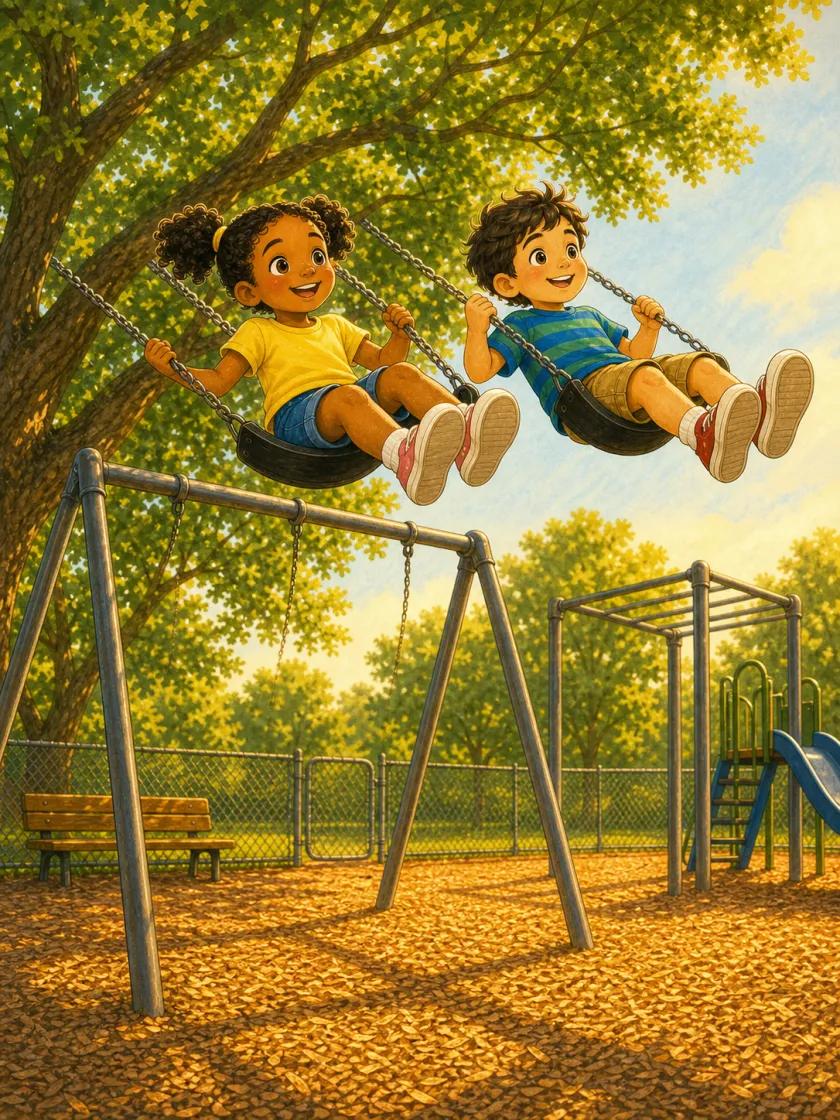
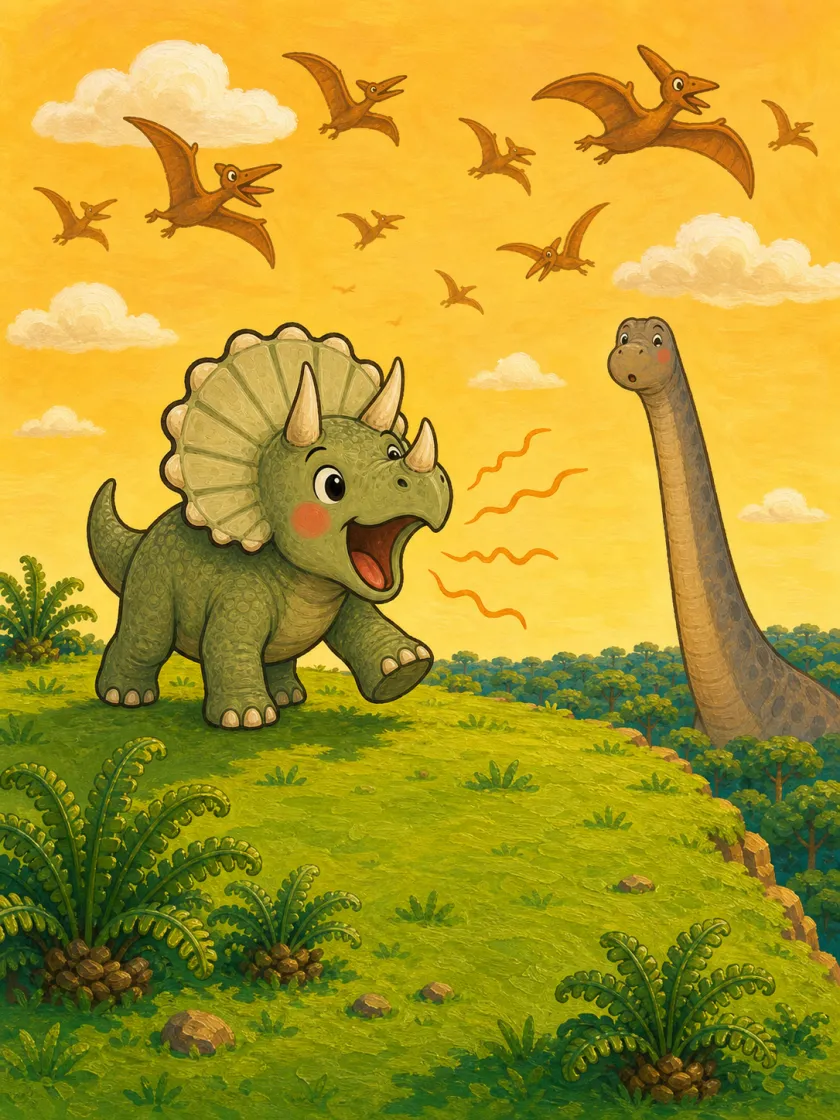
The first two pages are from Nia and the Two-Seat Swing, pages 7 and 10, made with Bright Gouache Cartoon. The last is page 2 of Tavi Finds the Softest Roar, made with Naive Gouache Storybook. Both are ReadKidz editorial sample books, available to read below. The captions quote their stories. These are digitally generated illustrations with a painted look, not photographs of physical gouache paintings.
Compare the painted references before choosing
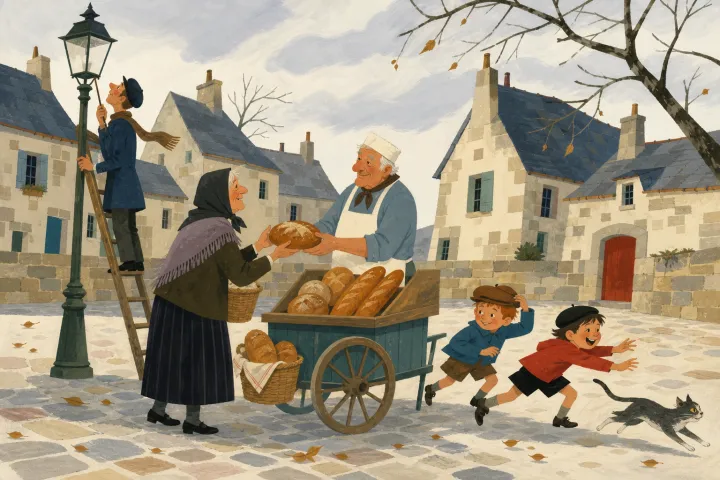
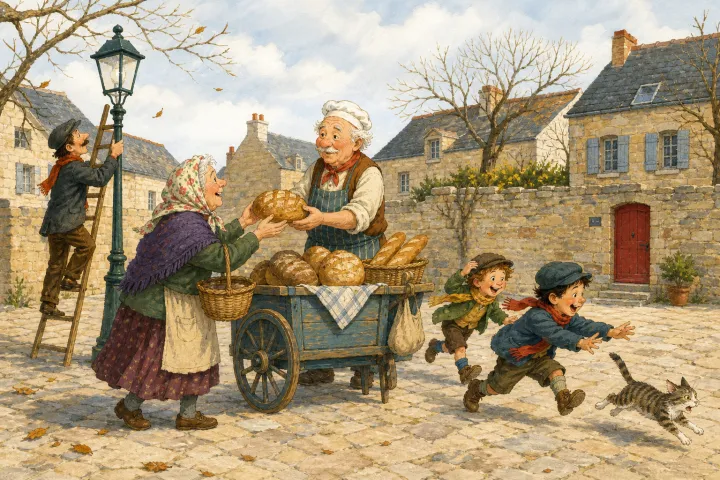
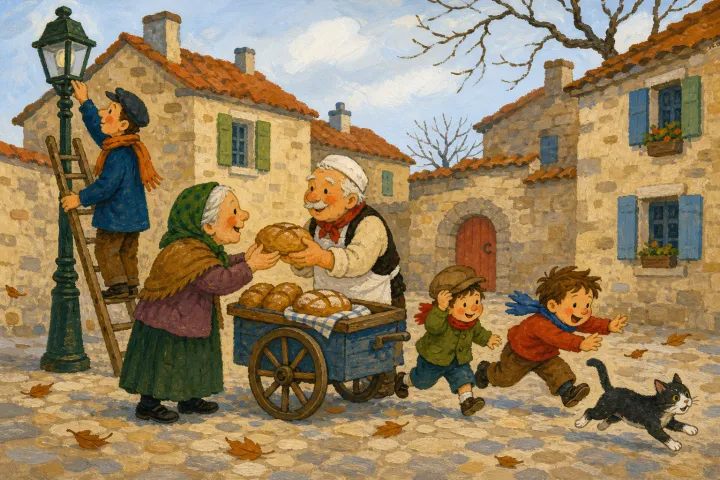
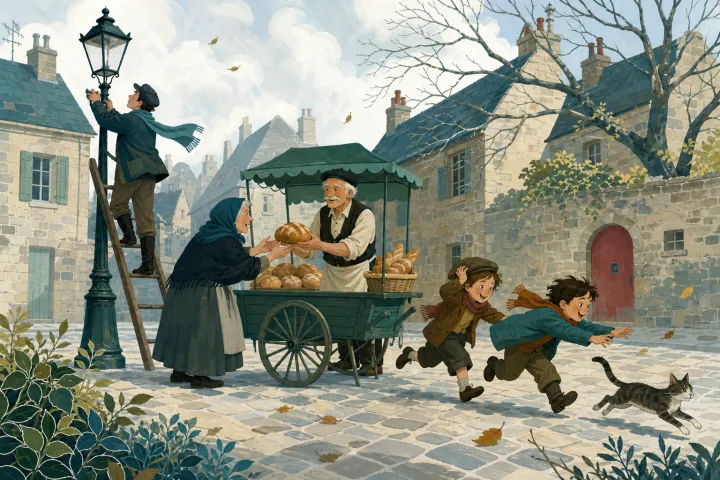
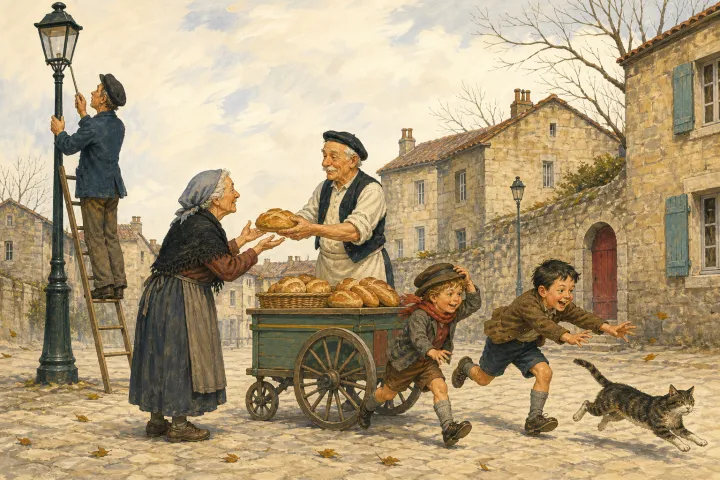
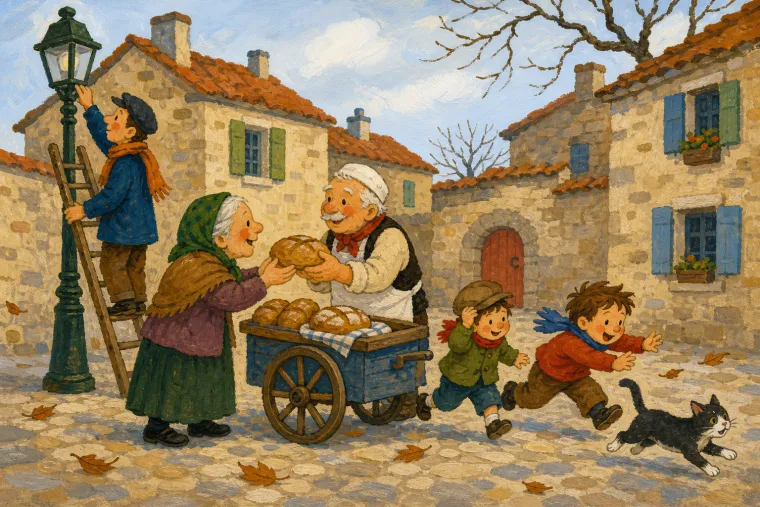
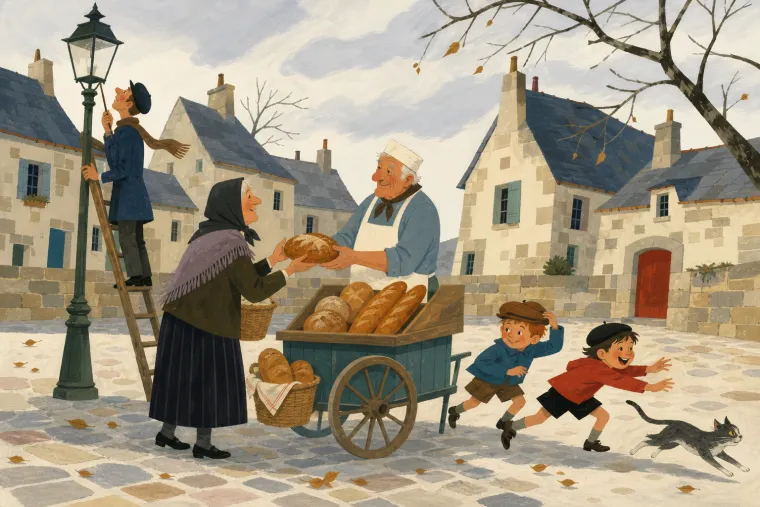
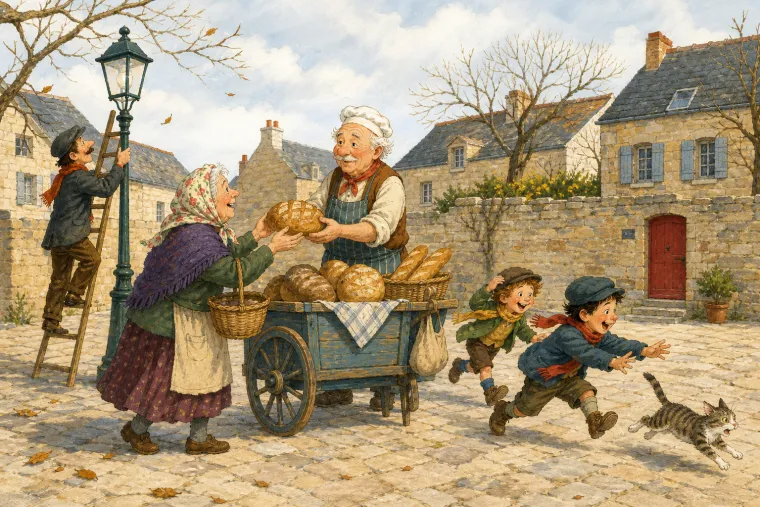
These are product-preset reference pictures, separate from the finished-book pages above. Each uses the same village scene so you can compare shape, line, palette and texture. The names are the labels to look for in the creator; they describe different painted looks rather than one identical gouache treatment.
Read Nia's friendship story and Tavi's dinosaur adventure
These ReadKidz editorial sample books contain the pages shown above. Read the complete stories online to see their pacing and how the pictures follow the action. Creating your own illustrated book uses credits. Browse all storybooks →
Made by the Readkidz community
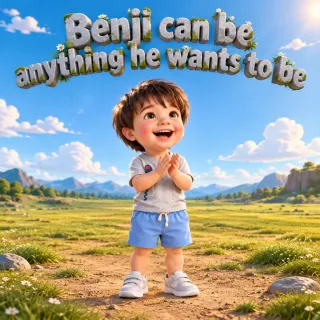
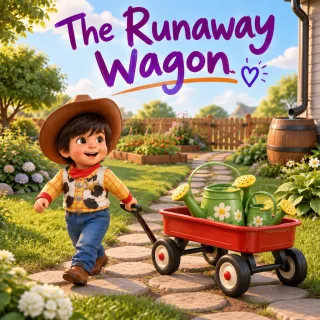
Real picture books families made and published on Readkidz. Explore Discover →
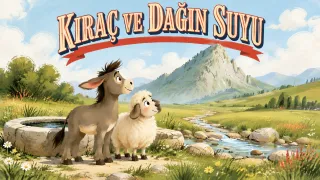
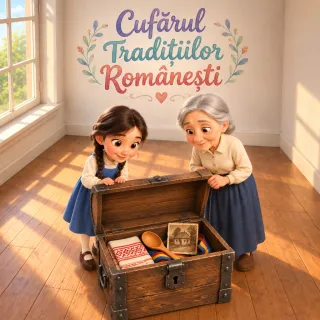
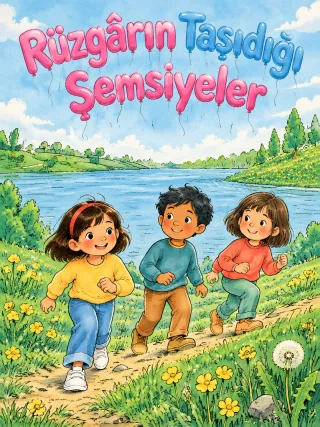
How it works
- 1Start with the story and its reader
Describe what happens, who the book is for and the mood you want. A broad painted shape can give a quiet garden or a busy playground a very different feel, so include the moments the pictures need to show.
- 2Choose the painted look in the creator
Look for the preset names shown in the reference comparison. Compare the visible outlines, palette and brush marks before choosing. This page opens the picture-book flow; you make the style choice there.
- 3Check the pages as a story
Review the text, characters and action together, as you can in the sample readers below. Check important details on each illustrated page and review the quote before confirming a generation step that uses credits.
Choose a look that serves your story
- Page planning
- Use the sample readers to judge pacing, then plan your own story and page breaks in the creator. The samples are examples, not a fixed length for every new book.
- Reading audience
- Name the reader's age in your story idea and check the words, expressions and detail for that reader. A painting medium alone does not set a reading level.
- Opaque painted color
- Choose this direction for solid shapes and visible paint texture. Compare the softer outlines and the bolder brush marks in the references rather than relying on the preset name alone.
- Watercolor alternative
- For transparent washes, softer edges and more visible paper, compare the watercolor page before deciding. Oil impasto is another medium and is not included in this gouache selection.
- Rights and export
- ReadKidz's Terms assign you its rights in the work you generate, for lawful personal or commercial use. The assignment excludes third-party material and results are not exclusive. Export access follows your plan or purchased product.
The village references demonstrate the presets; the sample-book pages demonstrate completed stories. Review your own result before sharing or printing it.
Frequently asked questions
How is gouache different from watercolor in a children's book?
The useful visual distinction is opacity. Gouache-style color covers what is beneath it and gives shapes a matte, solid presence. Watercolor-style washes are more transparent, with soft transitions and paper showing through. Digital illustrations can borrow either look; compare the actual reference pictures rather than expecting every painted preset to behave alike.
Are these physical gouache paintings or digital illustrations?
They are digitally generated illustrations made to evoke painted color and texture. The village pictures are product-preset references. The playground and dinosaur pictures are inner pages from two ReadKidz editorial sample books, with their source stories available to read on this page. They are not scans of handmade paintings.
Which presets were used for the finished sample books?
Nia and the Two-Seat Swing was made with Bright Gouache Cartoon. Tavi Finds the Softest Roar was made with Naive Gouache Storybook. The reference comparison also includes other painted looks, but this page does not present those reference pictures as finished books in those styles.
Does the button choose a gouache preset automatically?
The button opens the picture-book creator with your story idea. Choose the preset inside that flow, using the names shown here as a guide. Compare its reference art before confirming the style, and review any credit quote before a paid generation step.
Will every character detail stay identical across the book?
Character references help carry a design between illustrations, but generated results still need review. Check faces, clothes, important objects and the action on each page. The sample readers let you inspect complete stories rather than judging a style from a single attractive picture.
Can I make a book with a gouache look for print?
You can create a picture book in a painted style and review its export options in your plan or purchased product. Check the full-size artwork and text before ordering a print or preparing files for a publisher. The pictures on this page demonstrate a digital appearance; they are not a guarantee of a particular paper stock, print color or publisher's acceptance.
Make a gouache-style book
Bring your story idea, then choose a gouache-style preset in the creator. Opening the creator does not select a style for you; review the credit quote before confirming a paid generation step.