What a photo-based book comes with
- What you get
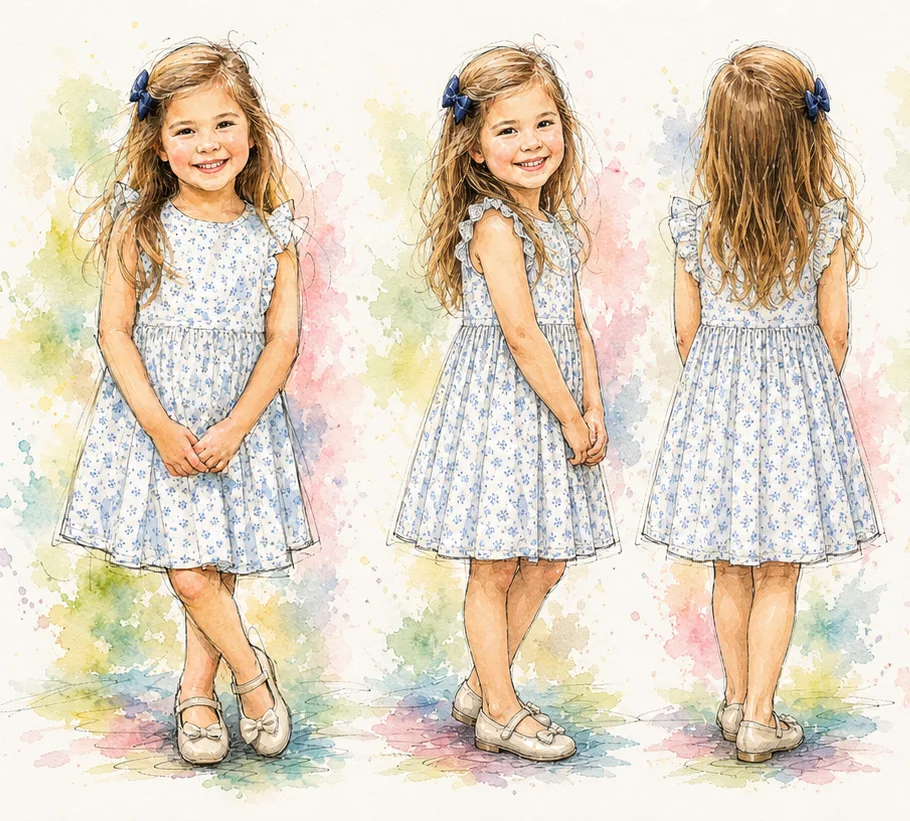
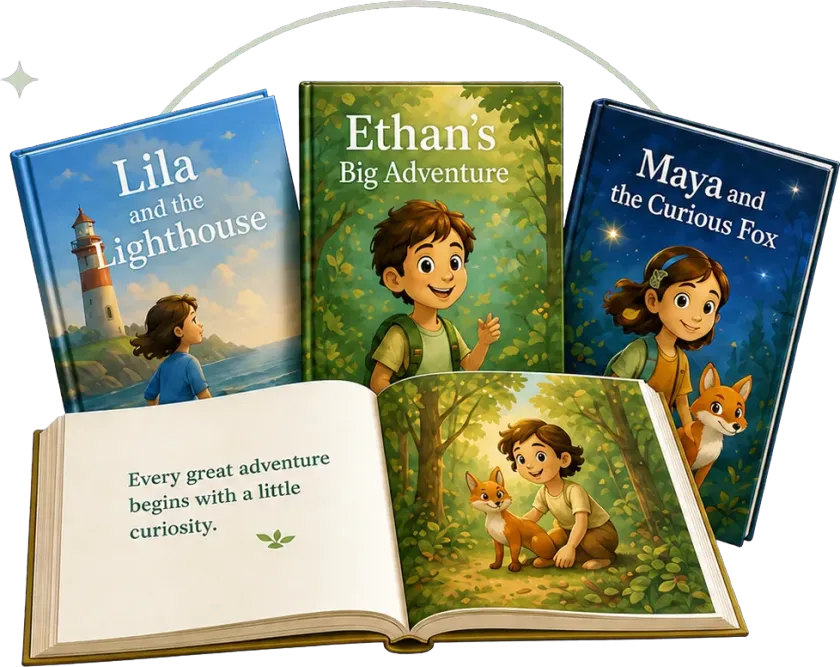
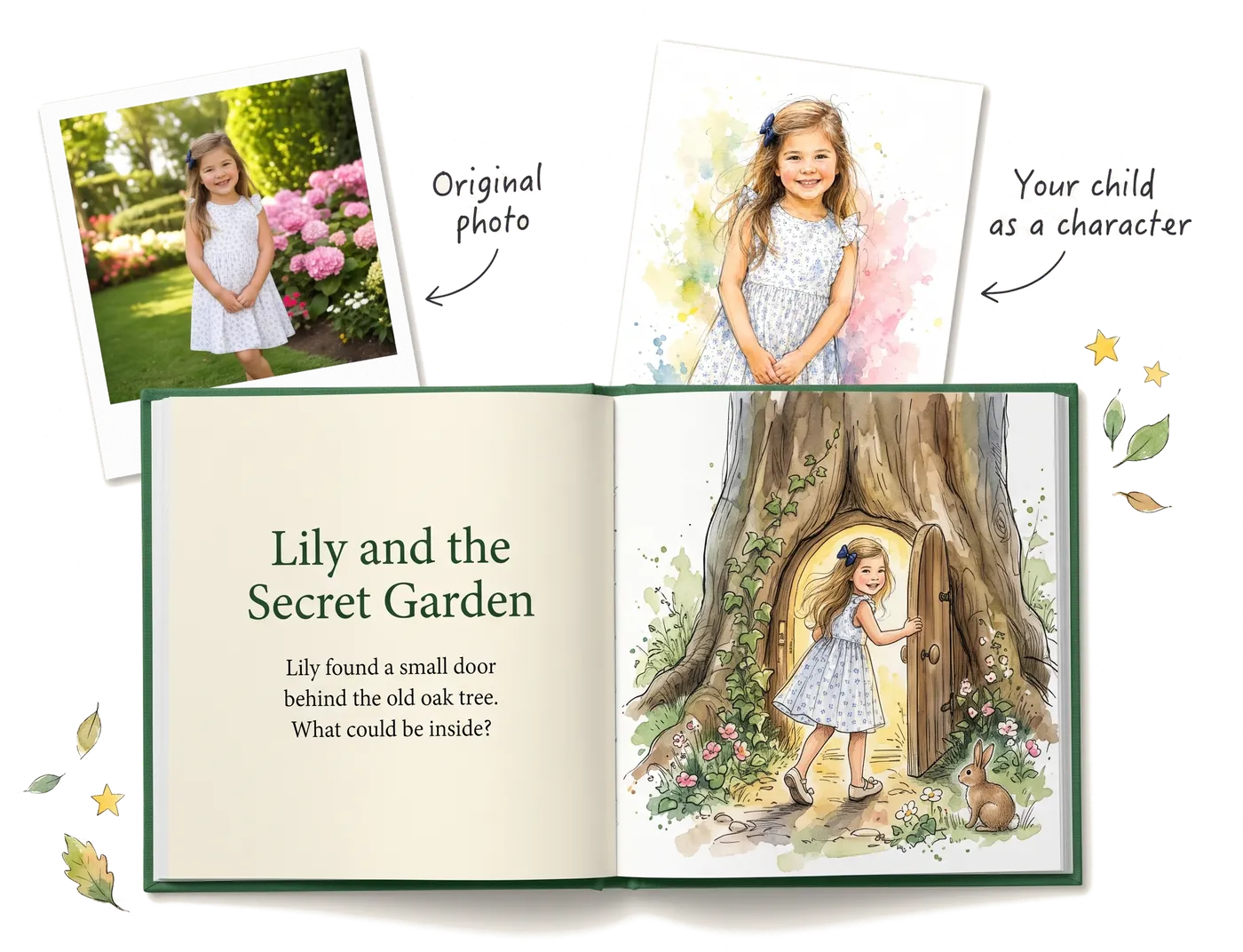
- One illustrated character built from your photo, then complete picture books that star it
- Photos
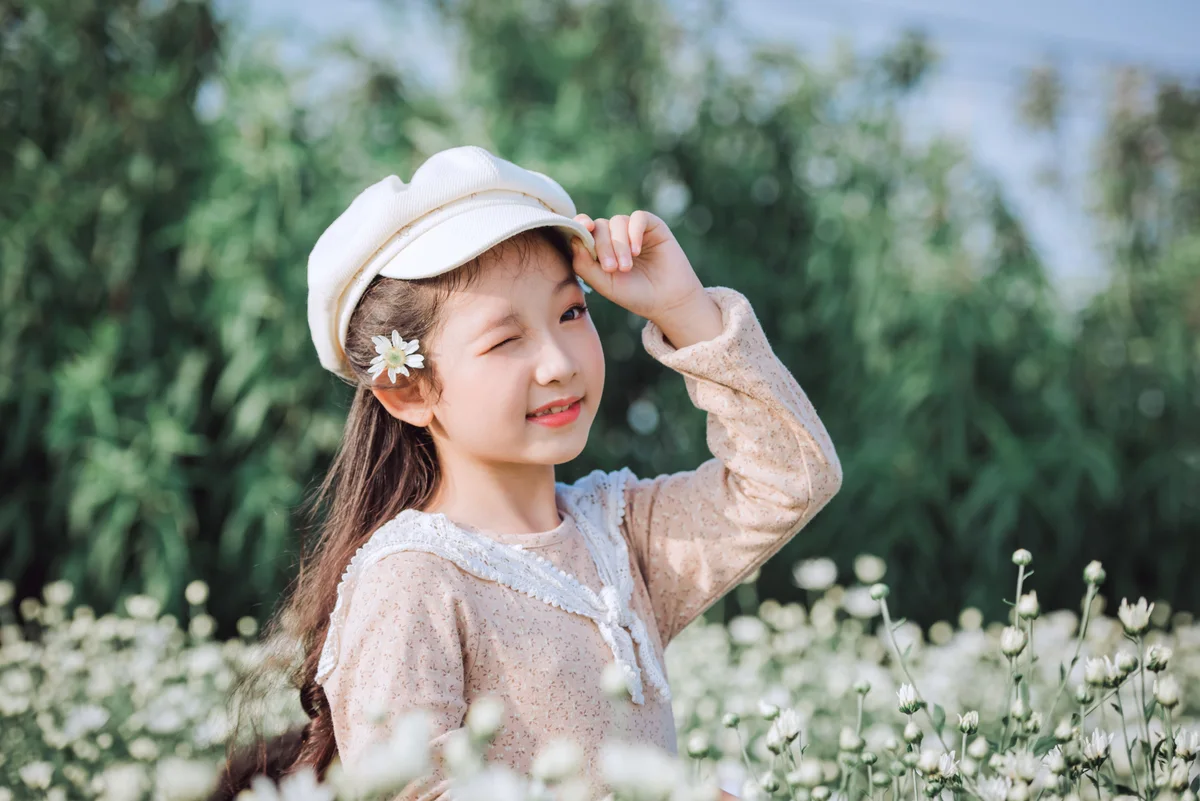
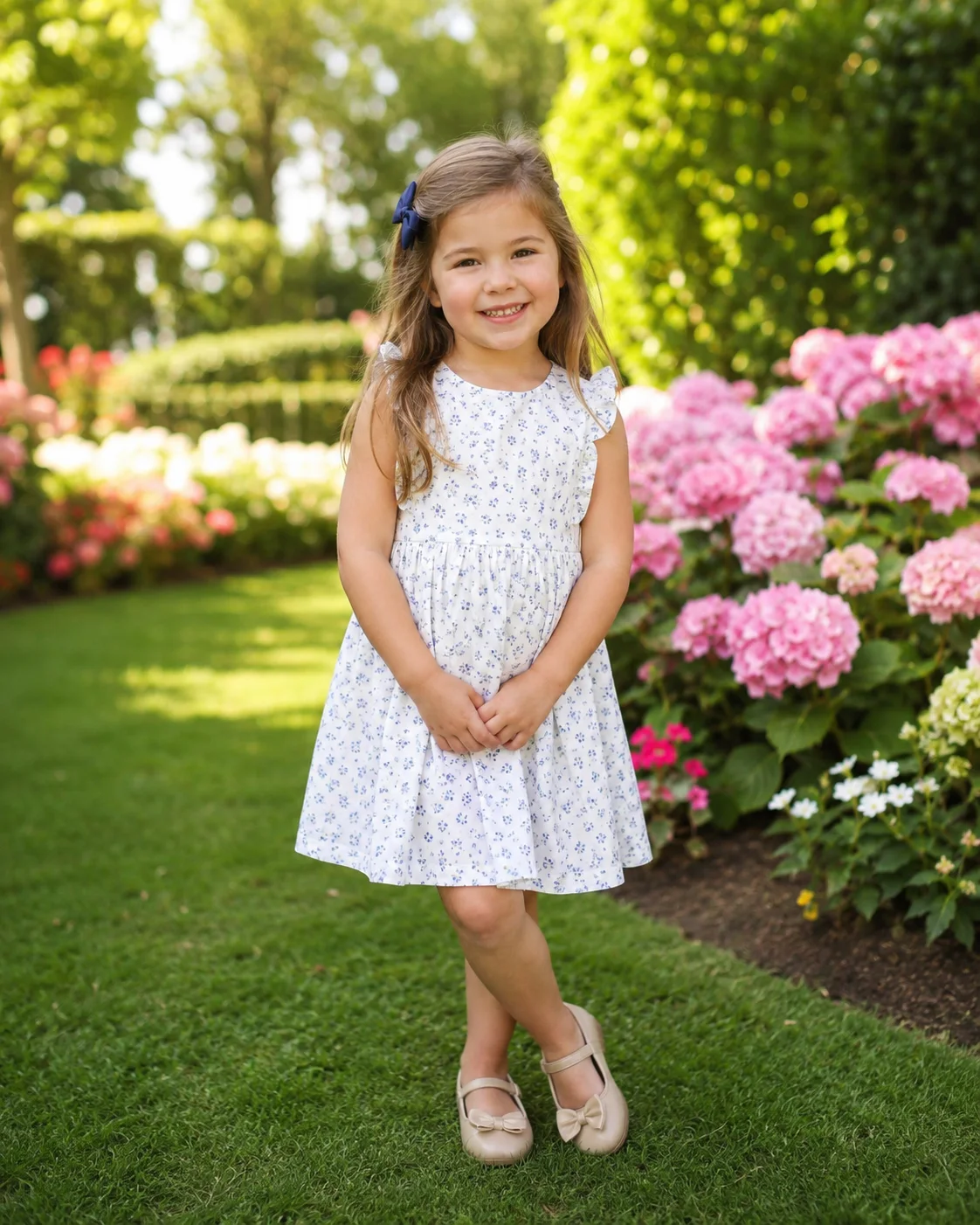
- One clear, front-facing daylight photo per character; siblings each get their own
- How long
- About two minutes for the character and its reference sheet, then minutes per book
- Styles
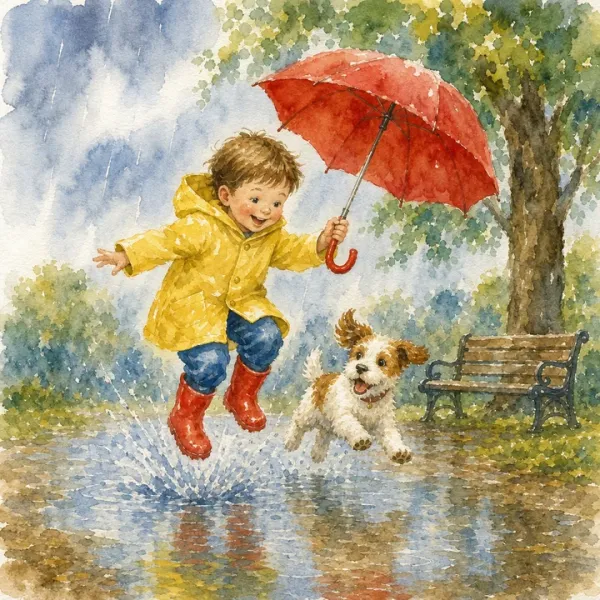
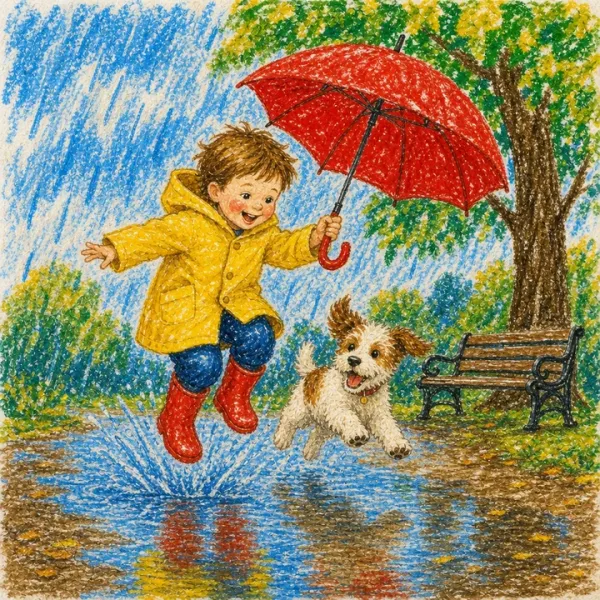
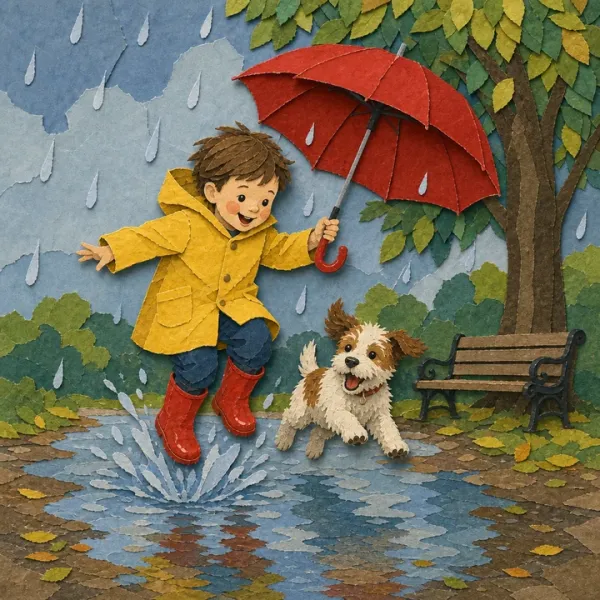
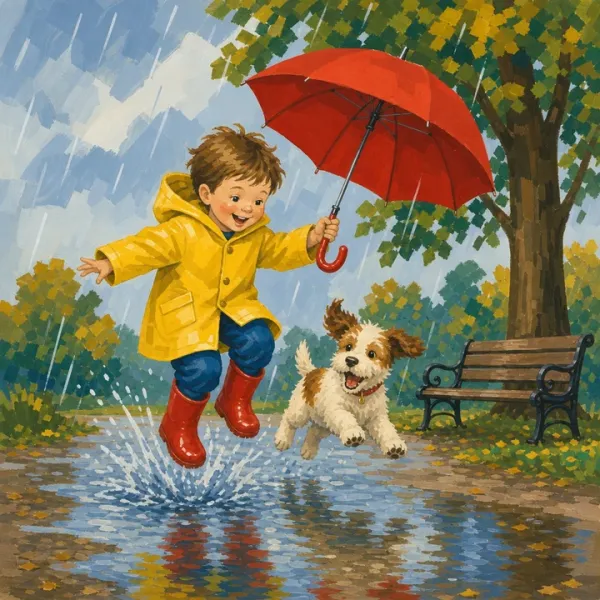
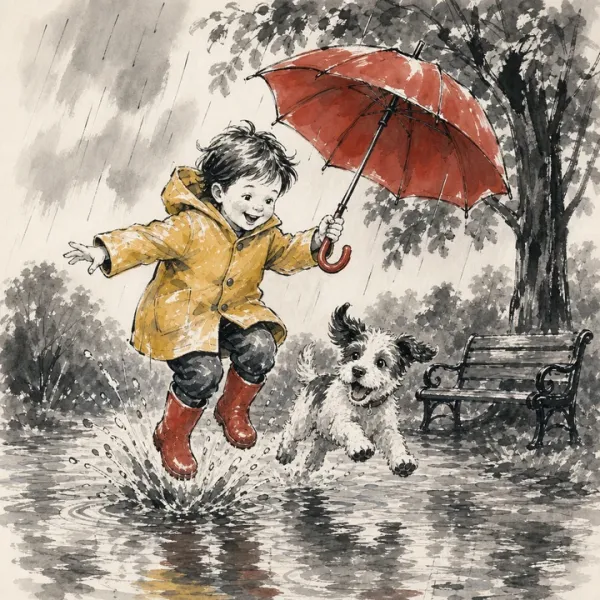
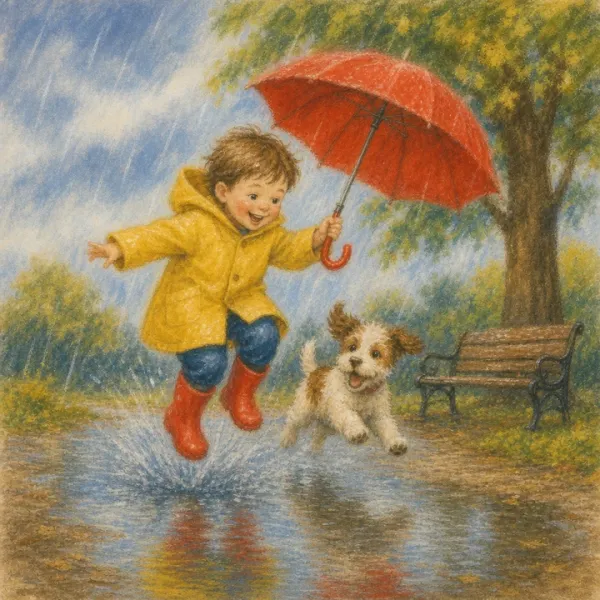
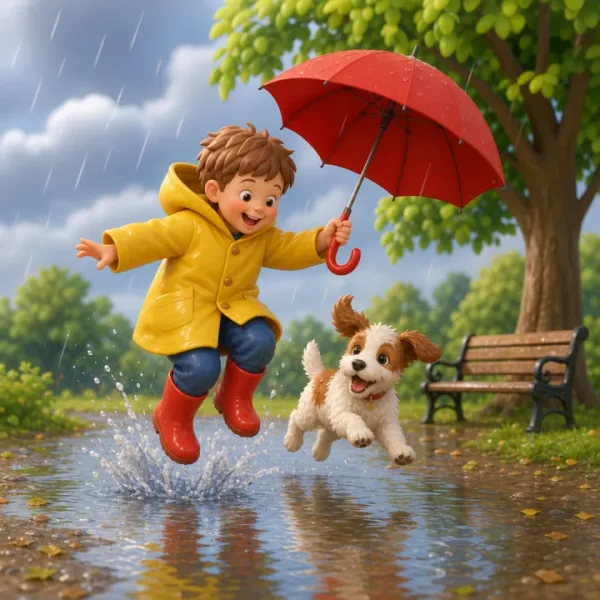
- Watercolor, crayon, cut paper, gouache, ink wash, pastel, 3D, storybook and dozens more
- Languages
- Read the finished book on screen in 25 languages
- Rights
- The books you make are yours to keep, print or publish
Frequently asked questions
What kind of photo works best?
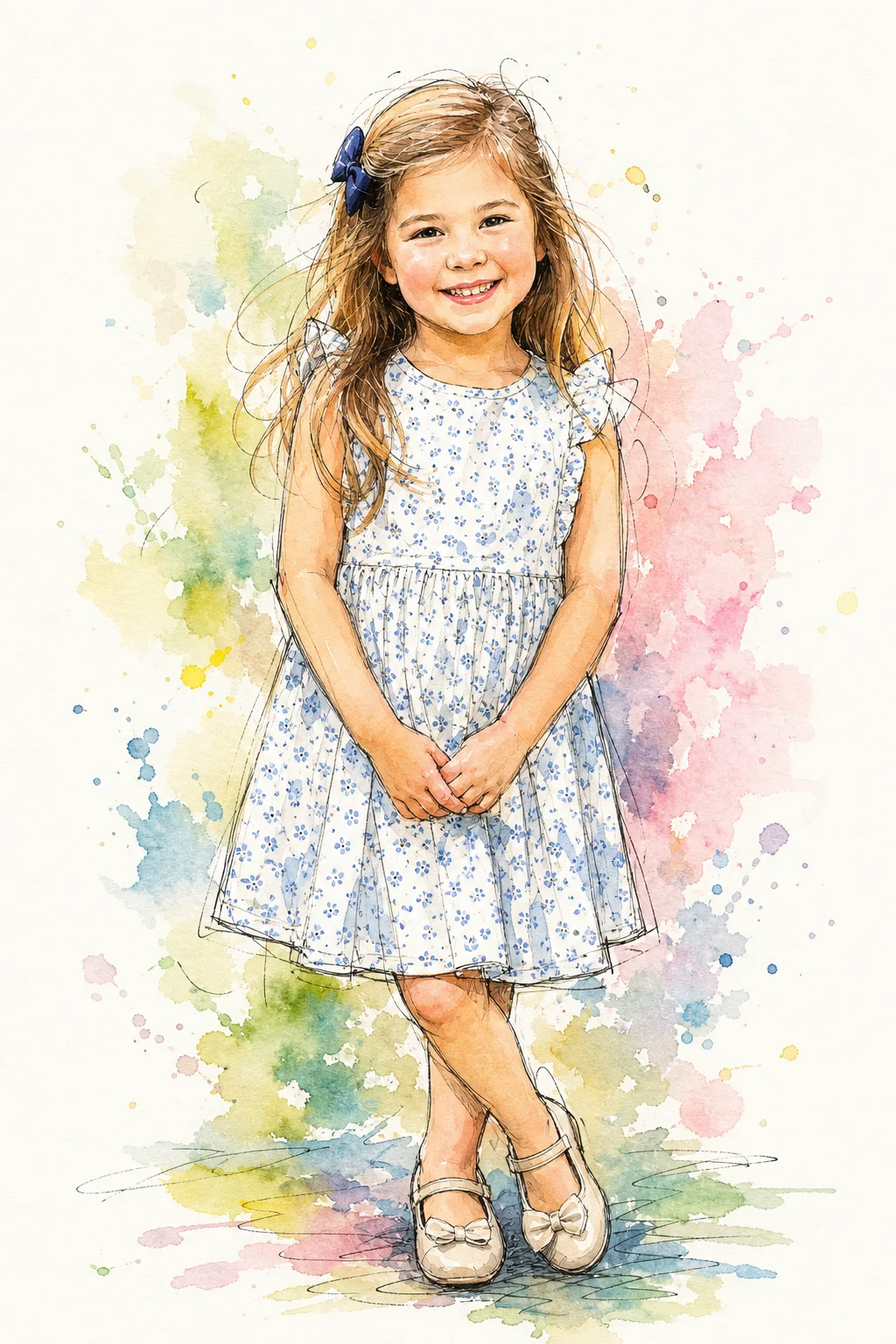
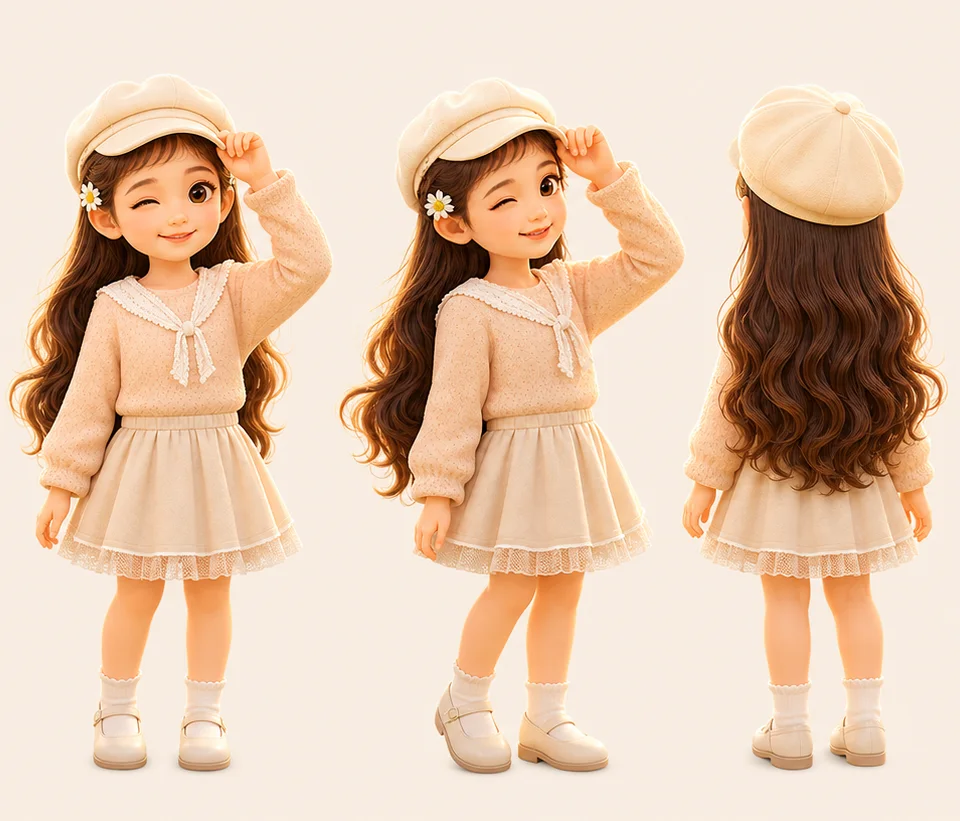
One child, facing the camera or turned slightly, in daylight, with the face and outfit clearly visible. Hats, bows, glasses and favorite clothes are kept, so pick a photo of the child as you want them to appear in the book. Each character is drawn from a single photo, as Lily was on this page. For two children in one story, create a separate character from each child's photo; one story can star up to five.
Will the character look exactly like my child?
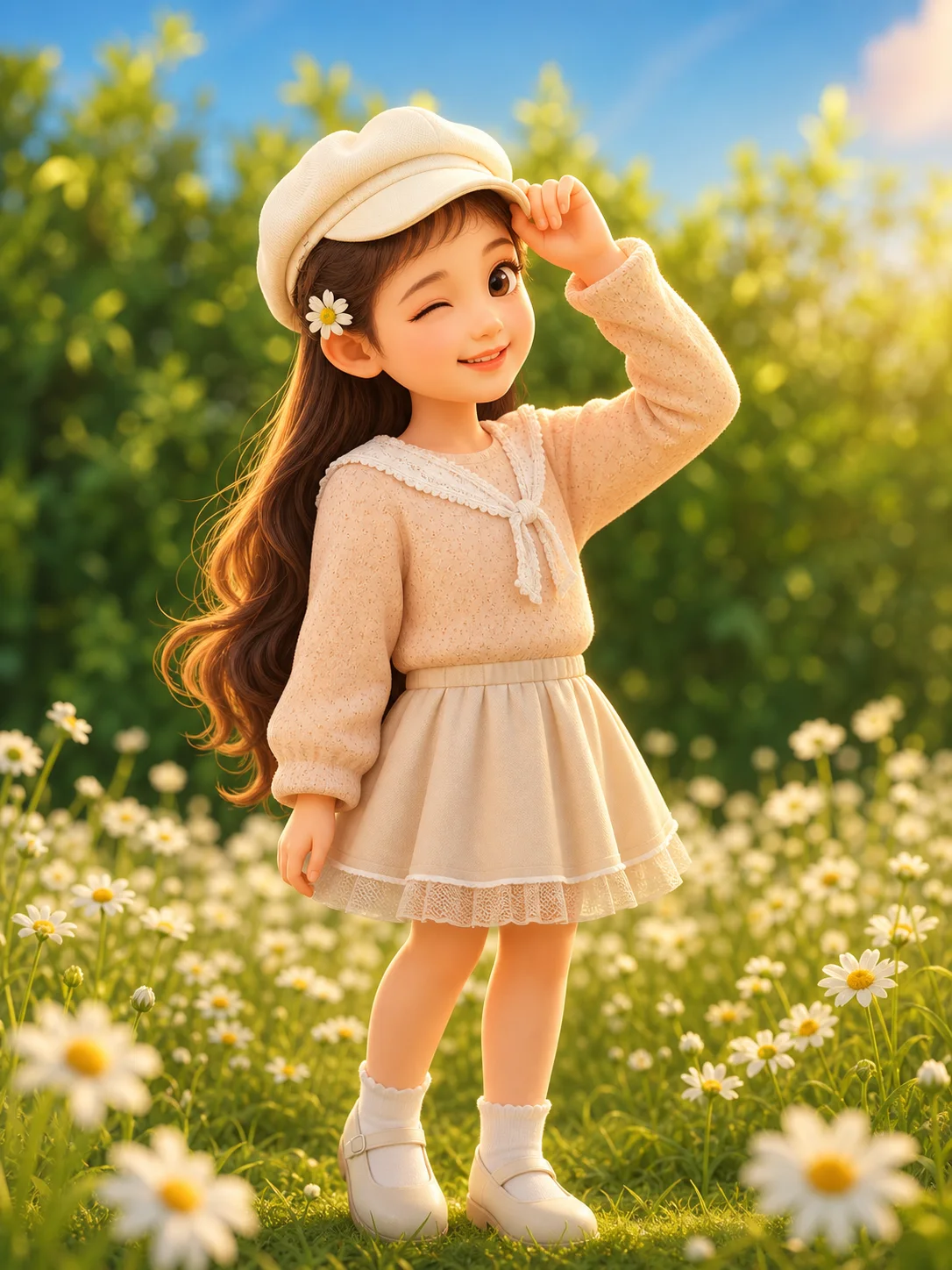
The character keeps what makes the child recognizable: hair color and length, the outfit, accessories, the pose and the expression in the photo. It is an illustration, not a retouched photograph, and the face follows the art style you choose: a pencil or watercolor style stays closest to the photo, while a soft 3D style rounds the face into a cartoon look. If the first draft misses something, change the style or the photo and draw the character again.
What happens to the photo I upload?
The photo is used to draw the character and its reference sheet. The character is stored in your account's Character Workshop, where you can review it or delete it. Uploading a picture of a child requires a guardian's consent, and neither the photo nor the character is shown to other users unless you choose to publish a book that features it.
Can I print the book or give it as a gift?
Reading the finished book on screen is free. If you want a copy on the shelf, a printed hardcover is available as a paid add-on with the price shown before you pay, and a print-ready PDF can be exported for a print shop or for publishing on Amazon KDP. The personalized-book page below walks through the printed options.
What if the first drawing is not right?
Check the character before any story is written. If a detail is off, adjust the description, swap the photo or pick a different style, and draw the character again. Because the book is only written once you are happy with the character, a miss costs a redraw, not a whole book.
What does it cost?
Reading finished books on screen is free. Drawing a character and generating a book use credits from your plan, and the price of each step is shown before you confirm it. New accounts start with a free credit balance, and the pricing page lists the plans.


 Just one photo!