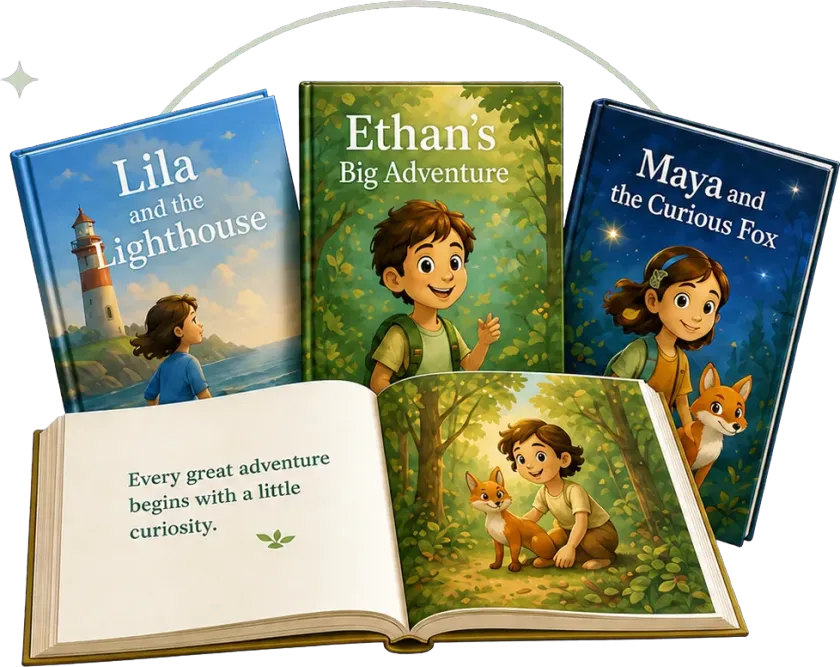
Rewrite the words
Change a line or the whole page. The AI story writer keeps the voice and the layout reflows around whatever you write.
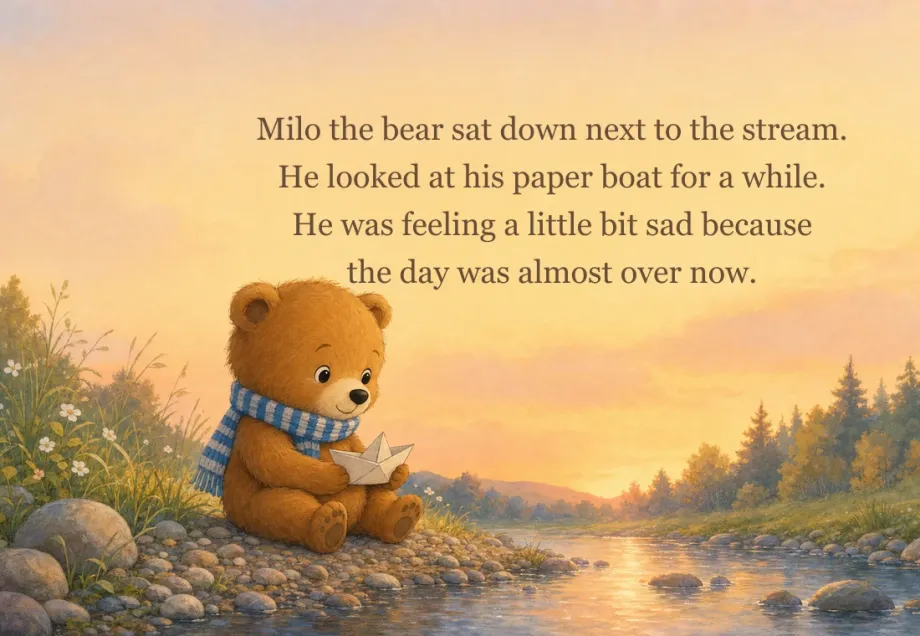
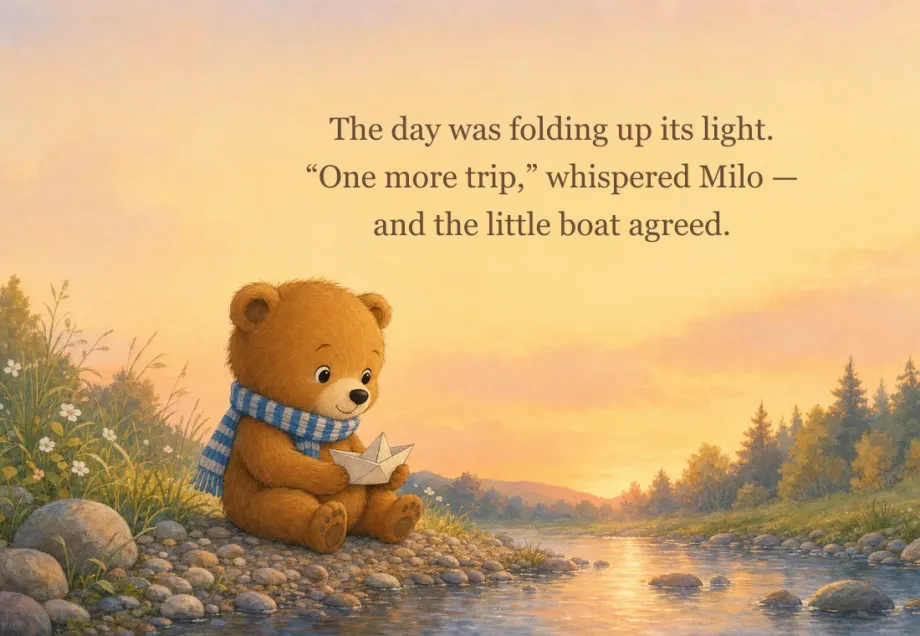
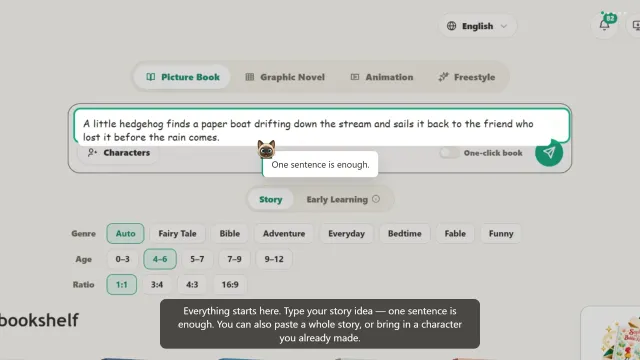
Turn One Sentence into a Picture Book.
Create a complete children's book with story, characters, illustrations, and editable pages.
Create My Picture BookAn AI picture book generator is a tool that writes, illustrates, and lays out a complete children's book from one written idea. Readkidz keeps the same character on every page, lets you edit any page, and exports a PDF or a printed copy.
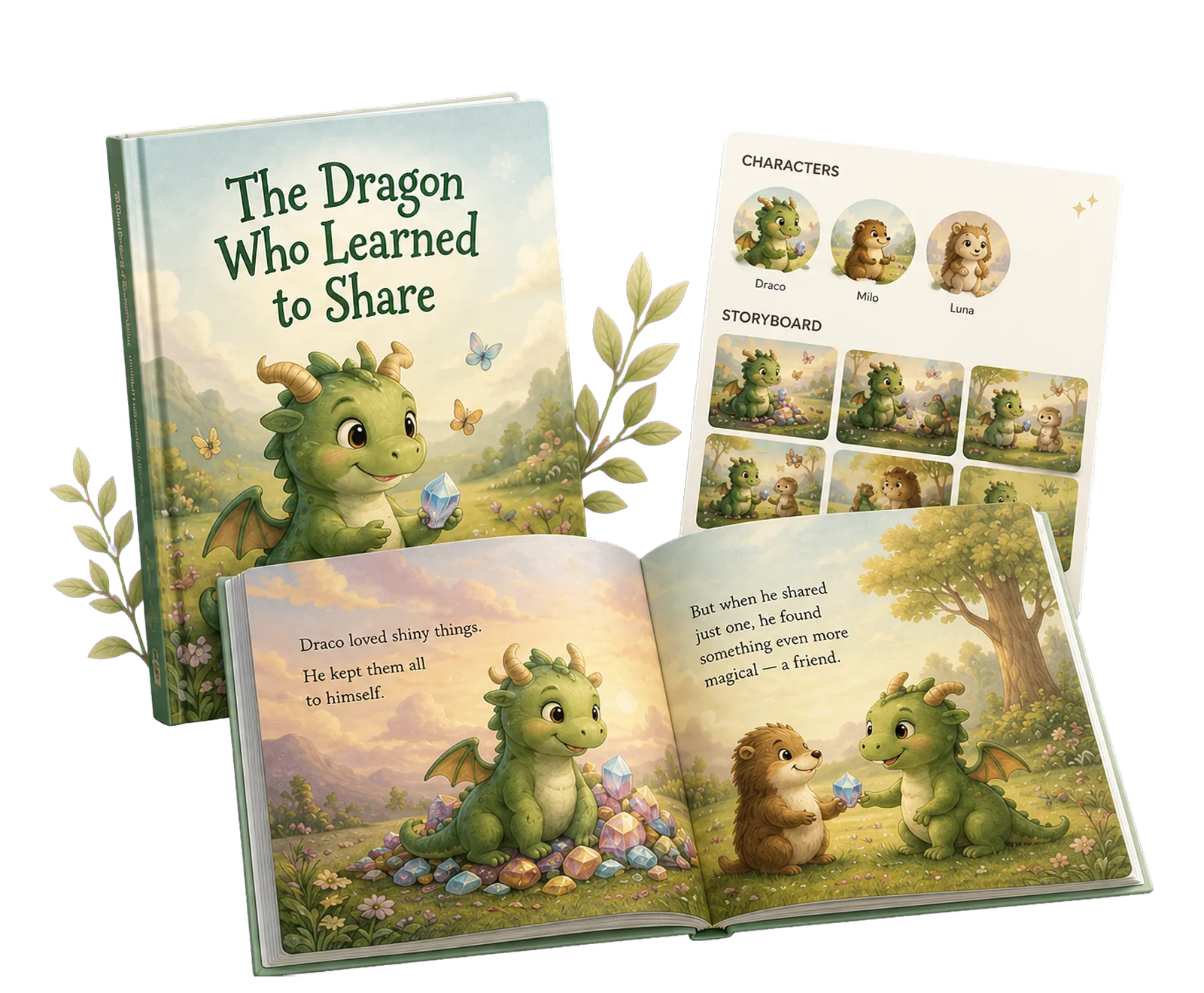
The same idea becomes the right story for every reading stage.
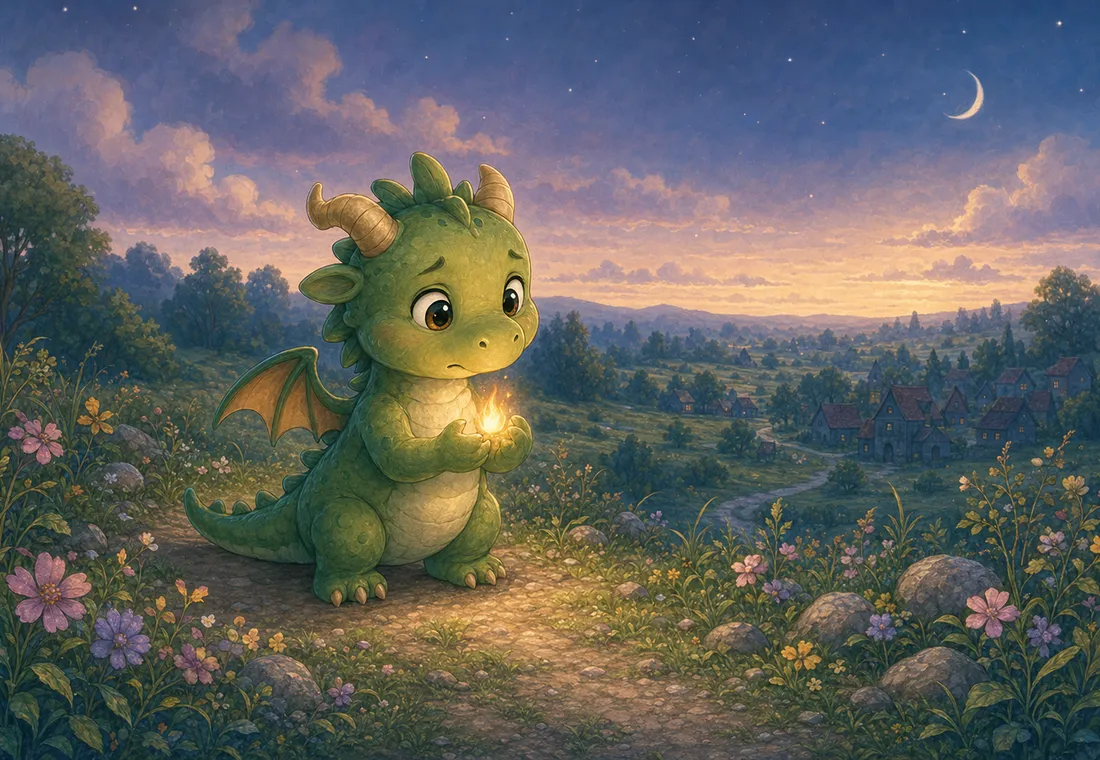
Dragon sees a little light.He follows it.
Short sentences with simple words help early readers build confidence.
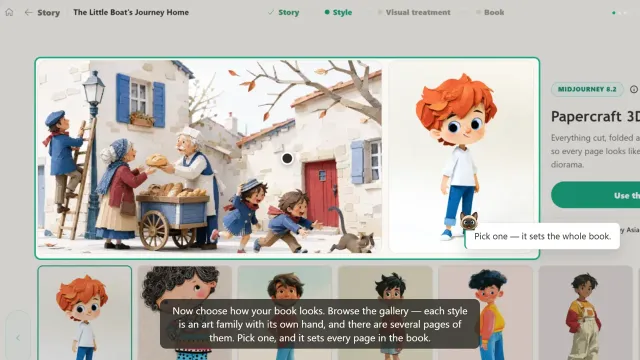
Best for early readersThe same scene, drawn eight ways. Whichever you pick, the AI children's book illustrator holds it across every page of the book.
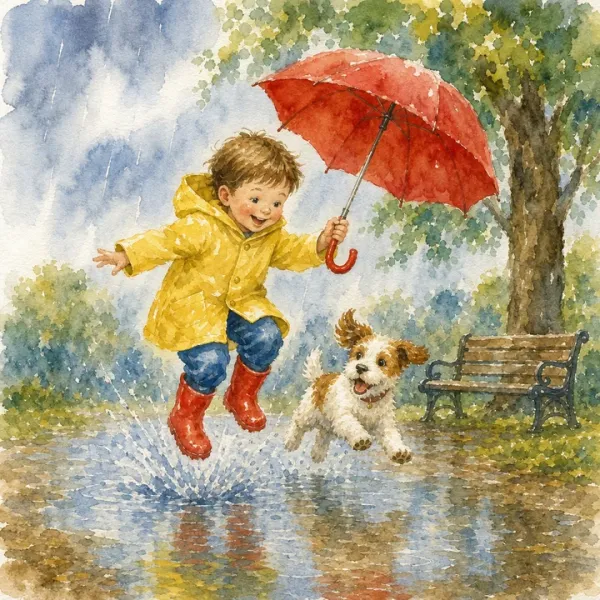
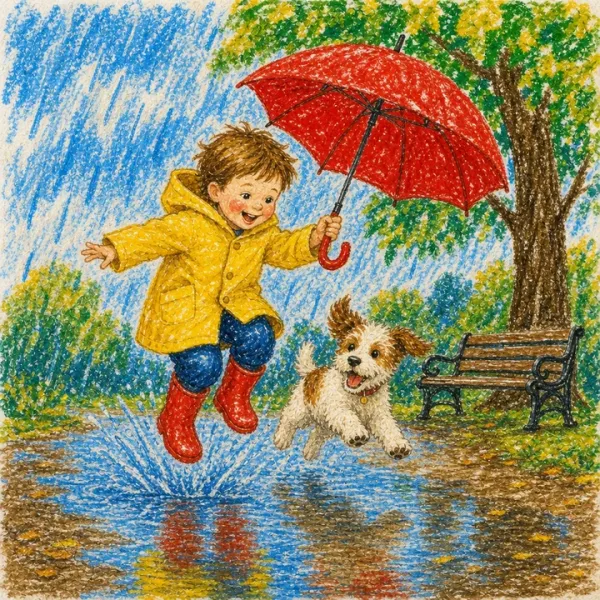
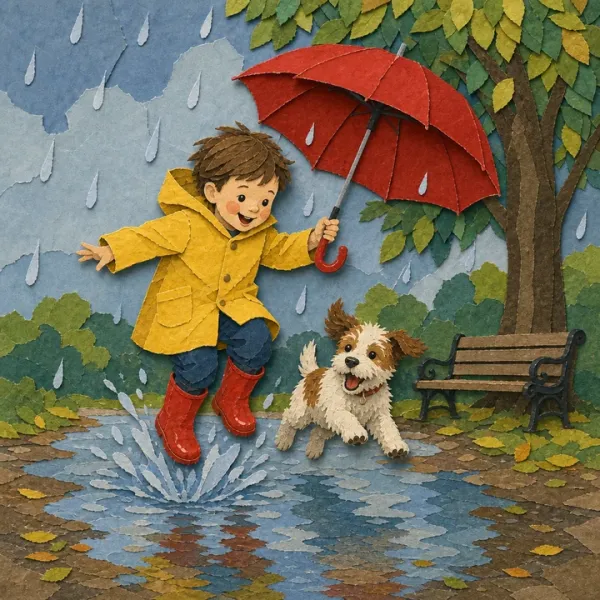
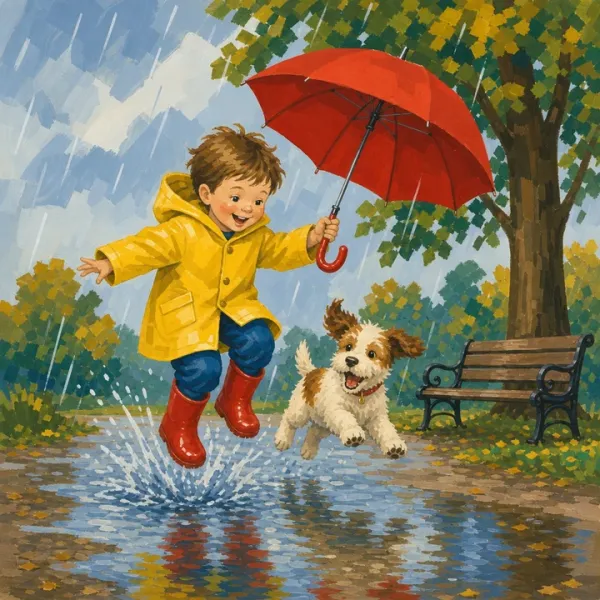
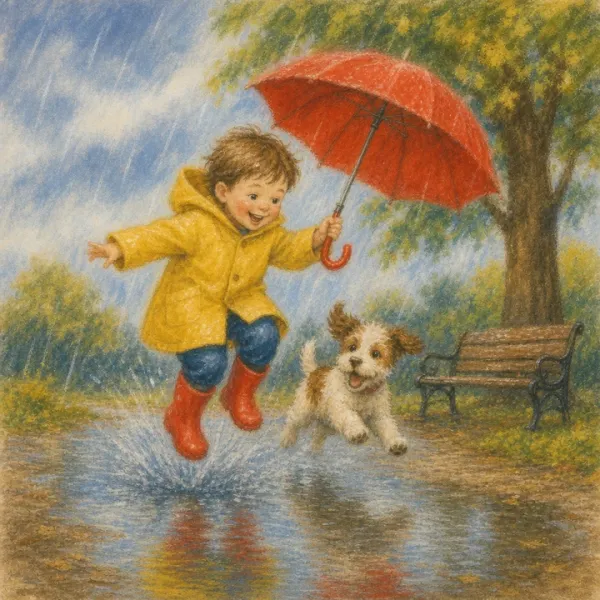
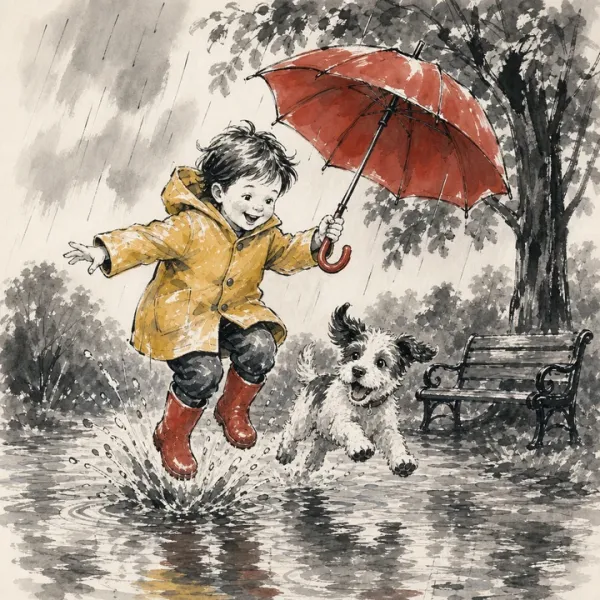
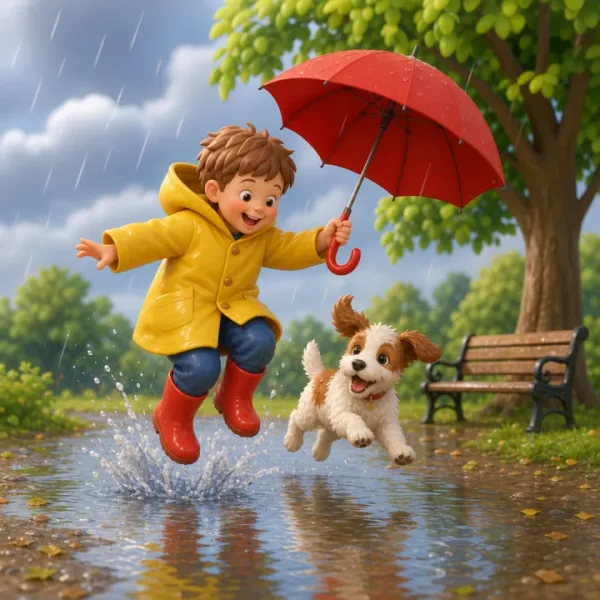
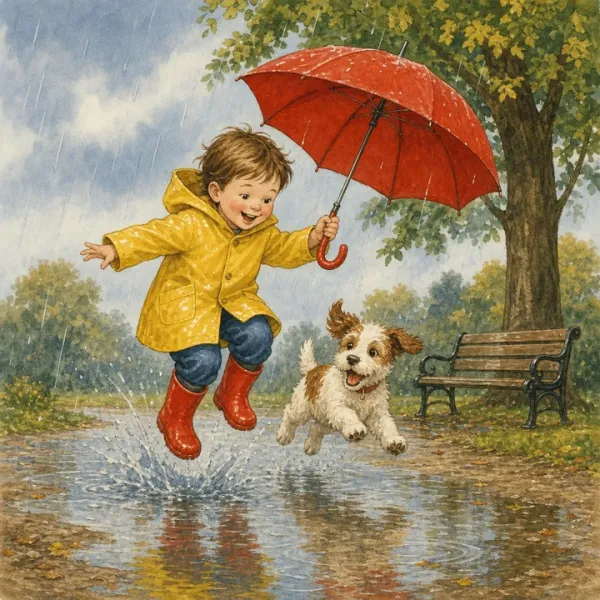
…and 150+ more styles inside.
The first pass is a draft, not a verdict. The AI story generator gives you a complete book to react to — every page can then be rewritten, redrawn, or recast until it reads the way you want it to.
Change a line or the whole page. The AI story writer keeps the voice and the layout reflows around whatever you write.
Not the picture you had in mind? Regenerate that page alone and pick from the candidates. The rest of the book stays untouched.
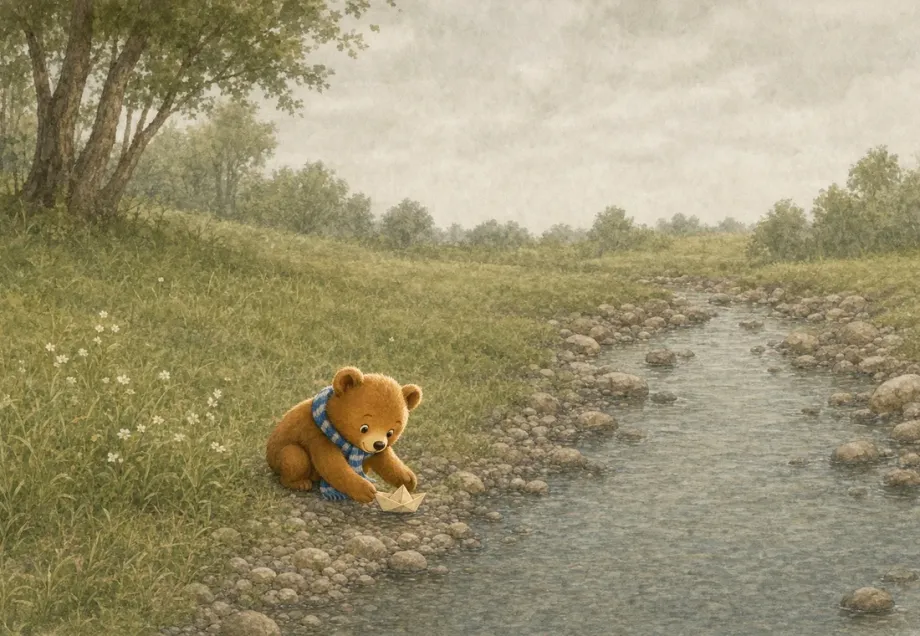
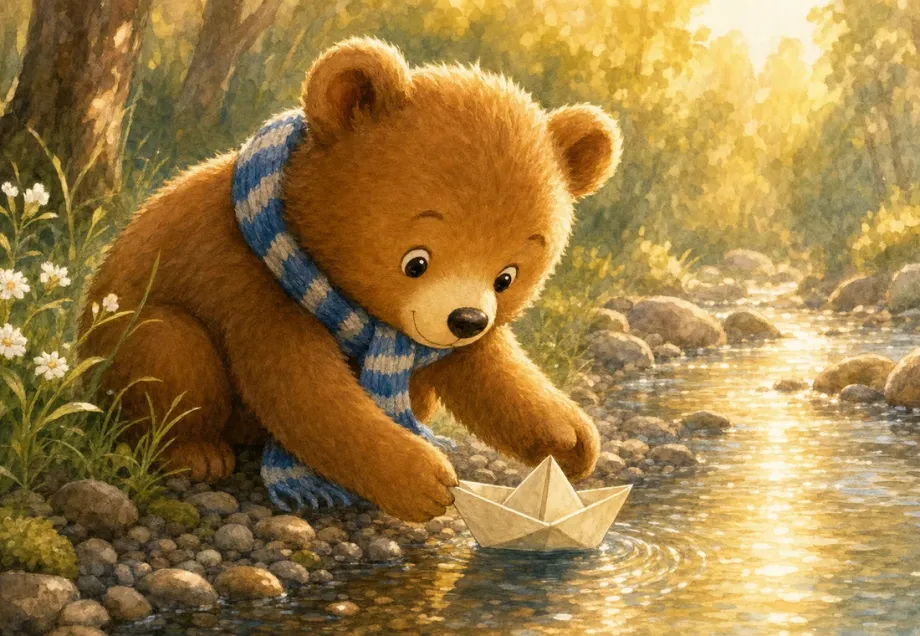
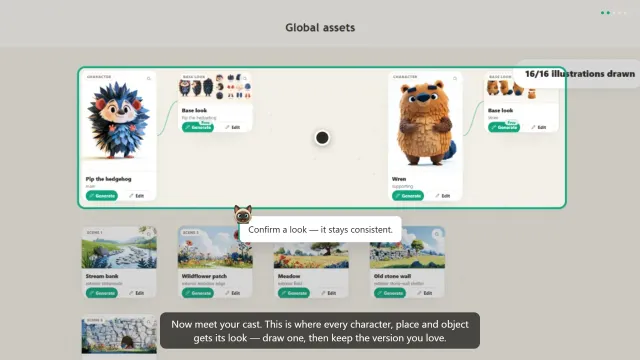
Change hair, clothes, or age once. Every page featuring that character updates to match — that consistency is the hard part of any AI book creator, and it is handled for you.
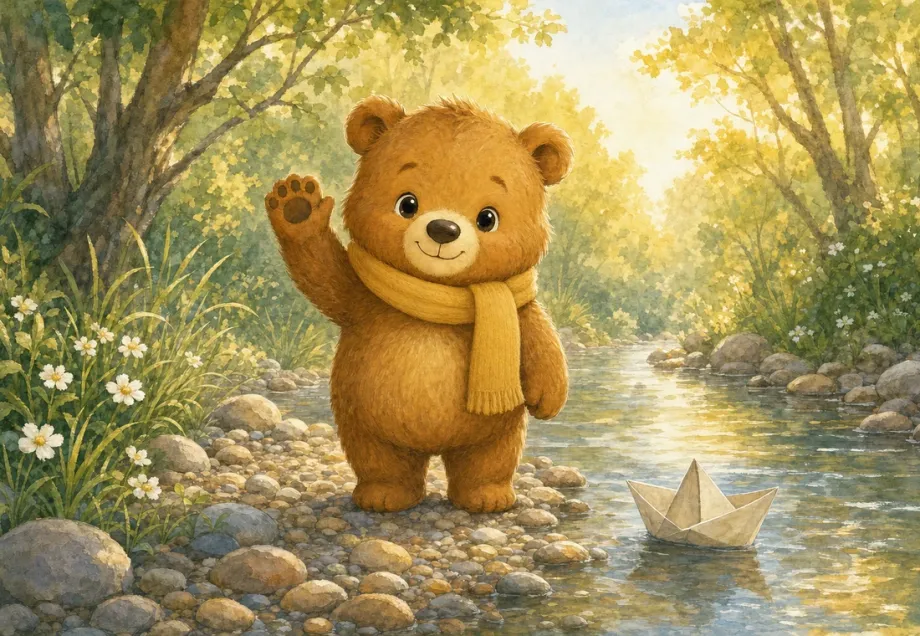
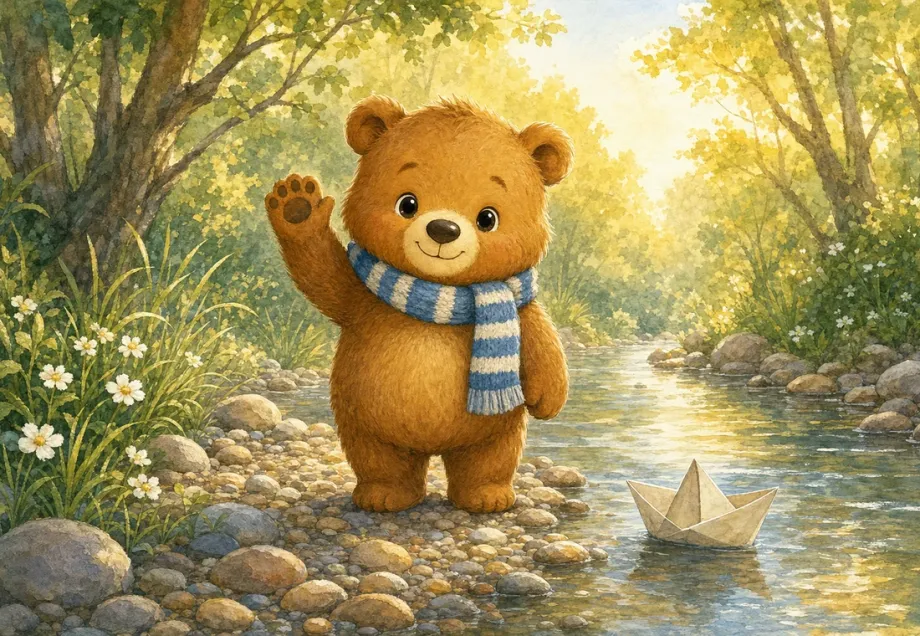
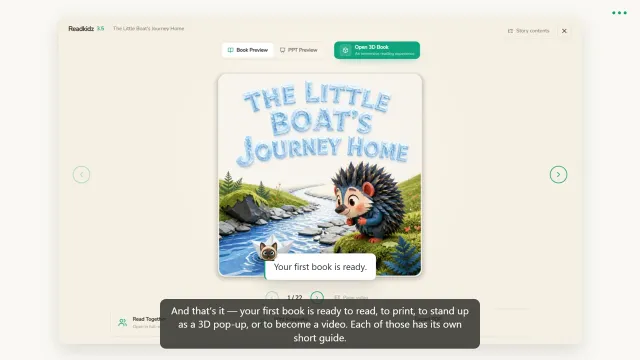
Writing the story, choosing the look, casting the pictures, and the finished children's book — four short parts, under a minute each. Watch it all, or just the part you are stuck on.
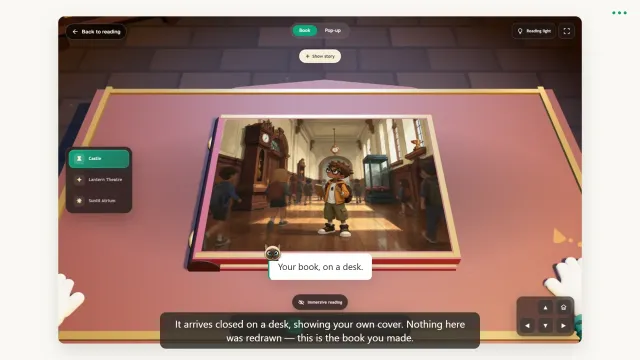
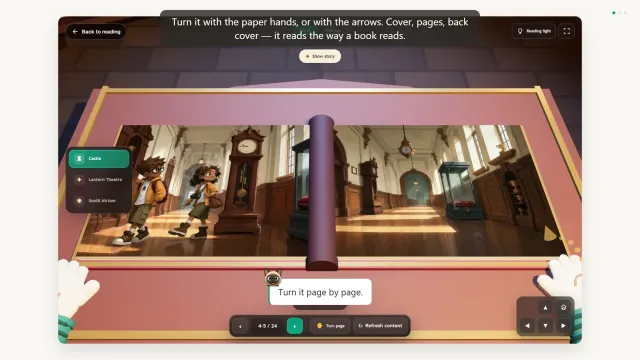
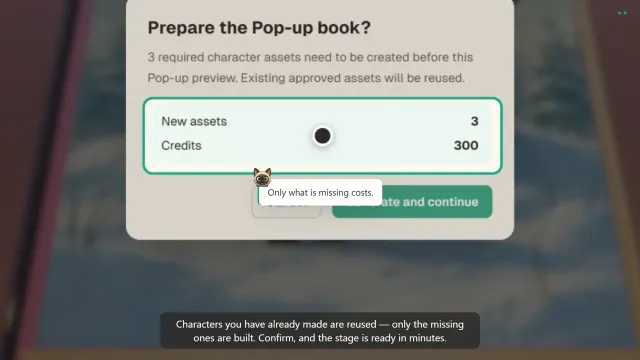
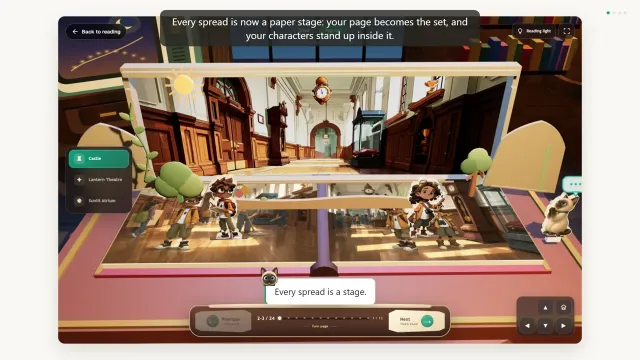
Your pages can stand up: a 3D book you turn by hand, and a paper pop-up stage for every spread.
A personalized storybook lands differently depending on why you made it. These four are where people start.
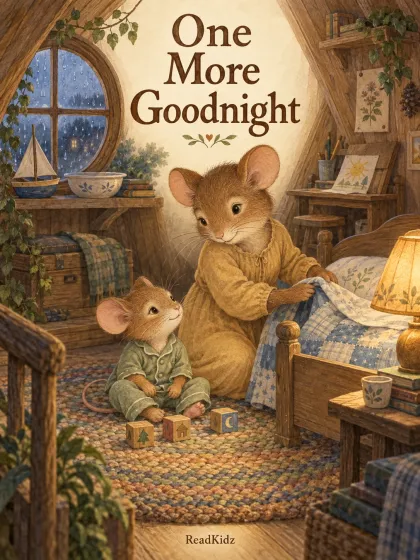 Bedtime
One More Goodnight
A little mouse says goodnight to his toys, his unfinished picture, and a busy day. A gentle story to read together before bed.
Read in English
Bedtime
One More Goodnight
A little mouse says goodnight to his toys, his unfinished picture, and a busy day. A gentle story to read together before bed.
Read in English
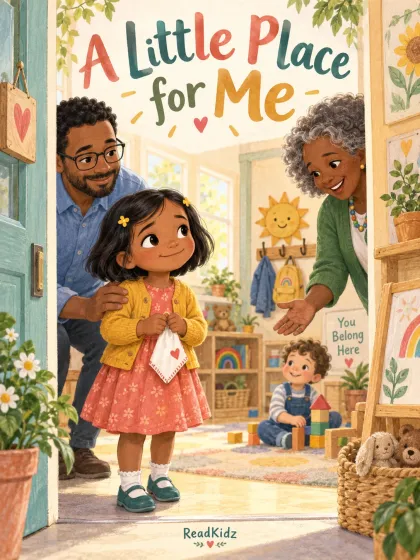 Growing up
A Little Place for Me
A new classroom can feel very big. Follow one child through small choices, a kind welcome, and the reassurance of coming home.
Read in English
Growing up
A Little Place for Me
A new classroom can feel very big. Follow one child through small choices, a kind welcome, and the reassurance of coming home.
Read in English
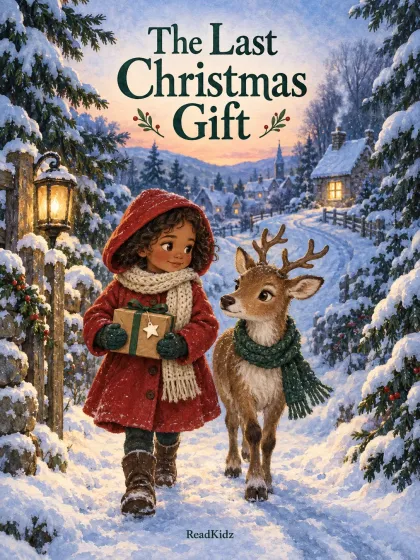 Family reading
The Last Christmas Gift
Mila and a young reindeer carry one last Christmas parcel through the snow. A story about kindness and company to share as a family.
Read in English
Family reading
The Last Christmas Gift
Mila and a young reindeer carry one last Christmas parcel through the snow. A story about kindness and company to share as a family.
Read in English
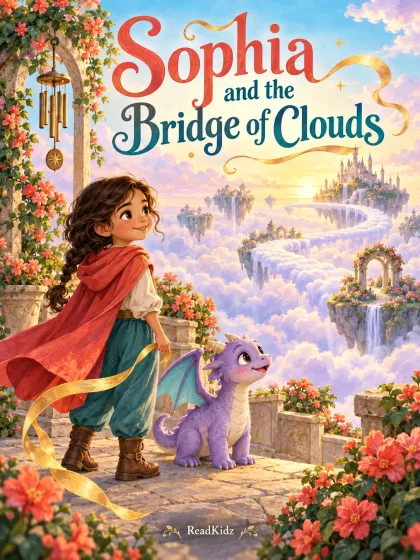 Gifts & birthdays
Sophia and the Bridge of Clouds
Sophia and a little dragon find a way across the clouds. See how a child can become the hero of a story made around their name and interests.
Read in English
Gifts & birthdays
Sophia and the Bridge of Clouds
Sophia and a little dragon find a way across the clouds. See how a child can become the hero of a story made around their name and interests.
Read in English
Download your finished book, or order a hardcover to keep.
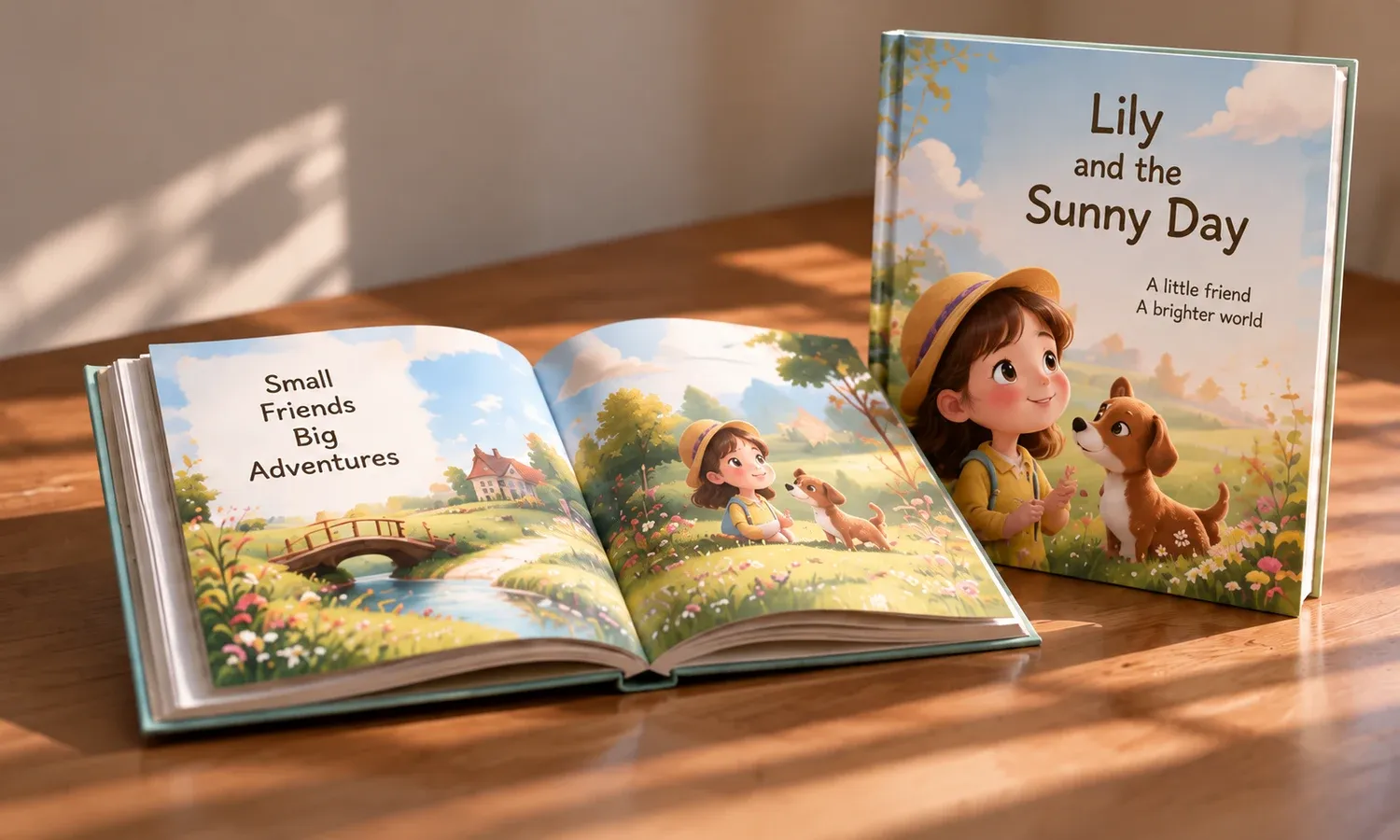
Download a high-resolution PDF to read, share with family, or print yourself.
from $39.90Shipping calculated before payment.
Your story, printed as a hardcover book and delivered to your door.
See print pricingA complete illustrated book usually takes a few minutes from the moment you hit start. The writing and page layout come back quickly; the illustrations take the time, and they arrive page by page so you can watch the book fill in rather than stare at a progress bar.
Yes. Put the name straight into your idea and it becomes the main character's name throughout. You can also upload a photo to guide how the character looks, and that appearance is held consistent on every page. Photos you upload are used only to make your book.
As often as you like while you are working on the book. You can rewrite a single line, regenerate one illustration, or restart from a new idea, and earlier versions are not thrown away. Regenerating draws on your plan's credits; editing text does not.
There are dozens of illustration styles — watercolour, crayon, cut paper, gouache, pastel, ink and wash, 3D render and more. You pick one before the book is drawn, and you can re-render an existing book in a different style; the story text stays as you wrote it.
Printing and delivery are a paid add-on service, charged separately from your plan — a PDF export is what is included. The exact price depends on page count and destination, and both the price and the delivery estimate are shown before you pay. See the pricing page for current figures.
You can write and publish in 25 languages, including English, Spanish, French, German, Japanese, Korean, Arabic and Chinese. Switching language rewrites the story for that language rather than translating it word for word, and the illustrations stay exactly as they are.
Yes. In the page editor, "Add a translation" puts the same text in a second language beside the original, on the same page. If you would rather give each language its own page, duplicate the page instead: the copy keeps the same illustration and costs nothing, and you change only the words. Translating a page's text draws on your credits; duplicating a page does not.
Yes. Our Terms assign you the rights to the books you generate here, for personal or commercial use, including publishing to Amazon KDP, and a paid plan exports without a watermark. Three limits are worth reading first, chiefly that AI results are not exclusive: a similar prompt can produce a similar book for someone else. The full wording is on our Rights page and in section 9.5 of the Terms.
Yes. Readkidz locks your characters so their face, outfit, and style stay consistent across every page of the book — the biggest weakness of most AI illustration tools.
You can start free: writing your story costs nothing, and neither does a concept preview of your book, with no card required. Producing the illustrated book after the preview requires an active subscription and sufficient credits. Bonus points alone do not unlock book production.
Credits from a failed step are refunded to your balance automatically — you only pay for pages that are actually made. Adjust your idea and run it again.
Gemini Storybook is Google's free feature that turns a prompt into a fixed 10-page illustrated story with narration, and it suits a quick story to read on screen tonight. ReadKidz is for a book you intend to keep, print or publish: you set the length and the reading age, fix one page without the rest of the book moving, and export a PDF or order a printed copy.
Describe the idea and see the first pages in a few minutes.